
The best smart thermostats for different homeowners is not the same for every homeowner. A first-time smart thermostat buyer may want simple controls and easy installation, while a homeowner with a large house may benefit more from remote temperature sensors. Someone with a heat pump needs HVAC compatibility, while an Apple-focused homeowner may prioritize Apple Home integration.
Modern smart thermostats can provide features such as remote app control, scheduling, learning, room sensing, energy management, voice control, HVAC monitoring, and smart-home integration. However, the right choice depends on the homeowner’s HVAC system, Smart Thermostat based on home size, comfort preferences, budget, wiring, and smart-home ecosystem.
For example, the Google Nest Learning Thermostat (4th gen) works with most 24V systems, including gas, electric, oil, forced-air, heat-pump, and radiant systems. It also supports multiple heating and cooling stages, auxiliary and emergency heat, and compatible humidification, dehumidification, and ventilation equipment.
Ecobee offers several models aimed at different types of homes, from the more basic Ecobee Smart Thermostat Essential to the feature-rich Smart Thermostat Premium. Its current lineup includes options with app control, Apple Home integration, occupancy sensing, indoor air-quality monitoring, and SmartSensor support depending on the model.
1
Quick Comparison Of Best Smart Thermostat
Google Nest Learning Thermostat Best Overall for Most Homeowners
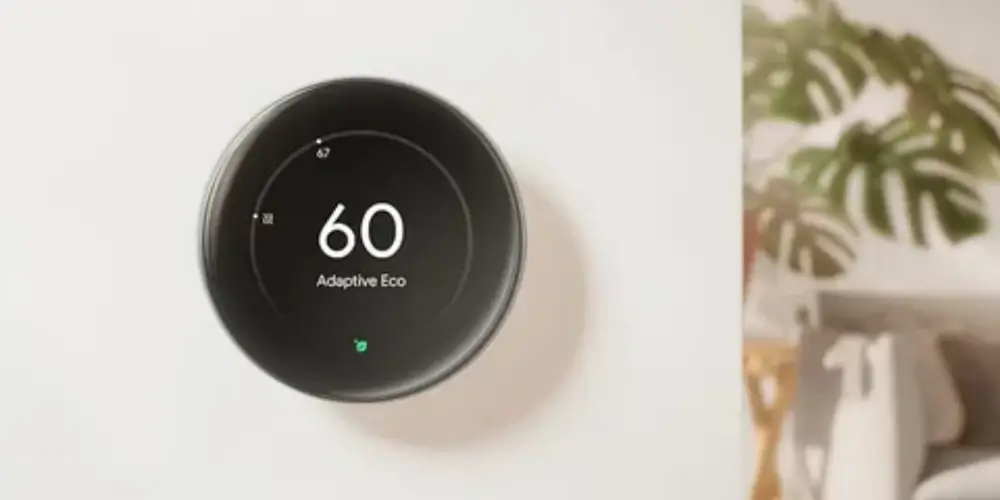
The Google Nest Learning Thermostat (4th gen) is a strong all-around choice for homeowners who want a combination of smart scheduling, broad HVAC compatibility, temperature sensing, and smart-home control.
Google lists compatibility with most 24V systems, including gas, electric, oil, forced-air, heat pump, and radiant systems. It supports up to three conventional heating stages and two cooling stages, as well as compatible heat-pump heating with auxiliary and emergency heat.
Best for: Homeowners who want one advanced thermostat that works with a wide range of HVAC systems.
Key Features & Technology
★
Learning Technology
It learns your temperature preferences and routine over time to help automate temperature adjustments.
★
Auto-Scheduling
It can create a temperature schedule based on your daily habits and preferred settings.
★
Remote Control
You can control the thermostat remotely through the Google Home app.
★
Energy-Saving Features
Energy-saving functions can help reduce unnecessary heating and cooling when you are away.
ecobee Smart Thermostat Premium Best for Large and Busy Homes
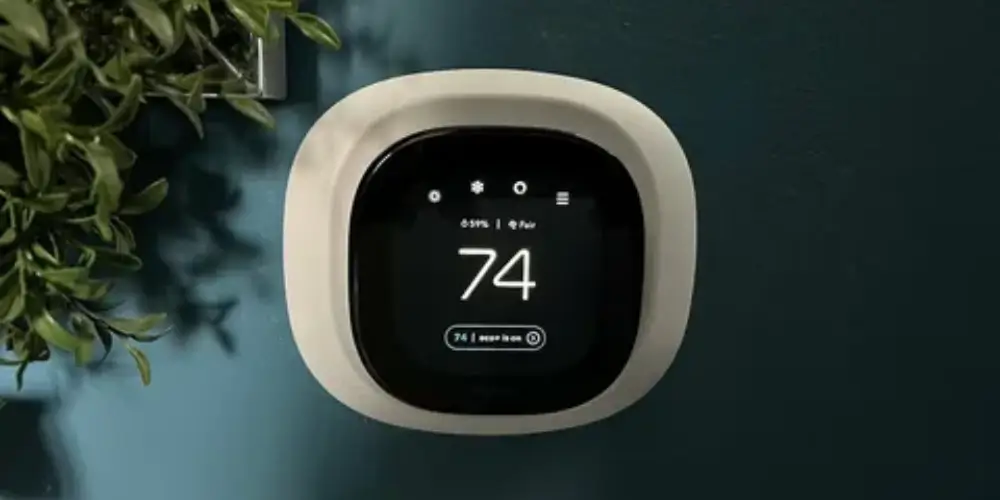
The ecobee Smart Thermostat Premium is particularly useful for homeowners who want more than simple thermostat control.
It combines smart temperature control with features such as:
- SmartSensor support
- Occupancy sensing
- Indoor air-quality monitoring
- Smartphone control
- Apple Home integration
- Alexa Built-in
- Energy-management features
ecobee currently positions the Premium as its highest-end smart thermostat, with a SmartSensor included and advanced comfort and home-monitoring features.
Best for: Homeowners with larger homes, multiple rooms, or advanced smart-home needs.
Key Features & Technology
★
Built-in Smart Sensor
It can use sensor data to help manage temperature based on conditions in different areas.
★
Room Occupancy Detection
Occupancy information can help the system adjust comfort settings according to room use.
★
Remote Control
The ecobee app lets you monitor and adjust your home temperature from your phone.
★
Energy-Saving Scheduling
Custom schedules can help manage heating and cooling while reducing unnecessary energy use.
Google Nest Thermostat Best for First-Time Smart Thermostat Buyers
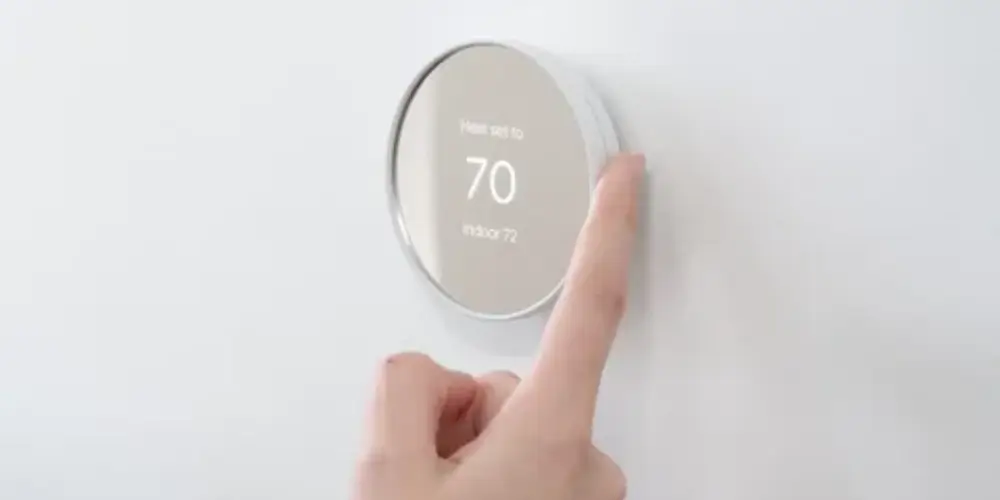
The Google Nest Thermostat is a good option for homeowners who are purchasing their first smart thermostat and don’t need the advanced features of the Learning Thermostat.
It provides:
- Smartphone control
- Scheduling
- Google Home integration
- Remote temperature control
- Energy-management features
Google notes that compatibility varies by HVAC configuration, so homeowners should check their system before installation.
Best for: First-time buyers who want smart features without a complicated interface.
Key Features & Technology
★
Programmable Scheduling
You can create temperature schedules to automatically adjust heating and cooling throughout the day.
★
Remote Temperature Control
The Google Home app allows you to change temperature settings remotely.
★
Energy-Saving Features
Energy-saving settings can help reduce heating and cooling when they are not needed.
★
Google Home Integration
It works with the Google Home ecosystem for centralized smart-home control.
Ecobee Smart Thermostat Enhanced Best for Families
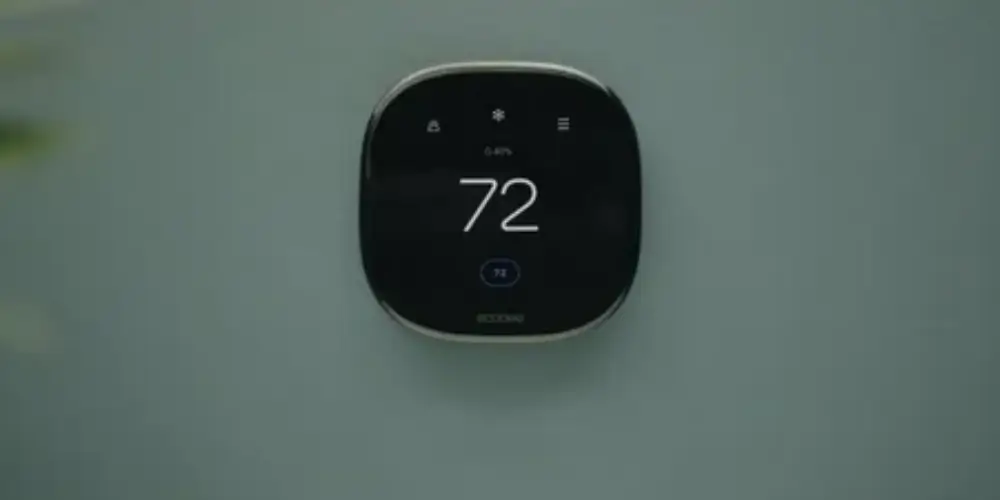
The ecobee Smart Thermostat Enhanced is useful for families who want flexible temperature control without moving to the highest-end Premium model.
ecobee describes the Enhanced as an option for single-family and multifamily homes, with smart energy-saving features and broad HVAC compatibility.
Best for: Families who want smart scheduling and room-level comfort without needing every Premium feature.
Key Features & Technology
★
Smart Temperature Control
It automatically manages temperature settings according to your programmed preferences.
★
Room Sensor Compatibility
Compatible sensors can provide temperature information from different rooms.
★
Energy-Saving Schedules
Scheduling features help adjust heating and cooling according to your daily routine.
★
Remote App Control
You can monitor and change thermostat settings using the ecobee mobile app.
Honeywell Home T9 Best for Homeowners With Hot and Cold Spots
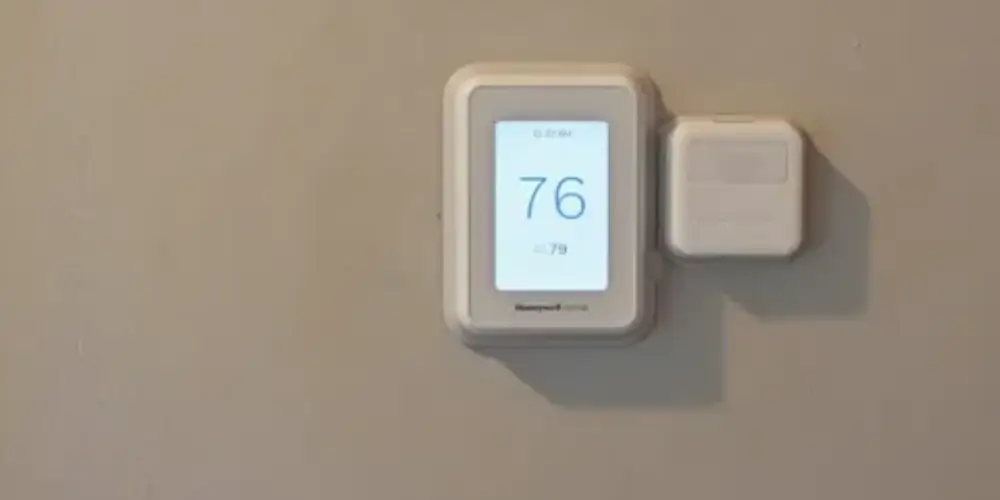
Some homes have rooms that are consistently warmer or cooler than the area where the thermostat is installed.
A thermostat with remote sensors can help address this problem by measuring temperature in other important areas.
The Honeywell Home T9 is designed around remote room sensing, making this type of thermostat useful for:
- Bedrooms
- Home offices
- Upstairs rooms
- Nurseries
- Large living spaces
Best for: Homeowners who want better temperature balance between different rooms.
Key Features & Technology
★
Smart Room Sensors
Room sensors help monitor temperature in different areas of the home for better comfort control.
★
Multi-Room Temperature Control
It can use sensor information to help prioritize comfort in selected rooms.
★
Custom Scheduling
You can create temperature schedules based on your daily routine and preferences.
★
Remote App Control
The thermostat can be monitored and adjusted remotely using a compatible mobile app.
Sensi Smart Thermostat Best for Budget-Conscious Homeowners
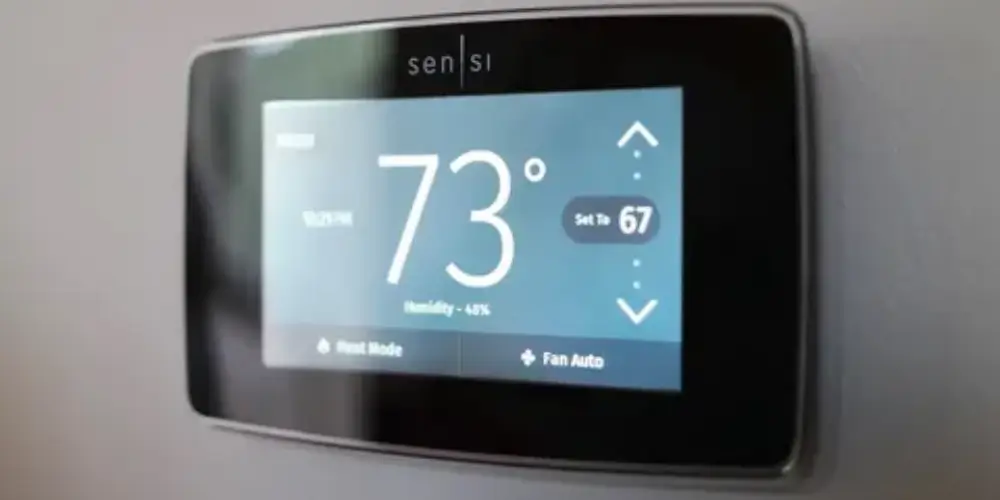
Homeowners who don’t need advanced learning or extensive smart-home features may prefer a simpler smart thermostat.
A Sensi Smart Thermostat can provide basic smart functions such as:
- Remote control
- Scheduling
- Smartphone access
- Temperature adjustment
Best for: Homeowners who want smart control without paying for unnecessary advanced features.
Key Features & Technology
★
Wi-Fi Connectivity
Wi-Fi allows you to connect the thermostat to your home network and access smart controls.
★
Programmable Scheduling
You can set temperature schedules that automatically change throughout the day.
★
Remote Control
The mobile app lets you adjust your home’s temperature from a compatible smartphone.
★
Energy-Saving Features
Scheduling and temperature adjustments can help avoid unnecessary heating and cooling.
ecobee Smart Thermostat Essential Best for Value-Focused Homeowners
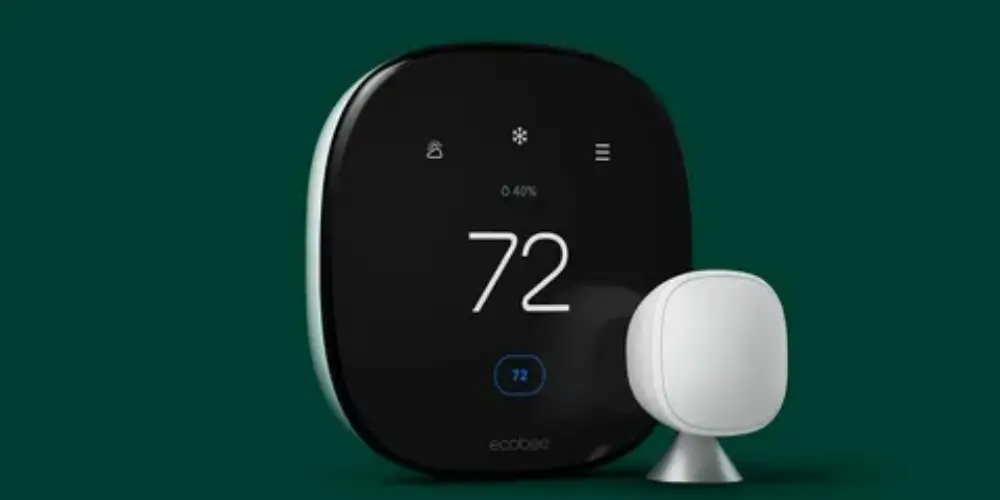
The ecobee Smart Thermostat Essential is designed for homeowners who want essential smart thermostat functions at a lower tier within ecobee’s current lineup.
ecobee lists app control, Apple Home compatibility, energy-saving features, and optional SmartSensor support among the capabilities available across its thermostat range, with features varying by model.
Best for: Homeowners who want an affordable entry into the ecobee ecosystem.
Key Features & Technology
★
Smart Temperature Control
It provides automated temperature management based on your selected settings and schedule.
★
Energy-Saving Scheduling
You can create schedules that adjust heating and cooling according to your routine.
★
Remote App Control
The ecobee app lets you monitor and change temperature settings remotely.
★
Room Sensor Compatibility
Compatible room sensors can provide additional temperature information for selected spaces.
Nest Learning Thermostat With Remote Sensor Best For Large homes
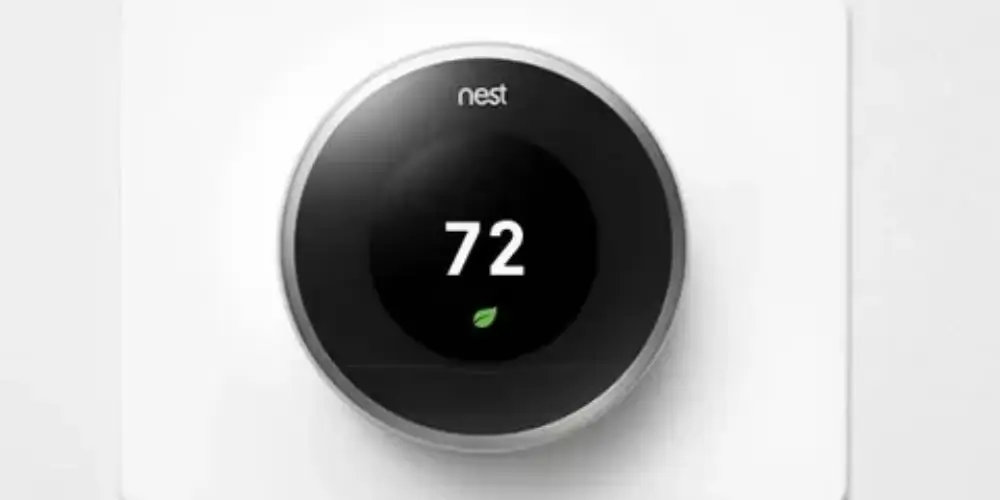
Large homes often have significant temperature differences between floors and rooms.
A remote temperature sensor can help the thermostat understand conditions away from the main thermostat.
The Nest Learning Thermostat (4th gen) includes a Nest Temperature Sensor (2nd gen), while Google’s compatibility documentation confirms sensor support for compatible Nest Learning Thermostat models.
Best for: Homeowners with multiple floors or rooms that don’t match the thermostat’s temperature.
Key Features & Technology
★
Learning Technology
The thermostat learns your temperature preferences and routine to automate temperature adjustments.
★
Remote Temperature Control
You can change settings remotely through the compatible Google Home app.
★
Temperature Sensor Support
The included sensor can provide temperature information from another room.
★
Automatic Scheduling
It can create and adjust temperature schedules based on your preferences and routine.
Apple Home-Compatible Smart Thermostat Best for Apple Users
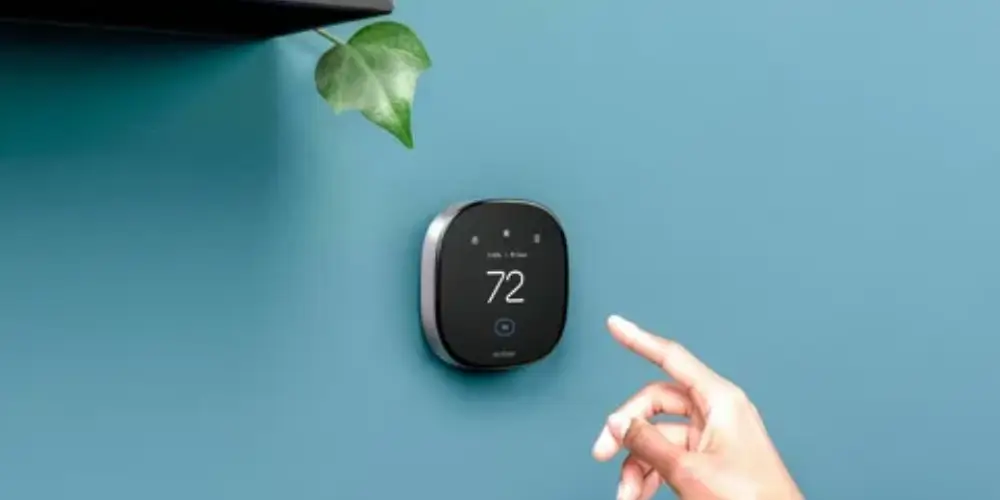
Homeowners who use iPhone, Apple Watch, HomePod, or other Apple Home devices may prefer a thermostat that integrates with the Apple Home ecosystem.
ecobee states that its smart thermostats work with Apple Home, and the Smart Thermostat Premium adds Siri and Alexa Built-in capabilities. Siri functionality requires a compatible Apple home hub.
Best for: Homeowners already invested in Apple’s smart-home ecosystem.
Key Features & Technology
★
Apple Home Integration
It can connect with Apple Home to provide centralized control of compatible smart-home devices.
★
Siri Voice Control
Compatible thermostats can be controlled using Siri voice commands.
★
Remote Control
You can manage thermostat settings remotely through supported Apple devices and apps.
★
Smart Scheduling
Scheduling features allow temperature changes to happen automatically at selected times.
Alexa-Compatible Smart Thermostat Best for Alexa User

If your home already uses Amazon Alexa devices, an Alexa-compatible thermostat can make temperature control easier.
Depending on the model, homeowners may be able to use voice commands to:
- Change temperature
- Check thermostat settings
- Adjust heating and cooling
- Integrate thermostat routines with other smart devices
The ecobee Smart Thermostat Premium includes Alexa Built-in.
Best for: Homeowners who already use Alexa throughout the house.
Key Features & Technology
★
Alexa Voice Control
You can use compatible Alexa devices to adjust the thermostat with voice commands.
★
Remote Temperature Control
Supported apps allow you to monitor and change temperature settings remotely.
★
Programmable Scheduling
You can set schedules for automatic temperature adjustments throughout the day.
★
Smart Home Integration
It can connect with compatible Alexa smart-home devices and routines.
Best Smart Thermostats by Homeowner Type
| Homeowner Type | Best Choice |
| First-Time Buyer | Google Nest Thermostat |
| Best Overall | Google Nest Learning Thermostat |
| Large Home Owner | ecobee Smart Thermostat Premium |
| Family Home | ecobee Smart Thermostat Enhanced |
| Budget-Conscious Owner | Sensi Smart Thermostat |
| Value-Focused Buyer | ecobee Smart Thermostat Essential |
| Apple User | Apple Home-compatible ecobee |
| Alexa User | ecobee Smart Thermostat Premium |
| Google Home User | Google Nest Learning Thermostat |
| Multi-Room Home | Honeywell Home T9 |
| Home With Hot/Cold Spots | Sensor-compatible thermostat |
| Heat-Pump Owner | Heat-pump-compatible thermostat |
Buying Guides
Consider Your Home Size
A small apartment doesn’t necessarily need the same thermostat as a large multi-story home.
Small Home
A simple smart thermostat may be enough.
Medium Home
Consider scheduling and smart-home integration.
Large Home
Look for:
- Remote sensors
- Multi-room monitoring
- Multi-zone compatibility
- Advanced scheduling
Consider Your HVAC System
Before buying, identify whether your home uses:
- Furnace
- Central AC
- Heat pump
- Boiler
- Radiant heating
- Dual-fuel system
- Multi-stage HVAC
- Zoned HVAC
Compatibility should always come before smart features.
Google provides a compatibility checker for Nest thermostats, while ecobee also provides a thermostat compatibility checker.
Think About Your Smart-Home Ecosystem
Choose a thermostat that works with the ecosystem you already use.
Google Home
Consider a Nest thermostat.
Apple Home
Consider an Apple Home-compatible thermostat such as a compatible ecobee model.
Alexa
Consider an Alexa-compatible thermostat.
Multiple Platforms
Look for a thermostat with broad smart-home compatibility.
Consider Room Sensors
Room sensors can be especially useful if:
- The bedroom is too hot
- The upstairs is too cold
- The nursery needs a different temperature
- Your office has a different temperature
- The thermostat is located in an unrepresentative area
ecobee SmartSensors can be placed in important rooms and are designed to measure temperature and occupancy. ecobee says compatible sensors can be placed up to 60 feet from the thermostat.
Consider Your Budget
Smart thermostats range from basic models to advanced systems with sensors and indoor air-quality monitoring.
Lower Budget
Focus on:
- App control
- Scheduling
- Basic smart-home integration
Mid-Range
Look for:
- Better scheduling
- Sensors
- Energy management
- Broader compatibility
Premium
Consider:
- Multiple sensors
- Occupancy detection
- Indoor air-quality monitoring
- Advanced smart-home integration
- More complex HVAC support
Check C-Wire Requirements
A C-wire may be necessary depending on the thermostat and HVAC system.
Google explains that many Nest installations don’t require a C-wire, although some systems may require a C-wire or Nest Power Connector.
ecobee also provides compatibility guidance to determine whether a particular installation is suitable.
Consider Your Daily Schedule
If your schedule changes frequently, look for:
- Learning schedules
- Occupancy detection
- Remote control
- Smart scheduling
If your schedule is predictable, a simpler programmable smart thermostat may be sufficient.
Consider Energy Management
Homeowners focused on energy use should look for:
- Scheduling
- Automatic temperature adjustments
- Occupancy detection
- Energy reports
- Utility programs
- Adaptive temperature control
The goal is not simply to buy the thermostat with the most features. Choose features that match how you actually use your home.
Consider Installation Difficulty
Some homeowners prefer DIY installation, while others want professional installation.
Google says many homeowners can install compatible Nest thermostats themselves by following the app’s step-by-step instructions, although complex systems may require professional help.
Consider Older HVAC Systems
An older HVAC system can still work with a smart thermostat, but compatibility should be checked carefully.
Pay attention to:
- Wiring
- Voltage
- C-wire
- Number of stages
- Heat-pump configuration
- Boiler controls
- Proprietary HVAC systems
Consider Whether You Rent or Own
Renters
A simple thermostat with easy installation may be preferable, but permission from the property owner may be required.
Homeowners
You can consider more permanent upgrades such as:
- New thermostat wiring
- Power accessories
- Remote sensors
- HVAC accessories
- Zoned control
Consider Your Family’s Comfort Needs
Families may have different temperature preferences.
For example:
- Children may prefer warmer bedrooms.
- Adults may prefer cooler sleeping areas.
- Home offices may need different settings.
- Guest rooms may not need continuous conditioning.
A thermostat with room sensors can be particularly useful in these situations.
Check HVAC Compatibility Before Buying
This is the most important step.
Don’t select a thermostat solely because it has:
- A beautiful display
- Voice control
- Smartphone access
- Learning features
- Energy reports
First make sure it supports your HVAC equipment.
Google’s compatibility documentation lists supported system types and limitations, including staging and certain specialized systems.
Consider Future Needs
If you’re planning to upgrade your HVAC system later, consider a thermostat that supports additional functions.
Potential future needs include:
- Heat pump
- Multi-stage HVAC
- Humidifier
- Dehumidifier
- Ventilation
- Room sensors
- Smart-home automation
A little extra compatibility can make future upgrades easier.