
Best smart thermostats for long-term use is not just a device you install and replace after a short period. For long-term use, homeowners should look for a thermostat that offers reliable hardware, ongoing software updates, broad HVAC compatibility, smart-home integration, replacement accessories, room-sensor support, Smart Thermostat Based on User Preferences and dependable manufacturer support.
A thermostat that works well today may become less useful if its software support ends, its smart-home platform changes, or replacement accessories become difficult to find. Google’s history shows why software support matters: older 1st- and 2nd-generation Google Nest Thermostats lost app and cloud connectivity after support ended in October 2025.
For long-term ownership, newer models with active software development and broader compatibility are generally better choices. For example, Google released additional features for the Nest Learning Thermostat (4th gen) in April 2026, including expanded HVAC support, on-device setup, advanced settings, and Matter bridge support.
1
Quick Comparison Of Best Smart Thermostat
Google Nest Learning Thermostat (4th Gen) Best Overall for Long-Term Use

The Google Nest Learning Thermostat (4th gen) is one of the strongest choices for homeowners who want a thermostat that can remain useful for years.
One of its biggest long-term advantages is continued software development. Google released version 2.4 in April 2026 with new on-device setup screens, expanded HVAC support, advanced equipment configuration, and Matter bridge support.
Why It’s Good for Long-Term Ownership
The thermostat isn’t dependent only on the features available when you first purchase it. Software updates can add functionality and improve compatibility over time.
Best for: Homeowners who want a premium thermostat with a strong long-term software ecosystem.
Key Features & Technology
★
Smart Learning
Learns your preferences and helps adjust temperatures automatically.
★
Remote Control
Lets you control your thermostat through the Google Home app.
★
Smart Scheduling
Creates temperature schedules based on your routines and preferences.
★
Energy InsightsProvides information and suggestions to help manage energy use.
ecobee Smart Thermostat Premium Best for Advanced Long-Term Use
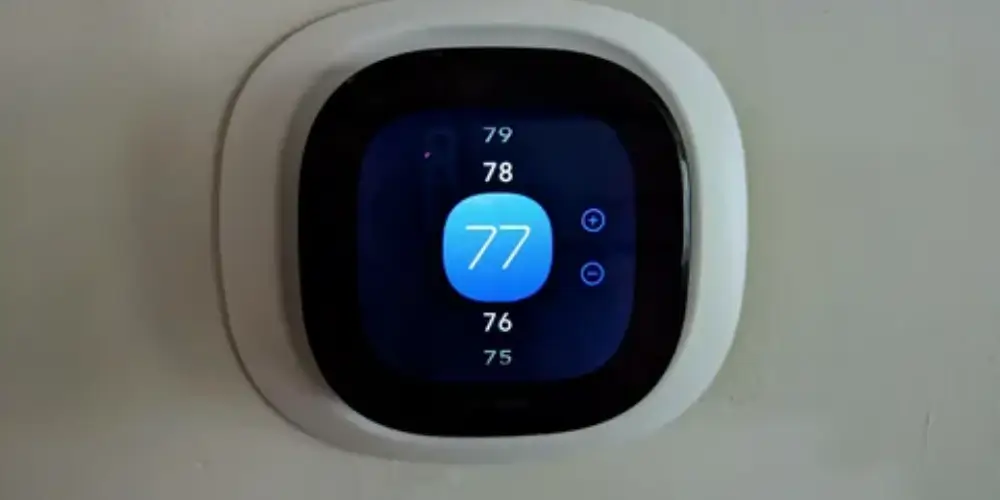
The ecobee Smart Thermostat Premium is a strong choice for homeowners who want to build a more advanced smart-home system around their thermostat.
ecobee’s current lineup includes features such as app control, Apple Home integration, built-in occupancy sensing, indoor air-quality monitoring, and SmartSensor support.
Why It’s Useful
The ability to add sensors means the thermostat can continue to be useful as household needs change.
For example, homeowners can add sensors to bedrooms or other frequently occupied rooms instead of relying only on the temperature near the main thermostat.
Best for: Homeowners who want a thermostat that can become part of a larger smart-home and comfort system.
Key Features & Technology
★
Smart Temperature Control
Helps maintain comfortable temperatures throughout your home.
★
Built-In Smart Sensor
Uses occupancy and temperature information for better comfort management.
★
Remote Control
Allows you to adjust settings from the ecobee mobile app.
★
Energy Savings
Provides features designed to help reduce unnecessary energy use.
Ecobee Smart Thermostat Enhanced Best Balance of Features and Longevity
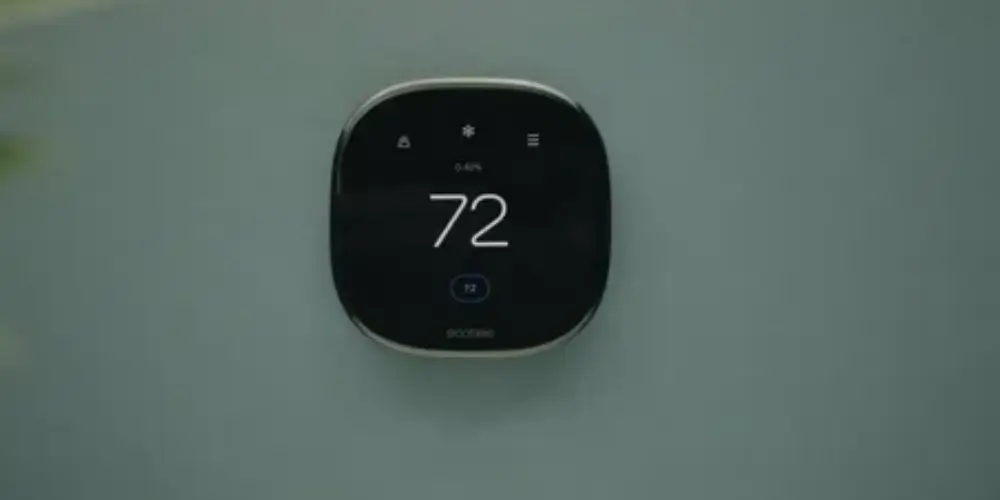
The ecobee Smart Thermostat Enhanced offers many of the features needed for long-term ownership without requiring the most expensive model.
ecobee states that the Enhanced model works with most HVAC systems, supports SmartSensors, provides app control, and includes installation hardware.
Why It’s a Good Choice
A thermostat doesn’t necessarily need every premium feature to remain useful for years. The Enhanced model provides a strong combination of compatibility, sensors, automation, and smart-home control.
Best for: Homeowners looking for a balance between price, features, and long-term usefulness.
Key Features & Technology
★
Smart Temperature Control
Automatically manages heating and cooling for comfortable indoor temperatures.
★
Occupancy Detection
Detects activity to help optimize comfort settings.
★
Remote App Control
Lets you manage your thermostat from your smartphone.
★
Energy Management
Provides scheduling and features designed to improve efficiency.
Google Nest Thermostat Best Budget Option for Long-Term Use
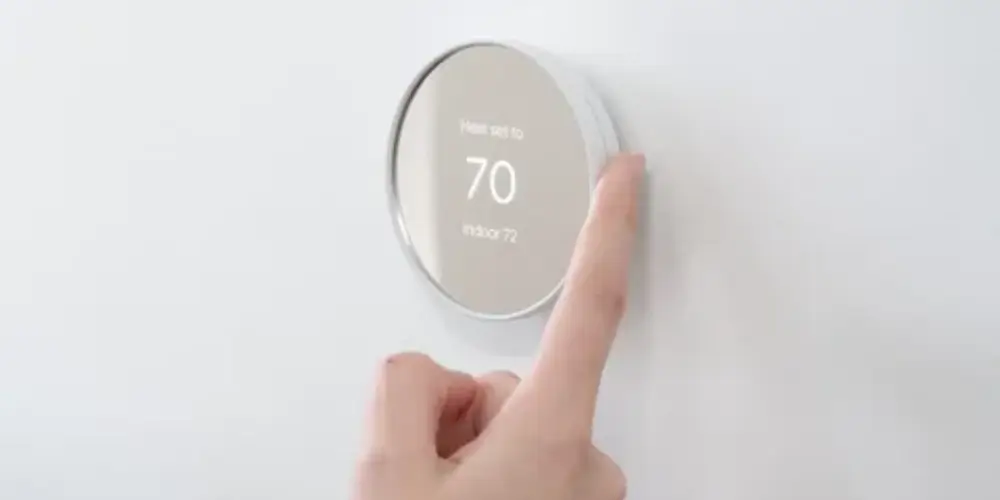
The Google Nest Thermostat is a simpler alternative to the Learning Thermostat.
Google’s current software history shows that the Nest Thermostat continued receiving updates in 2025 and 2026, including bug fixes and improvements.
Why It’s Useful
Its simpler design can appeal to homeowners who don’t need advanced learning features but still want a connected thermostat that can receive software improvements.
Best for: Homeowners who want a relatively affordable smart thermostat for long-term everyday use.
Key Features & Technology
★
Smart Scheduling
Helps create temperature schedules around your daily routine.
★
Remote App Control
Allows temperature adjustments through the Google Home app.
★
Eco Temperatures
Helps save energy when your home is unoccupied.
★
Energy History
Shows information about your heating and cooling energy use.
Honeywell Home X8S Smart Thermostat Best Premium Honeywell Option
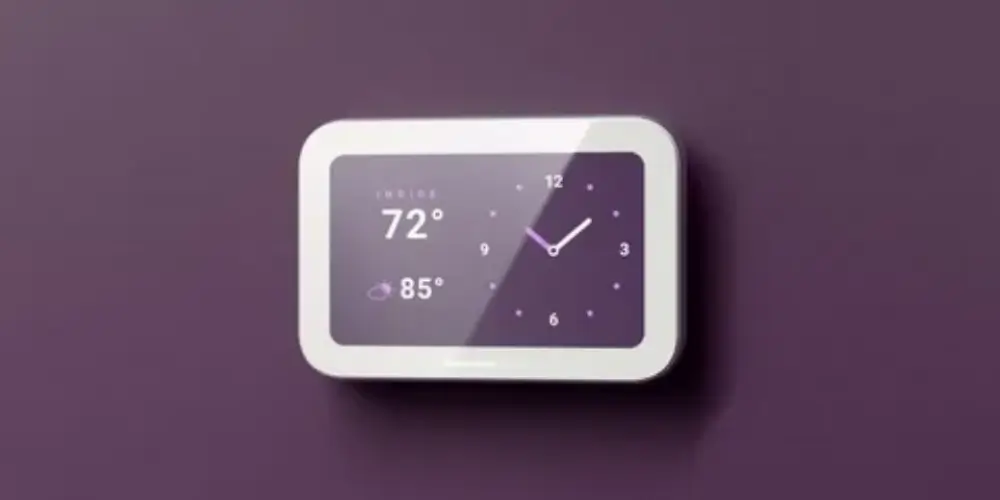
The Honeywell Home X8S is designed for homeowners who want a modern thermostat with advanced smart-home functionality.
Honeywell Home describes its current smart thermostat lineup as being designed for long-term everyday comfort, with support and compatibility intended to evolve with modern smart homes.
Best for: Homeowners who prefer Honeywell Home and want a premium smart thermostat for long-term use.
Key Features & Technology
★
Smart Temperature Control
Provides convenient control over your home’s indoor temperature.
★
Remote App Access
Lets you adjust thermostat settings from your mobile device.
★
Programmable Scheduling
Allows temperature schedules to match your daily routine.
★
Energy Management
Helps optimize heating and cooling operation for efficiency.
Honeywell Home X7S Smart Thermostat Best for Multi-Room Comfort
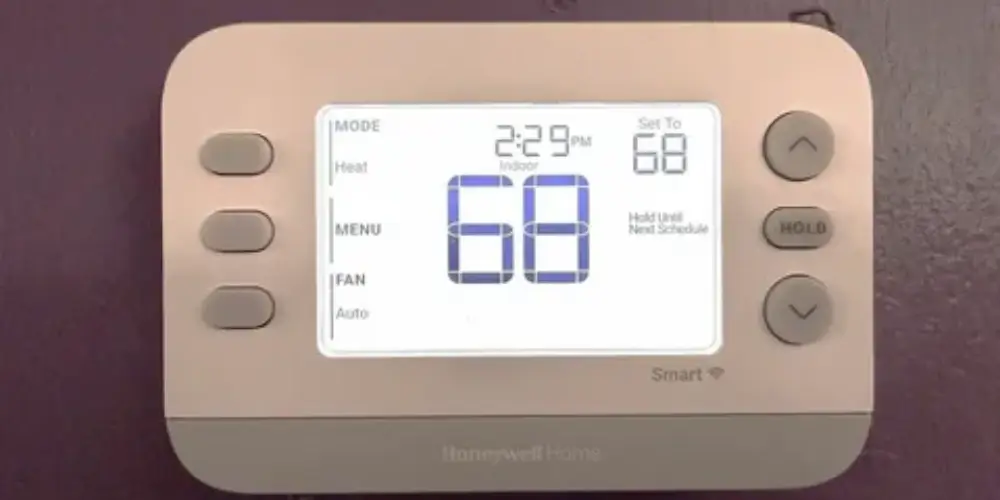
The Honeywell Home X7S is particularly useful for homeowners who want to expand temperature monitoring beyond the main thermostat.
Why It’s Good for Long-Term Use
A home’s comfort requirements can change over time. Room sensors provide a way to expand the thermostat’s functionality without replacing the main thermostat.
Best for: Larger homes and homeowners who want more control over different rooms.
Key Features & Technology
★
Smart Temperature Control
Helps maintain preferred heating and cooling settings.
★
Remote App Control
Allows convenient temperature adjustments from your smartphone.
★
Custom Scheduling
Lets you create personalized temperature schedules throughout the day.
★
Energy-Saving Settings
Helps manage heating and cooling more efficiently.
Honeywell Home X7B Smart Thermostat Best for Smart-Home Compatibility
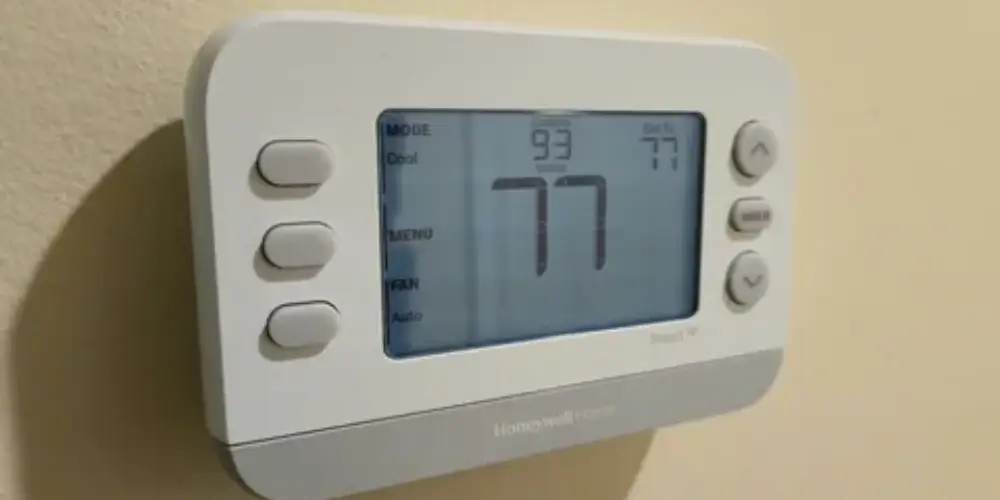
The Honeywell Home X7B is suitable for homeowners who want their thermostat to remain part of a broader smart-home ecosystem.
Honeywell lists compatibility with Amazon Alexa, Google Home, and Apple Home, along with Matter certification.
Best for: Homeowners who want flexible smart-home integration for years to come.
Key Features & Technology
★
Smart Temperature Control
Provides convenient management of indoor heating and cooling.
★
Mobile App Control
Allows remote adjustments through a compatible smartphone app.
★
Programmable Scheduling
Lets homeowners set customized temperature schedules.
★
Energy-Saving Features
Helps optimize temperature settings to manage energy consumption.
Ecobee Smart Thermostat Essential Best for Simple Long-Term Ownership
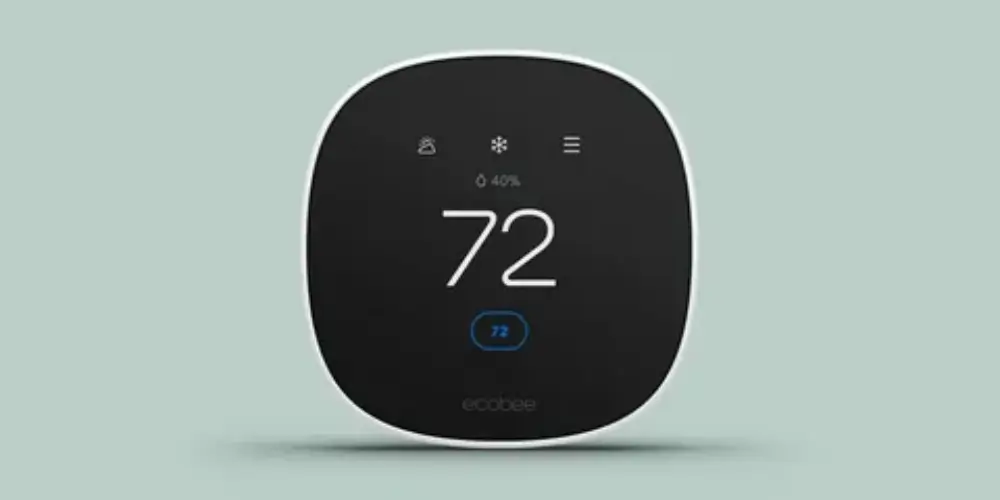
The ecobee Smart Thermostat Essential focuses on core smart thermostat functionality rather than loading the thermostat with every premium feature.
Why It’s Useful
For homeowners who want a thermostat that does the basics well, a simpler model can be easier to maintain and use over the long term.
Best for: Homeowners who want essential smart features without paying for premium extras.
Key Features & Technology
★
Smart Temperature Control
Provides simple and convenient heating and cooling management.
★
Energy-Saving Scheduling
Helps manage temperatures according to your daily routine.
★
Remote App Control
Lets you adjust settings remotely using the ecobee app.
★
Smart-Home Integration
Works with compatible smart-home platforms for convenient control.
Smart Thermostat With Expandable Sensors Best for Changing Household Needs
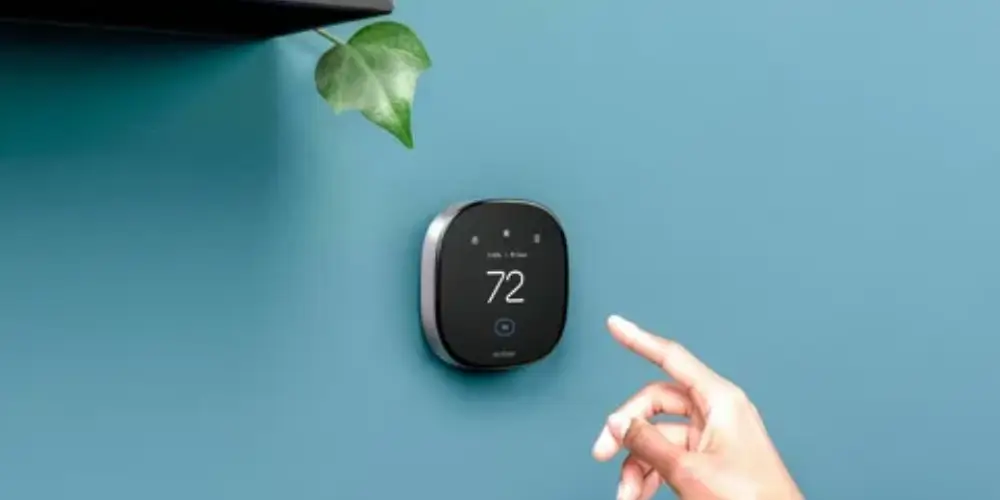
A thermostat that supports additional temperature sensors can be useful for long-term ownership.
Instead of measuring temperature only at the thermostat location, sensors can monitor other areas of the home.
Best for: Homeowners whose room usage or comfort requirements may change over time.
Key Features & Technology
★
Expandable Sensors
Supports compatible sensors for monitoring temperature in additional rooms.
★
Multi-Room Monitoring
Helps track temperature conditions across different areas of the home.
★
Room-Level Comfort
Uses sensor data to help improve comfort in selected rooms.
★
Flexible Temperature Control
Allows temperature management based on available sensor readings.
Energy Star Certified Smart Thermostat Best for Long-Term Energy Management
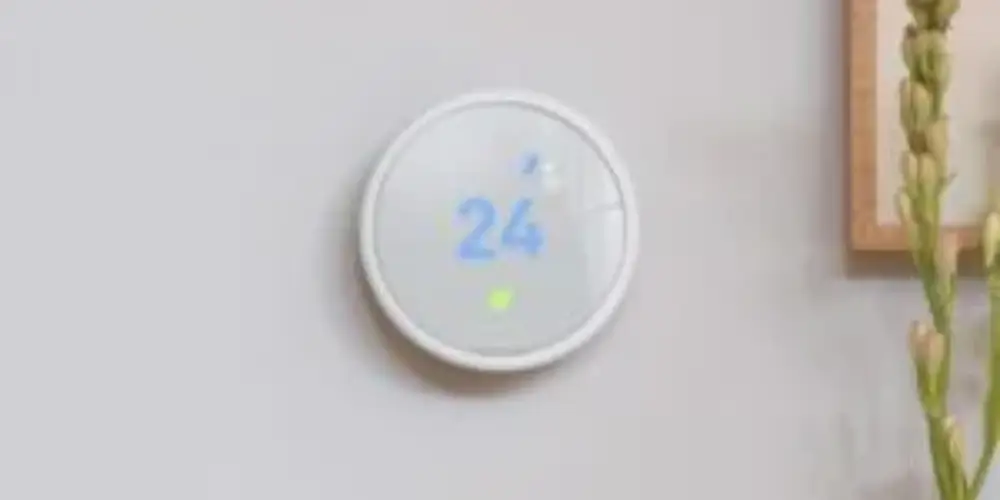
Energy efficiency is another important factor when choosing a thermostat for long-term use.
An ENERGY STAR-certified smart thermostat can provide features designed around energy management, scheduling, and efficient heating and cooling.
Best for: Homeowners who want to reduce unnecessary heating and cooling over the years.
Key Features & Technology
★
ENERGY STAR Certification
Meets ENERGY STAR efficiency criteria for qualifying smart thermostats.
★
Energy-Saving Operation
Includes features designed to help manage heating and cooling efficiently.
★
Smart Scheduling
Allows temperature settings to be adjusted according to daily routines.
★
Remote Temperature Control
Enables convenient adjustments through a compatible mobile app.
Best Smart Thermostats for Long-Term Use by Situation
| Use Case | Best Choice |
| Best Overall | Google Nest Learning Thermostat (4th Gen) |
| Advanced Smart Home | ecobee Smart Thermostat Premium |
| Best Balance | ecobee Smart Thermostat Enhanced |
| Budget Long-Term Option | Google Nest Thermostat |
| Premium Honeywell Option | Honeywell Home X8S |
| Multi-Room Homes | Honeywell Home X7S |
| Smart-Home Integration | Honeywell Home X7B |
| Simple Long-Term Use | ecobee Smart Thermostat Essential |
| Expandable Temperature Monitoring | Sensor-compatible thermostat |
| Energy Management | ENERGY STAR certified smart thermostat |
| Hot and Cold Spots | Sensor-compatible thermostat |
Buying Guides
Check Software Support
For a smart thermostat, hardware isn’t the only consideration.
Look for a manufacturer that continues providing:
- Software updates
- Security improvements
- Bug fixes
- New features
- Smart-home compatibility
Google’s current Nest update history shows that the 4th-generation Learning Thermostat received significant feature additions in 2026.
Avoid Very Old Models
A cheap older thermostat may not be a good long-term investment.
Google’s 1st- and 2nd-generation Nest Learning Thermostats lost app and cloud functionality after October 25, 2025.
This shows why buyers should consider current-generation products rather than simply buying the cheapest used or older smart thermostat.
Check HVAC Compatibility
Before buying, identify your HVAC system.
Check whether you have:
- Conventional heating
- Central cooling
- Heat pump
- Multi-stage HVAC
- Dual-fuel system
- Boiler
- Furnace
- Humidifier
- Dehumidifier
- Ventilation equipment
A thermostat that isn’t compatible with your HVAC system isn’t a good long-term choice.
Consider C-Wire Requirements
Check whether your existing system has a C-wire.
A C-wire can provide continuous power to compatible smart thermostats.
If there isn’t one, check whether the thermostat supports:
- Power extender
- C-wire adapter
- Manufacturer power connector
- Alternative wiring configuration
Choosing a thermostat with a suitable power solution can make long-term ownership easier.
Look for Sensor Support
Room sensors can extend the usefulness of a thermostat.
They’re particularly valuable for:
- Large homes
- Multi-story homes
- Bedrooms
- Home offices
- Rooms that heat or cool differently
Instead of replacing the entire thermostat when comfort requirements change, you may be able to add sensors.
Check Smart-Home Compatibility
Smart-home platforms can change over the years.
Look for support for standards and platforms such as:
- Matter
- Google Home
- Amazon Alexa
- Apple Home
- HomeKit
Matter can be particularly useful because it is designed to improve interoperability between smart-home devices.
Google added Matter bridge support to the Nest Learning Thermostat (4th gen) in its April 2026 update.
Consider Replacement Accessories
Long-term ownership can be easier when accessories remain available.
Check whether the manufacturer offers:
- Room sensors
- Wall plates
- Trim kits
- Power adapters
- Mounting hardware
- Replacement accessories
A thermostat with an expandable accessory ecosystem can be more useful than a model with no upgrade path.
Check Manufacturer Support
Look for manufacturers that provide:
- Installation guides
- Compatibility tools
- Troubleshooting documentation
- Customer support
- Professional installation options
Honeywell Home currently provides both DIY guidance and access to professional support for its smart thermostats.
Consider Energy Features
Over several years, energy-management features can become an important part of the thermostat’s value.
Look for:
- Smart scheduling
- Occupancy detection
- Eco modes
- Energy reports
- Automatic adjustments
- Utility demand-response programs
The goal isn’t simply to buy the thermostat with the most features, but to choose features you’ll actually use.
Check the User Interface
A thermostat can have excellent technology but still be frustrating if the interface is difficult to use.
Consider:
- Display readability
- Physical controls
- Touchscreen responsiveness
- App quality
- Scheduling interface
- Manual control
- Family-friendly operation
A simple interface can be a major advantage for long-term ownership.
Consider Your Future HVAC Needs
If you’re planning to upgrade your HVAC system later, consider a thermostat with broader compatibility.
For example, support for:
- Heat pumps
- Multiple stages
- Auxiliary heat
- Humidification
- Dehumidification
- Ventilation
can provide more flexibility.
The Nest Learning Thermostat (4th gen) received expanded support for multi-stage heat pumps and other HVAC configurations in its 2026 software update.
Don’t Choose Only Based on Price
The cheapest thermostat isn’t necessarily the cheapest over its entire useful life.
Consider:
Purchase price + accessories + installation + energy use + replacement costs + software support
A slightly more expensive thermostat with better compatibility and a longer-lived ecosystem may provide better overall value.