
The best smart thermostats for different household needs depends on more than just the thermostat itself. Different households have different comfort preferences, schedules, home sizes, HVAC systems, room temperatures, energy goals, and smart-home requirements.
A small household may only need basic scheduling and smartphone control, while a large family may benefit from remote temperature sensors and occupancy detection. Households with children may want better control of bedroom temperatures, while people who spend most of the day away from home may prioritize automatic scheduling and energy-saving features.
Smart thermostats can provide features such as remote app control, programmable schedules, room sensors, occupancy detection, energy reports, humidity monitoring, voice control, and smart-home integration. For example, ecobee’s current thermostat lineup includes the Smart Thermostat Premium, Enhanced, and Essential, with features varying by model. Premium includes a SmartSensor, built-in occupancy sensing, indoor air-quality monitoring, and Siri or Alexa Built-in.
Google’s Nest Temperature Sensor can also be scheduled so the thermostat focuses on a particular room at different times of day. However, a sensor does not independently create separate heating or cooling zones in a standard single-zone HVAC system.
1
Quick Comparison Of Best Smart Thermostat
Google Nest Learning Thermostat Best Overall for Different Household Needs

The Google Nest Learning Thermostat is a strong choice for households that want advanced smart features without having to manually manage every temperature change.
It can be particularly useful for households with changing daily schedules because learning and scheduling features can help automate temperature management.
Google’s current compatibility information indicates that the Nest Learning Thermostat (4th gen) supports multiple heating and cooling stages and compatible heat-pump configurations.
Best for: Households that want a smart thermostat capable of adapting to changing routines.
Key Features & Technology
★
Learns Temperature Preferences
Learns your routine and adjusts temperatures according to your usual preferences.
★
Automatic Schedule Creation
Creates temperature schedules based on your daily habits and adjustments.
★
Remote App Control
Lets you control your home’s temperature remotely through the Google Home app.
★
Energy-Saving Recommendations
Provides suggestions that can help reduce unnecessary heating and cooling.
ecobee Smart Thermostat Premium Best for Large Families
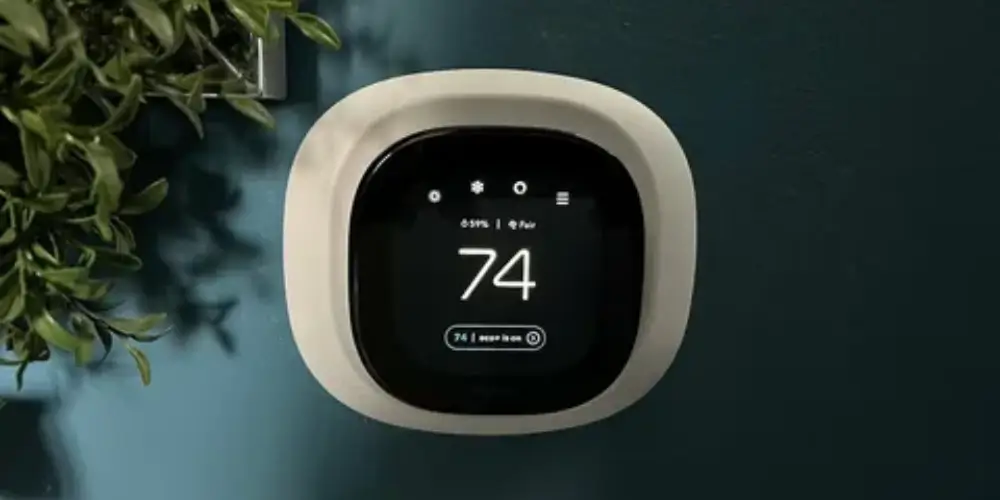
The ecobee Smart Thermostat Premium is especially useful for larger households where different rooms may be occupied at different times.
The Premium includes a SmartSensor and features such as occupancy sensing, indoor air-quality monitoring, app control, Apple Home integration, and a choice of Siri or Alexa Built-in.
Why It’s Useful for Families
A family might have:
- Children in bedrooms
- Adults working from home
- Frequently used living areas
- Guest rooms
- Different temperature preferences
Room sensors can help the thermostat understand which areas are important.
Best for: Large families and households with multiple occupied rooms.
Key Features & Technology
★
Built-in Smart Sensor
Uses built-in sensing technology to help monitor temperature and occupancy around your home.
★
Indoor Air Quality Monitoring
Monitors indoor air quality and provides information to help maintain a healthier environment.
★
Voice Assistant Support
Supports voice control for adjusting temperature and accessing compatible smart features.
★
Smart Home Integration
Connects with compatible smart home devices for convenient home automation.
ecobee Smart Thermostat Enhanced Best for Everyday Family Homes
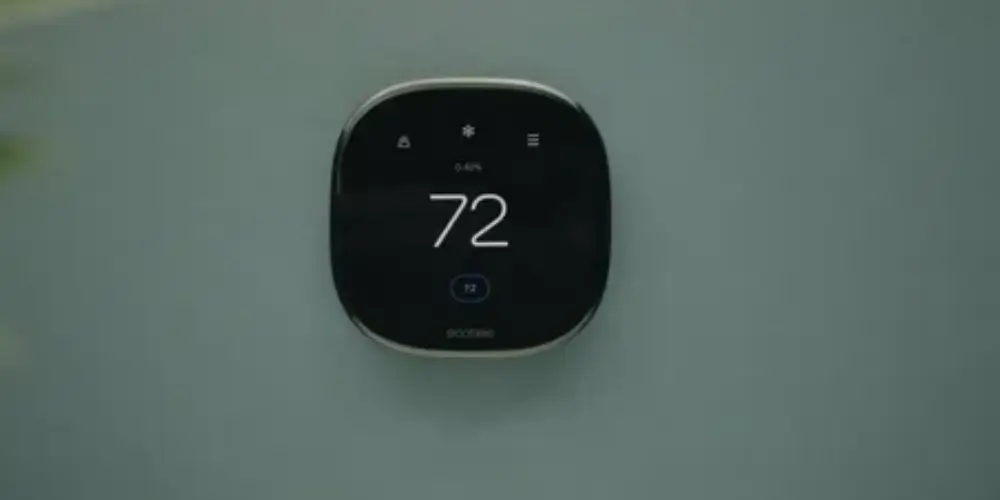
The ecobee Smart Thermostat Enhanced offers a balance between basic smart control and advanced household comfort features.
It supports SmartSensors separately and includes temperature, humidity, occupancy, and proximity sensing. It is designed to work with most 24VAC HVAC equipment, including conventional systems, compatible heat pumps, boilers, and certain PTAC or fan-coil systems.
Best for: Families looking for a balance between features and price.
Key Features & Technology
★
Smart Temperature Scheduling
Creates flexible schedules to maintain comfortable temperatures throughout the day.
★
Room Sensor Support
Works with compatible sensors to help manage comfort in different rooms.
★
Remote App Control
Allows temperature adjustments from your smartphone when you’re away from home.
★
Energy-Saving Features
Includes features designed to help reduce unnecessary heating and cooling energy use.
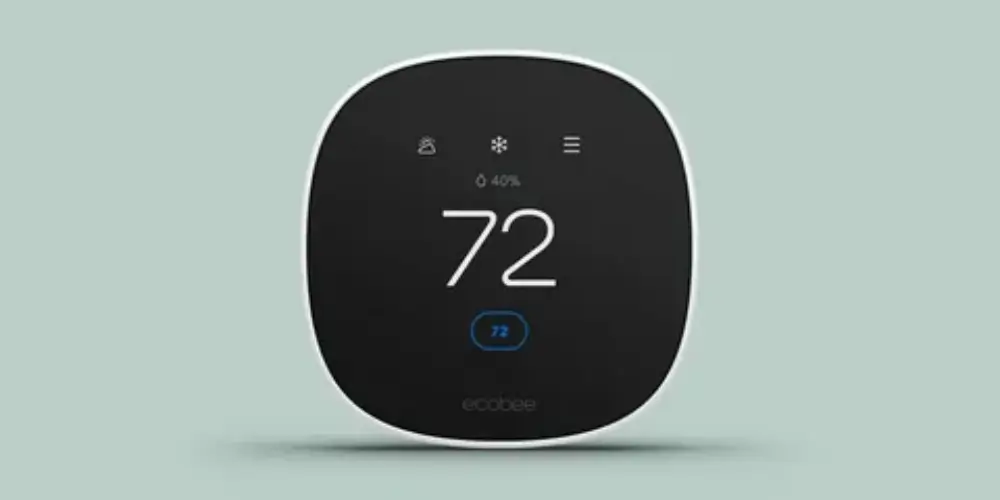
Not every household needs a premium thermostat.
The ecobee Smart Thermostat Essential provides essential smart thermostat functions while remaining lower in the current ecobee lineup.
ecobee states that the Essential supports features such as app control, energy reports, compatibility with several HVAC configurations, and optional SmartSensor use. A Power Extender Kit is available separately for compatible installations without a C-wire.
Best for: Small families, apartments, and budget-conscious households.
Key Features & Technology
★
Smart Temperature Control
Provides convenient control of heating and cooling for everyday home comfort.
★
Energy-Saving Scheduling
Helps create temperature schedules that can reduce unnecessary energy consumption.
★
App-Based Remote Control
Lets you adjust your home’s temperature remotely using a compatible mobile app.
★
Alexa Compatibility
Supports compatible Alexa features for convenient voice-based temperature control.
Google Nest Thermostat Best for Simple Households
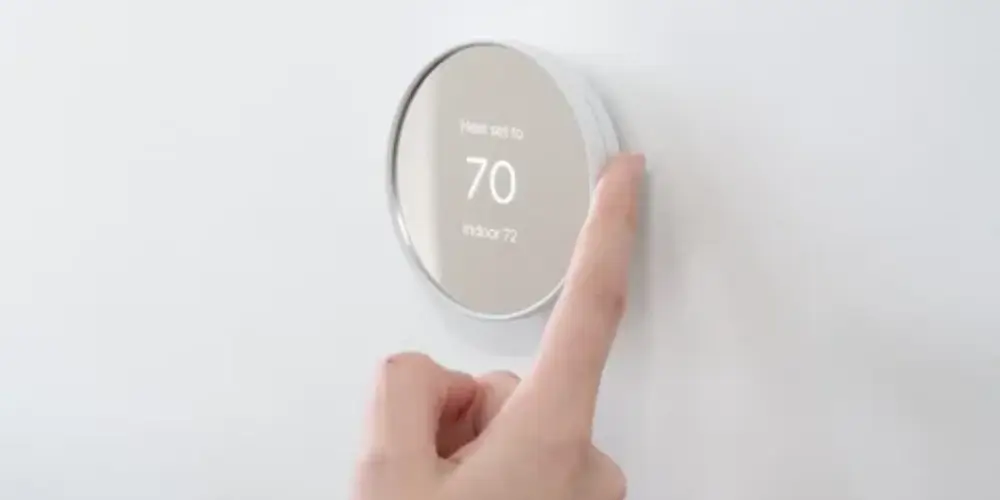
A household with a straightforward schedule may not need a premium thermostat.
The Google Nest Thermostat is a simpler option for homeowners who mainly want:
- Remote control
- Scheduling
- Smart-home integration
- Basic energy management
- Easy temperature adjustments
Best for: Small households and first-time smart thermostat users.
Key Features & Technology
★
Programmable Temperature Schedules
Allows you to create schedules that automatically adjust temperatures throughout the day.
★
Remote App Control
Lets you change temperature settings remotely through the Google Home app.
★
Energy-Saving Suggestions
Provides recommendations that may help you use heating and cooling more efficiently.
★
Voice Control Support
Allows compatible voice commands for convenient hands-free temperature adjustments.
Honeywell Home T9 Best for Multi-Room Households
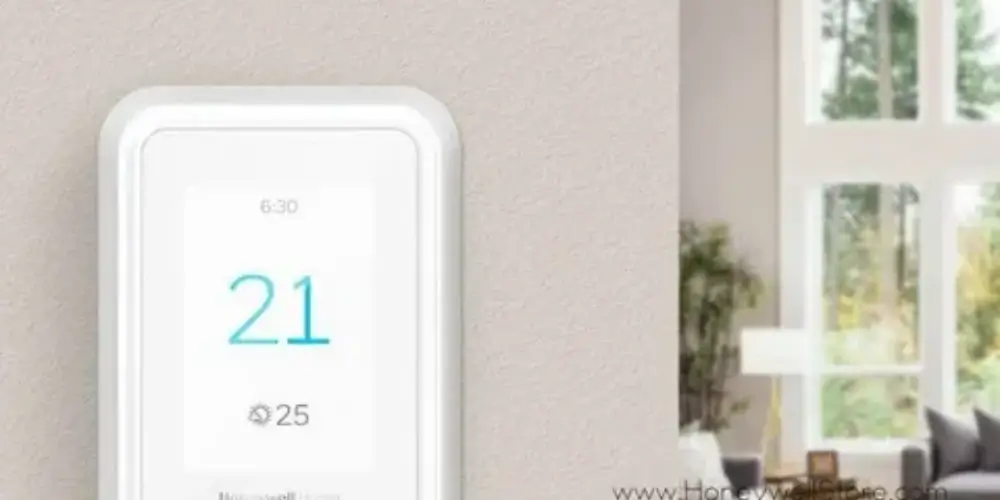
Some households have significant temperature differences between rooms.
For example:
- Upstairs bedrooms may be warmer.
- Basement rooms may be cooler.
- A home office may be warmer during the day.
- A nursery may require closer temperature monitoring.
A thermostat with remote room sensors can be useful in these situations.
Best for: Homes where different rooms have noticeably different temperatures.
Key Features & Technology
★
Room Sensors
Uses sensors to monitor temperature in different rooms.
★
Smart Scheduling
Creates flexible schedules for personalized comfort.
★
Geofencing
Can adjust settings based on your location.
★
Energy Reports
Provides energy information to help improve efficiency.
Sensi Smart Thermostat Best for Budget-Conscious Households

Some households simply want to control their HVAC system remotely without paying for advanced sensors, learning features, or indoor air-quality monitoring.
A Sensi Smart Thermostat can be a practical choice for basic smart control.
Best for: Households that want smart control without unnecessary extras.
Key Features & Technology
★
Wi-Fi Control
Lets you control temperature remotely through Wi-Fi.
★
Flexible Scheduling
Allows customized heating and cooling schedules.
★
Energy Savings
Helps reduce energy consumption through efficient temperature control.
★
Voice Assistant Support
Works with compatible voice assistants for hands-free control.
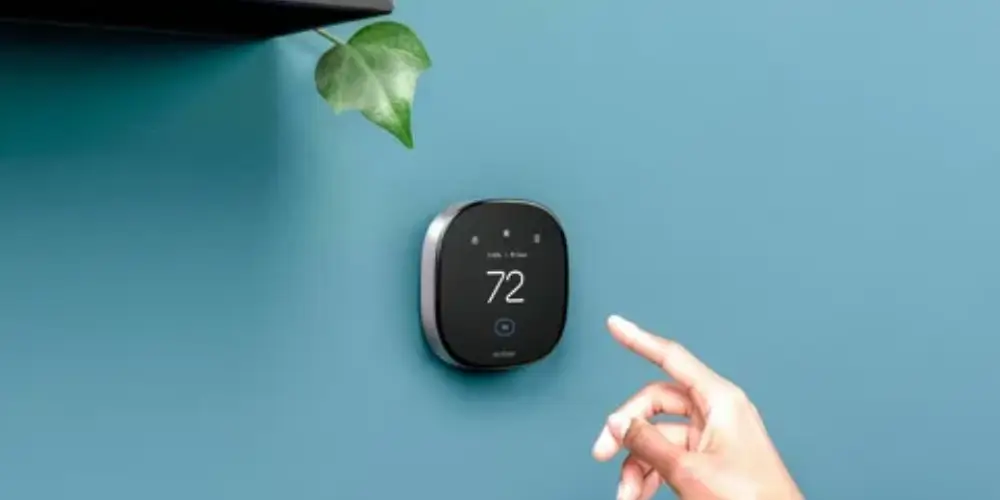
Temperature sensors can be especially useful when the thermostat is located in a room that doesn’t represent the temperature of the entire home.
For example, if the thermostat is in the hallway but the bedroom is consistently warmer, a compatible room sensor can give the system temperature information from the bedroom.
Google’s Nest Temperature Sensor allows homeowners to choose which room the thermostat should prioritize at particular times.
Best for: Households with uneven temperatures between rooms.
Key Features & Technology
★
Alexa Integration
Works with Alexa for convenient smart-home control.
★
Smart Scheduling
Helps create temperature schedules based on your routine.
★
Energy Savings
Uses smart features to help reduce energy consumption.
★
Remote Control
Allows temperature adjustments through the Alexa app.
Apple Home-Compatible Smart Thermostat Best for Apple Households
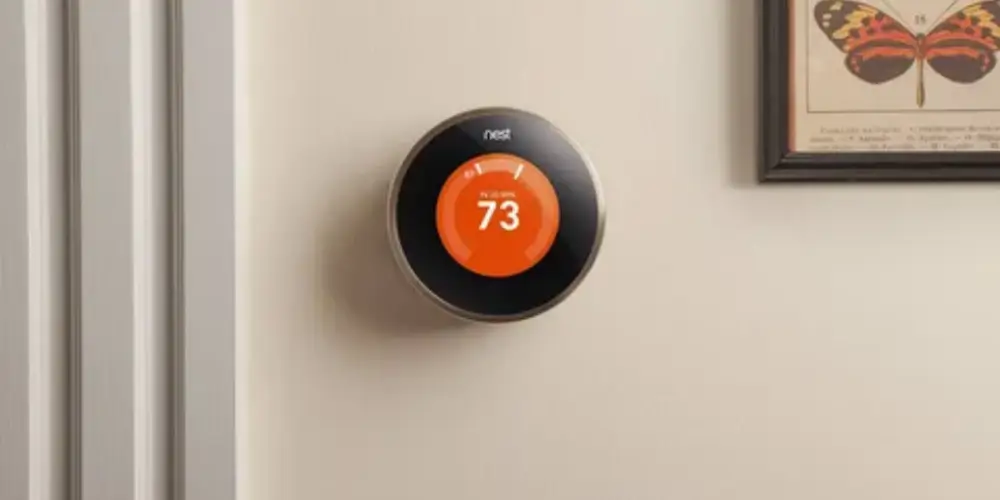
If a household already uses:
- iPhone
- Apple Watch
- HomePod
- Apple Home
then Apple Home compatibility can make thermostat control more convenient.
ecobee states that its thermostats work with Apple Home, and its Premium model supports Siri with a compatible Apple home hub.
Best for: Households already invested in Apple’s ecosystem.
Key Features & Technology
★
Room Sensors
Monitors temperatures across different rooms in your home.
★
Multi-Room Monitoring
Helps maintain more consistent temperatures throughout the house.
★
Temperature Balancing
Uses sensor readings to improve comfort between rooms.
★
Occupancy Detection
Can use room activity information for smarter temperature control.
Alexa-Compatible Smart Thermostat Best for Voice-Control Households

Voice control can be useful when people are cooking, cleaning, carrying items, or simply don’t want to walk to the thermostat.
ecobee’s current lineup supports Amazon Alexa integration, while the Premium model includes Alexa Built-in.
Possible Uses
Household members can use voice control to:
- Adjust temperature
- Check temperature
- Change settings
- Run smart-home routines
Best for: Households that already use Alexa devices.
Key Features & Technology
★
Multiple Zone Control
Allows different areas of the home to have separate temperature settings.
★
Independent Temperature Control
Lets each zone maintain its preferred temperature.
★
Room Sensors
Monitors temperatures in individual rooms or zones.
★
Smart Scheduling
Creates separate schedules for different areas of the home.
Best Smart Thermostats by Household Need
| Household Need | Best Choice |
| Best Overall | Google Nest Learning Thermostat |
| Large Family | ecobee Smart Thermostat Premium |
| Small Household | Google Nest Thermostat |
| Budget Household | ecobee Smart Thermostat Essential |
| Family Home | ecobee Smart Thermostat Enhanced |
| Multiple Rooms | Sensor-compatible thermostat |
| Hot/Cold Spots | Honeywell Home T9 |
| Home Office | Room-sensor-compatible thermostat |
| Households With Children | ecobee Smart Thermostat Enhanced |
| Apple Household | Apple Home-compatible ecobee |
| Alexa Household | Alexa-compatible ecobee |
| Google Home Household | Google Nest Thermostat |
Buying Guide
Consider the Number of People in the Household
The number of people in the home can affect which smart features are useful.
One or Two People
A basic thermostat with scheduling and app control may be sufficient.
Family Household
Consider:
- Room sensors
- Occupancy detection
- Smart schedules
- Multiple user access
Large Household
Advanced sensors and occupancy features can become more useful.
Consider Your Daily Schedule
Ask:
- When does everyone wake up?
- When does the home become empty?
- When do people return?
- Which rooms are occupied at night?
- Does anyone work from home?
A household with predictable routines may benefit from programmable schedules.
A household with constantly changing routines may benefit more from occupancy detection and adaptive features.
Consider Room Temperature Differences
Walk through the home and identify rooms that are:
- Too hot
- Too cold
- Poorly ventilated
- Rarely occupied
- Frequently occupied
If temperatures vary significantly, consider a thermostat that supports remote sensors.
However, remember that sensors don’t independently create separate HVAC zones. In a typical single-zone system, the HVAC equipment still heats or cools the whole zone together.
Check Your HVAC System
Before buying a thermostat, identify your HVAC type.
It could be:
- Central furnace
- Central air conditioner
- Heat pump
- Boiler
- Radiant heating
- Multi-stage HVAC
- Dual-fuel heat pump
- PTAC
- Fan-coil system
Compatibility varies by thermostat.
For example, ecobee provides a dedicated compatibility checker because its thermostats are designed for many—but not every—HVAC configuration.
Check the Number of HVAC Stages
A simple HVAC system may use one stage of heating and cooling.
More advanced systems may have:
- Two-stage heating
- Two-stage cooling
- Auxiliary heat
- Multiple heat-pump stages
Make sure the thermostat supports your system.
Google’s current Nest compatibility documentation specifies different stage limits for conventional and heat-pump systems.
Consider Your Smart-Home Platform
Choose a thermostat that works with the ecosystem your household already uses.
Apple Home
Look for Apple Home compatibility.
Google Home
Nest is a natural option.
Alexa
Consider Alexa-compatible thermostats.
Multiple Platforms
Look for broad compatibility.
ecobee currently lists support for Apple Home, Amazon Alexa, Google Assistant, and Samsung SmartThings across its smart-home ecosystem.
Consider Room Sensors
Room sensors are especially useful for:
- Large homes
- Two-story homes
- Bedrooms
- Home offices
- Nurseries
- Hot/cold rooms
They can help the thermostat prioritize the rooms that matter most at particular times.
Consider Occupancy Detection
Occupancy detection can help determine whether rooms or homes are being used.
This can be useful when:
- Everyone leaves for work
- Children leave for school
- Rooms are occupied at different times
- The household has irregular schedules
ecobee’s current models vary in occupancy-sensing capabilities, so check the individual model rather than assuming every thermostat has the same sensors.
Check C-Wire Requirements
Before installation, determine whether your HVAC system has a C-wire.
Some thermostats can work without a conventional C-wire using an included or optional power accessory, while others have different power requirements.
For example, ecobee states that its Smart Thermostat Essential can use a separately sold Power Extender Kit when there is no C-wire.
Consider Energy Features
If reducing energy consumption is important, prioritize:
- Energy reports
- Scheduling
- Occupancy detection
- Automatic away settings
- Utility programs
- Smart temperature adjustments
These features can help reduce unnecessary HVAC operation, although actual energy savings depend on the home, climate, equipment, and user settings.
Consider Temperature Alerts
Temperature alerts can be useful for households that want to know when conditions change unexpectedly.
For example, a smart thermostat may notify you about:
- Unexpected temperature drops
- Unexpected temperature increases
- Humidity changes
- HVAC issues
ecobee provides temperature and humidity alerts through its current smart thermostat ecosystem.
Consider Your Budget
Budget
Focus on:
- App control
- Scheduling
- Basic smart-home integration
Mid-Range
Consider:
- Sensors
- Occupancy detection
- Better energy features
Premium
Look for:
- Included room sensor
- Indoor air-quality monitoring
- Advanced occupancy sensing
- Voice assistants
- Advanced HVAC support
Consider Installation
Some households prefer DIY installation, while others prefer professional installation.
Before buying, check:
- C-wire
- Existing wiring
- HVAC compatibility
- Number of stages
- Required power accessories
- Included installation components
ecobee states that the Smart Thermostat Enhanced is designed for easy self-installation and includes what is needed for installation, with the Power Extender Kit available as an optional installation component where applicable.
Consider Future Household Changes
Your needs may change over time.
For example:
- A home office may be added.
- Children may grow older.
- A guest room may become occupied.
- HVAC equipment may be upgraded.
- You may add smart-home devices.
A thermostat that supports sensors and broad smart-home integration can provide more flexibility.