
The best smart thermostats based on user preferences is not necessarily the one with the most features. Different homeowners have different preferences when it comes to ease of use, energy savings, smart-home compatibility, room-by-room temperature control, Best Smart Thermostat with advanced automation, appearance, budget, and HVAC compatibility.
Some users want a thermostat that automatically learns their temperature preferences, while others prefer simple manual controls and straightforward scheduling. Families may prioritize room sensors, smart-home enthusiasts may want Apple Home, Google Home, Alexa, or Matter compatibility, and energy-conscious homeowners may prefer advanced scheduling and occupancy-based adjustments.
For example, the Google Nest Learning Thermostat (4th gen) supports Smart Schedule, temperature sensors, presence sensing, Adaptive Comfort, and Matter-enabled smart-home control.
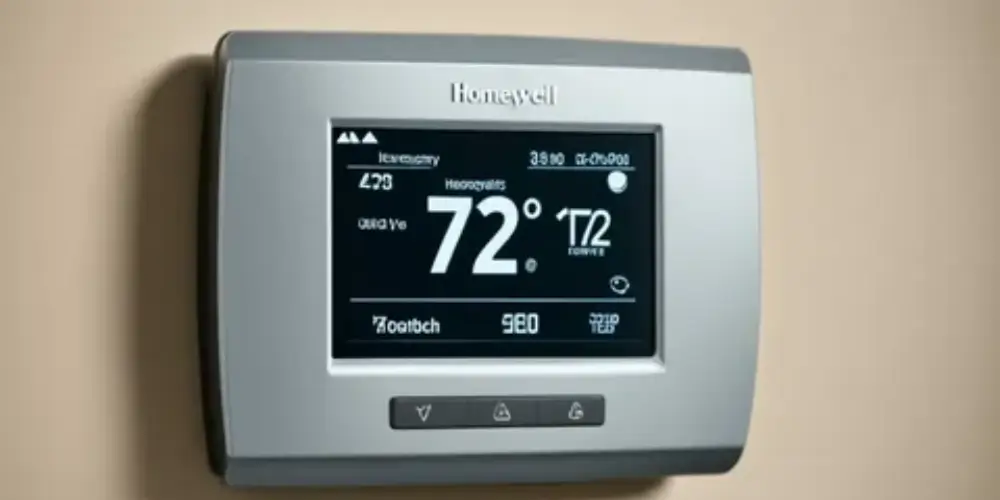
The ecobee Smart Thermostat Premium focuses more heavily on room sensors, occupancy detection, indoor air quality, and smart-home features, while Honeywell Home offers models designed around simpler controls, room sensors, and modern smart-home compatibility.
1
Quick Comparison Of Best Smart Thermostat
Google Nest Learning Thermostat (4th Gen) Best Overall for Most User Preferences
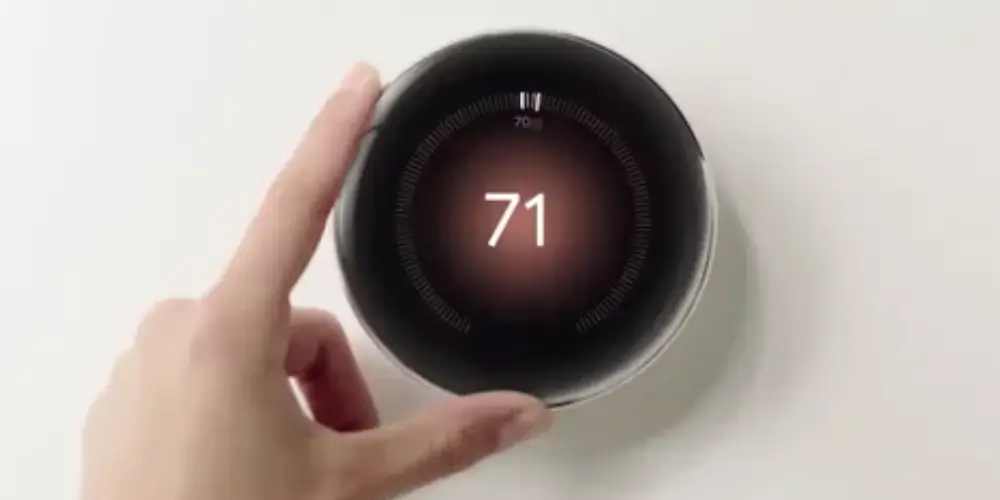
The Google Nest Learning Thermostat (4th gen) is a strong all-around choice for users who want a thermostat that can adapt to their routines while still providing manual control.
Google’s current specifications list support for most 24V HVAC systems, including conventional heating and cooling, heat pumps, radiant systems, and multiple heating and cooling stages. It also includes a Nest Temperature Sensor (2nd gen) in the box.
Why It’s Good for Different Users
It can suit users who want:
- Automatic scheduling
- Energy savings
- Remote control
- Room temperature monitoring
- Smart-home integration
- Advanced HVAC control
Best for: Users who want a balance between automation, comfort, and smart-home features.
Key Features & Technology
★
Learning temperature schedules
Automatically adapts to your routine for personalized comfort.
★
Smart energy-saving features
Helps reduce unnecessary heating and cooling energy use.
★
Remote app control
Lets you adjust your home temperature from your phone.
★
Advanced temperature sensingHelps maintain comfortable temperatures throughout your home.
Ecobee Smart Thermostat Premium Best for Users Who Want Advanced Features
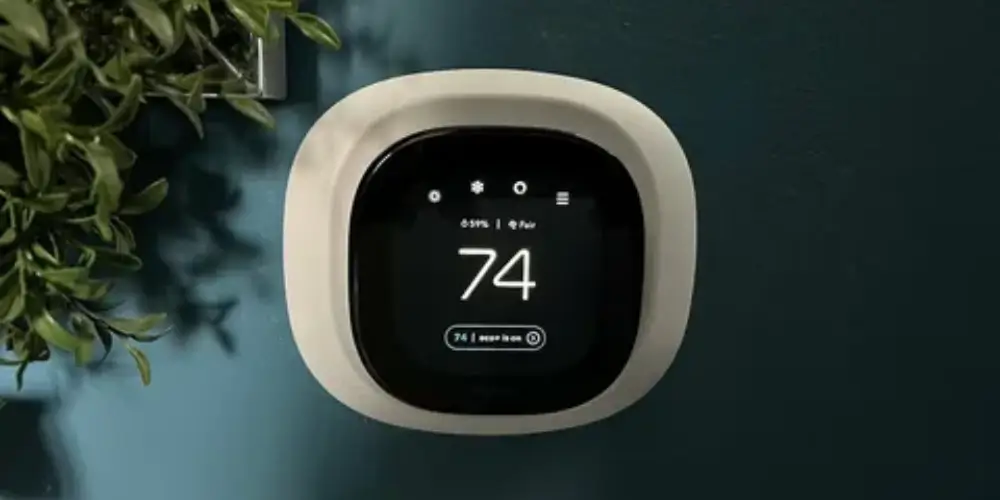
The ecobee Smart Thermostat Premium is a strong option for users who want more than basic temperature control.
ecobee positions the Premium model around energy savings, indoor air-quality monitoring, SmartSensor support, and smart-home functionality.
Why It’s Good for Different Users
It works particularly well for homeowners who want:
- Advanced automation
- Multiple room sensors
- Better control of bedrooms
- Indoor air-quality information
- Smart-home integration
Best for: Advanced smart-home users and families with different comfort preferences.
Key Features & Technology
★
Built-in smart sensor
Helps detect occupancy and improve temperature comfort.
★
Air quality monitoring
Provides information about indoor air quality conditions.
★
Smart scheduling
Automatically follows temperature settings based on your routine.
★
Voice control
Allows convenient hands-free temperature adjustments.
ecobee Smart Thermostat Enhanced Best for Users Who Want Balance
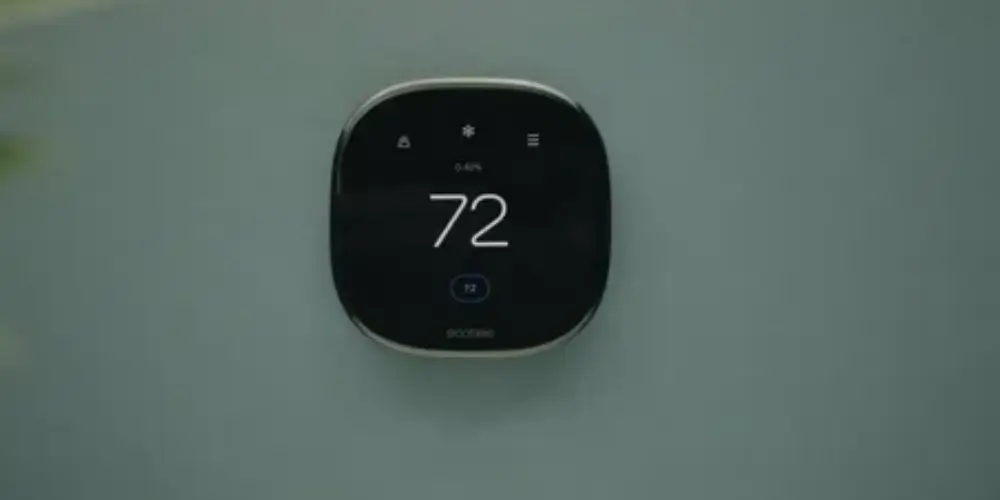
The ecobee Smart Thermostat Enhanced is a good middle-ground option for users who want advanced smart thermostat features without choosing the most feature-heavy model.
ecobee lists SmartSensor compatibility, app control, Apple HomeKit and other integrations, and energy-saving capabilities for its thermostat lineup.
Why It’s Good for Different Users
It can suit users who want:
- Smart features without unnecessary complexity
- Room sensors
- Smartphone control
- Automated scheduling
- A balance between price and functionality
Best for: Homeowners who want advanced features but don’t need every premium function.
Key Features & Technology
★
Smart temperature scheduling
Helps maintain comfortable temperatures according to your daily routine.
★
Room sensor support
Can help manage comfort across different rooms.
★
Energy usage monitoring
Helps you understand and manage heating and cooling consumption.
★
Remote app control
Allows temperature adjustments through your smartphone.
Google Nest Thermostat Best for Users Who Prefer Simplicity
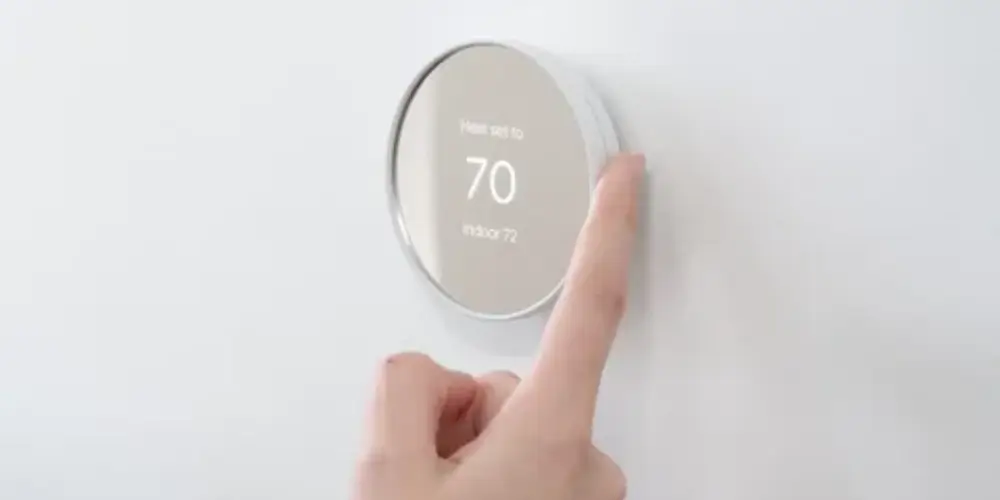
The Google Nest Thermostat is designed for users who want smart control without the more advanced learning features of the Learning Thermostat.
Google provides features such as schedules, Eco Temperatures, phone control, and presence-based adjustments across compatible Nest thermostats.
Why It’s Good for Different Users
Some homeowners don’t want a thermostat that requires extensive configuration.
A simpler interface can be preferable for:
- First-time smart thermostat buyers
- Older household members
- Rental properties
- Users who prefer manual scheduling
Best for: Users who want smart features without a complicated interface.
Key Features & Technology
★
Simple temperature controls
Offers an easy interface for everyday temperature adjustments.
★
Energy-saving suggestions
Provides recommendations that can help reduce energy use.
★
Remote app access
Lets you control temperature settings from your phone.
★
Google Home integration
Connects with Google Home for convenient control.
Honeywell Home X8S Smart Thermostat Best for Users Who Want Premium Comfort

The Honeywell Home X8S is aimed at homeowners who want a premium smart thermostat with a large display and advanced comfort features.
Honeywell Home lists advanced occupancy and presence detection, customizable display options, air-quality features, and ENERGY STAR certification for the X8S.
Why It’s Good for Different Users
It can be attractive to homeowners who care about:
- Display appearance
- Modern design
- Comfort automation
- Advanced sensing
- Easy everyday control
Best for: Users who want a premium-looking thermostat with advanced comfort features.
Key Features & Technology
★
Smart temperature control
Provides convenient control over your home’s heating and cooling.
★
Flexible scheduling
Allows temperature settings to follow your daily routine.
★
Touchscreen interface
Provides an easy-to-use display for thermostat controls.
★
Remote app access
Lets you adjust settings using a compatible mobile app.
Honeywell Home X7S Smart Thermostat Best for Users Who Want Room Sensors
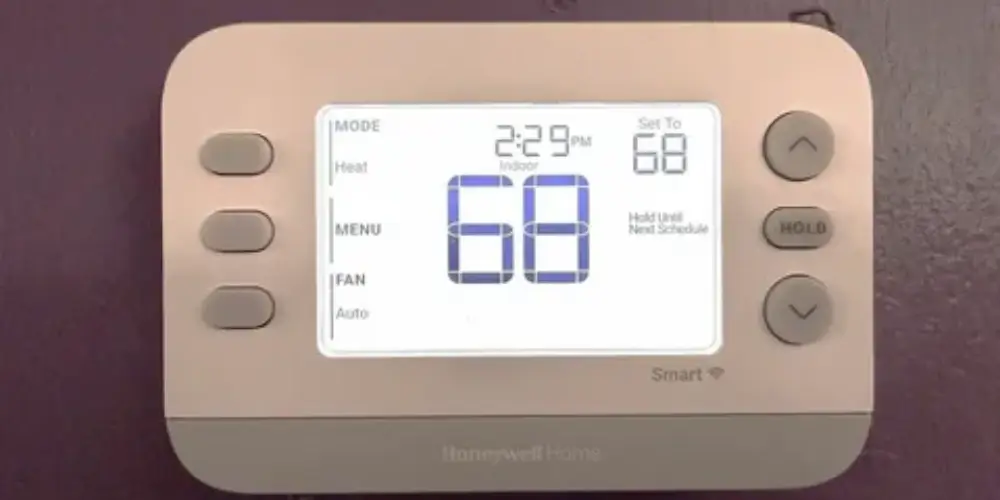
The Honeywell Home X7S is a useful option for homeowners who want temperature monitoring beyond the main thermostat location.
Honeywell Home lists compatibility with room temperature sensors sold separately, along with advanced occupancy and presence detection.
Why It’s Good for Different Users
Room sensors can be useful when:
- Bedrooms are warmer than living areas
- Upstairs rooms have different temperatures
- Certain rooms are used more frequently
- Family members prefer different temperatures
Best for: Homeowners who prioritize multi-room comfort.
Key Features & Technology
★
Programmable temperature control
Lets you set preferred temperatures for different times.
★
Touchscreen display
Provides clear access to temperature and system settings.
★
Smart scheduling
Helps automate temperature changes throughout the day.
★
Remote access
Allows convenient control through compatible connected features.
Honeywell Home X7B Smart Thermostat Best for Smart-Home Users
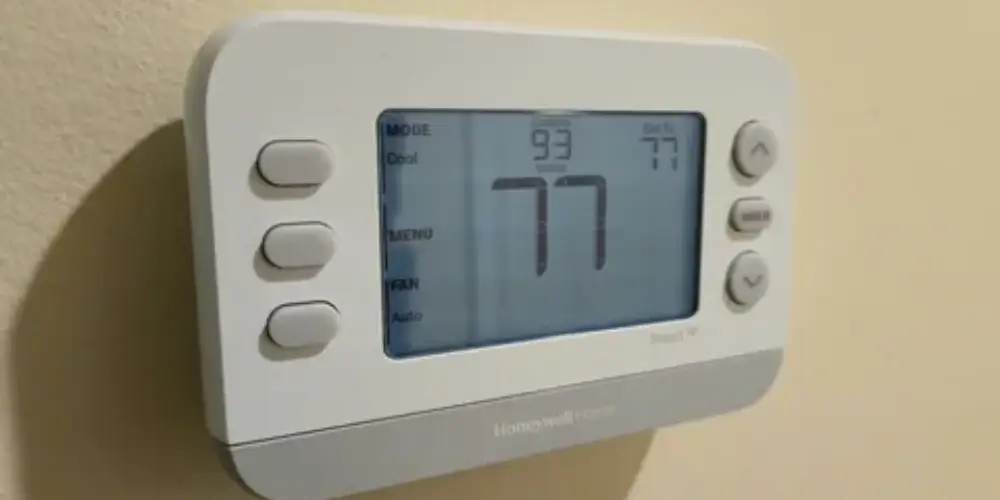
The Honeywell Home X7B is designed for users who want a modern thermostat that fits into a broader smart-home setup.
Honeywell Home describes the X7B as a smart-style thermostat with a customizable display and ENERGY STAR certification.
Why It’s Good for Different Users
It can be a good fit for homeowners who care about both appearance and smart functionality.
Best for: Users who want a stylish thermostat for a modern smart home.
Key Features & Technology
★
Easy temperature control
Provides straightforward adjustment of heating and cooling settings.
★
Programmable schedules
Lets you set temperature preferences for different periods.
★
Smart app connectivity
Supports convenient control through compatible mobile devices.
★
Touchscreen interface
Makes everyday thermostat adjustments simple and accessible.
ecobee Smart Thermostat Essential Best for Budget-Conscious Users
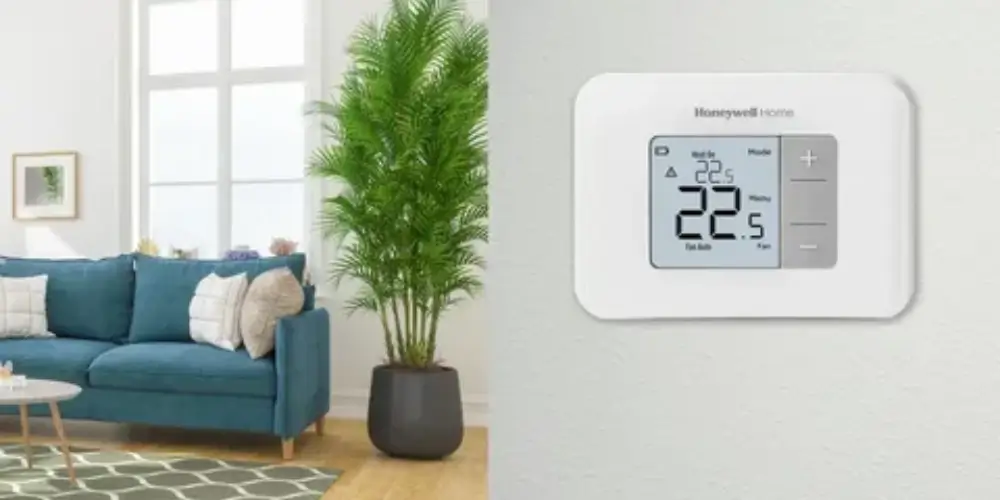
The ecobee Smart Thermostat Essential focuses on the core features many users need from a smart thermostat.
ecobee’s current lineup compares the Essential, Enhanced, and Premium models based on energy savings, integrations, sensors, and additional features.
Why It’s Good for Different Users
It can work well for users who don’t need:
- Built-in indoor air-quality monitoring
- Premium display features
- Advanced security functions
Best for: Users who want essential smart thermostat functionality at a lower feature level.
Key Features & Technology
★
Smart temperature control
Provides convenient control of your home’s indoor temperature.
★
Energy-saving scheduling
Helps manage heating and cooling according to your routine.
★
Mobile app control
Allows temperature adjustments directly from your smartphone.
★
Smart-home compatibility
Works with supported smart-home systems for connected control.
Sensor-Compatible Smart Thermostat Best for Users With Different Room Preferences
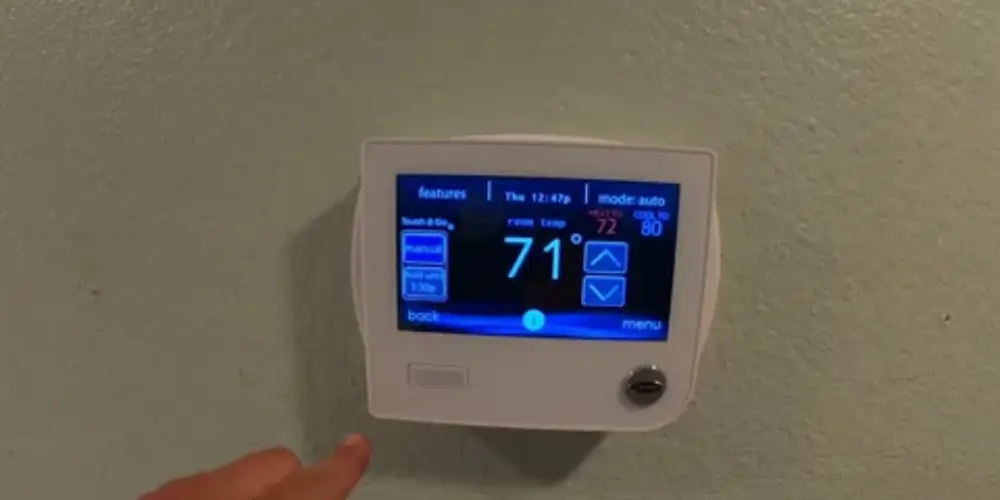
A sensor-compatible thermostat is especially useful when the temperature near the thermostat doesn’t represent the comfort level in the rest of the house.
For example, the main thermostat might be in a hallway while the bedroom upstairs is consistently warmer or cooler.
Google’s Nest Temperature Sensor can be used to prioritize temperature readings from another room, while ecobee’s SmartSensor provides temperature and occupancy information.
Useful Sensor Locations
- Home offices
- Living rooms
- Upstairs rooms
- Nurseries
- Frequently occupied spaces
- Bedrooms
Best for: Users who want more accurate comfort control in specific rooms.
Key Features & Technology
★
Room temperature sensors
Helps monitor temperatures in different areas of your home.
★
Multi-room monitoring
Provides better visibility of temperature conditions across rooms.
★
Better temperature balance
Helps maintain more consistent comfort throughout your home.
★
Smart scheduling
Allows temperature settings to follow your preferred routine.
ENERGY STAR Smart Thermostat Best for Energy-Conscious Users
sensers who prioritize lower heating and cooling consumption may prefer an ENERGY STAR-certified smart thermostat.
ENERGY STAR certification can be one factor to consider when comparing models, alongside features such as scheduling, occupancy detection, and energy reports.
Several current smart thermostat models, including Google Nest Learning Thermostat (4th gen) and Honeywell Home X-series models, carry ENERGY STAR certification.
Best for: Homeowners who want comfort management combined with energy-conscious operation.
Key Features & Technology
★
Energy-efficient operation
Designed to support efficient heating and cooling performance.
★
Smart scheduling
Adjusts temperature settings according to your selected schedule.
★
Energy usage tracking
Helps you understand heating and cooling energy consumption.
★
Remote temperature control
Allows convenient adjustments through compatible mobile devices.
Best Smart Thermostats by User Preference
| User Preference | Best Choice |
| Automatic Learning | Google Nest Learning Thermostat (4th Gen) |
| Advanced Features | ecobee Smart Thermostat Premium |
| Simple Operation | Google Nest Thermostat |
| Balanced Features | ecobee Smart Thermostat Enhanced |
| Premium Design | Honeywell Home X8S |
| Room-by-Room Comfort | Honeywell Home X7S |
| Smart-Home Integration | Honeywell Home X7B |
| Budget-Friendly Smart Features | ecobee Smart Thermostat Essential |
| Multiple Room Temperatures | Sensor-compatible thermostat |
| Energy Savings | ENERGY STAR smart thermostat |
| Remote Control | ecobee or Google Nest |
Buying Guides
Decide What You Actually Want From a Smart Thermostat
Start by identifying your main preference.
Do you want:
- Automatic temperature adjustments?
- Simple controls?
- Energy savings?
- Room sensors?
- Voice control?
- Smartphone control?
- Smart-home integration?
- Air-quality monitoring?
- Premium appearance?
The answer can narrow your choices considerably.
Choose Between Automatic and Manual Control
Some users prefer a thermostat that learns their habits.
The Nest Learning Thermostat (4th gen), for example, can use Smart Schedule to learn from temperature changes and optimize schedules.
Other users may prefer to create their own schedules and make manual changes.
Choose Learning Features If You Want:
- Automatic adjustments
- Adaptive comfort
- Personalized temperature schedules
- Less manual scheduling
Choose Simpler Controls If You Want:
- Manual scheduling
- Less automation
- Easy everyday adjustments
- Predictable operation
Consider Room Sensors
Room sensors are important if your home has uneven temperatures.
They can be particularly helpful for:
- Two-story homes
- Large homes
- Bedrooms
- Home offices
- Rooms with direct sunlight
- Rooms far from the main thermostat
Google’s 4th-generation system can use multiple temperature sensors together, while ecobee offers sensors that measure both temperature and occupancy.
Check Your Smart-Home Platform
Choose a thermostat that works with the devices you already use.
Common platforms include:
- Google Home
- Amazon Alexa
- Apple Home
- Matter
This is especially important if you want to control the thermostat using voice commands or include it in automated routines.
Check HVAC Compatibility
Before purchasing, identify your HVAC configuration.
Check whether your system uses:
- Conventional heating
- Central cooling
- Heat pump
- Multi-stage heating
- Multi-stage cooling
- Auxiliary heat
- Humidifier
- Dehumidifier
- Ventilation equipment
The Nest Learning Thermostat (4th gen), for example, supports a broad range of 24V HVAC configurations, including multiple heating and cooling stages and heat pumps with auxiliary/emergency heat.
Check C-Wire Requirements
Some smart thermostats need a C-wire or another compatible power solution.
Before buying, check:
- Whether your current thermostat has a C-wire.
- Whether the new thermostat requires one.
- Whether a power adapter is included.
- Whether your HVAC system supports the required configuration.
Don’t assume that every smart thermostat uses the same power arrangement.
Consider Your Preferred Display
Display preference is often overlooked.
You may prefer:
Minimal Display
Best for users who want the thermostat to blend into the wall.
Large Display
Best for users who want to read the temperature from across the room.
Customizable Display
Best for users who want clocks, weather, humidity, or other information visible.
Google’s 4th-generation Learning Thermostat supports customizable Farsight information including temperature, humidity, time, date, weather, and sensor information.
Look at Energy Features
If energy efficiency is important, compare:
- Eco mode
- Smart scheduling
- Occupancy detection
- Energy reports
- Automatic adjustments
- Utility programs
Nest, for example, can automatically switch to Eco Temperatures when it detects that nobody is home.
Consider Indoor Air Quality
Some users care about more than temperature.
If indoor air quality is important, consider a thermostat that can monitor or integrate with air-quality features.
The ecobee Smart Thermostat Premium includes indoor air-quality monitoring.
Consider Future Needs
Your current needs may change.
For example:
- A small household may later need room sensors.
- A basic smart-home setup may become more advanced.
- You may add voice assistants.
- You may replace HVAC equipment.
- You may want more detailed energy monitoring.
A thermostat with an expandable ecosystem can therefore be more useful over time.