
Smart thermostats with energy management features can do much more than control the temperature. The best models can help homeowners manage heating and cooling energy use, create efficient schedules, detect when the home is empty, provide energy reports, and automatically adjust temperatures when comfort is not needed.
Energy management is especially important because heating and cooling can represent a significant portion of household energy use. ENERGY STAR recommends certified smart thermostats because they are independently evaluated using real-world data for energy-saving performance. ENERGY STAR-certified models can include features such as learning schedules, geofencing, occupancy detection, Essential Features remote control, energy-use reporting, and utility demand-response programs.
The Google Nest Learning Thermostat (4th gen) is a strong choice for homeowners who want automated energy management through Smart Schedule, Eco Temperatures, Energy History, presence sensing, and adaptive features.
The ecobee Smart Thermostat Premium is another strong option for energy-conscious households because of its occupancy-aware comfort management, room sensors, scheduling, and energy-focused features. Independent comparisons have also highlighted ecobee Premium’s advanced sensors and smart-home capabilities.
1
Quick Comparison Of Best Smart Thermostat
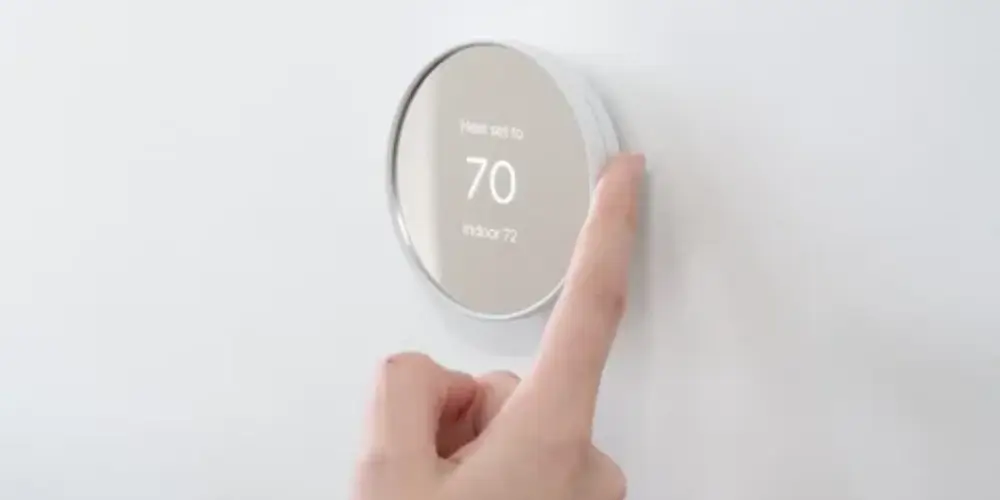
Google Nest Learning Thermostat (4th Gen) Best Overall for Energy Management

The Google Nest Learning Thermostat (4th gen) is one of the strongest choices for homeowners who want the thermostat to actively help manage energy use.
Its energy-management features go beyond a simple programmable schedule. The thermostat can learn from temperature adjustments, use Smart Schedule, switch to Eco Temperatures when the home is empty, and provide Energy History so homeowners can see how much the HVAC system has been running.
Energy Management
Smart Schedule can learn from your temperature adjustments and create a more personalized schedule. This reduces the need to manually change temperatures throughout the day.
Eco Temperatures can also help reduce energy use when the home is empty. Google explains that Nest thermostats can automatically switch to Eco Temperatures when nobody is home and return to the regular schedule when occupants return.
Energy History
Energy History lets homeowners review how long heating and cooling operated and compare usage from different days.
It can also show factors that contributed to higher or lower energy use, such as:
- Manual temperature changes
- Eco Temperatures
- Scheduled temperatures
- Weather
Best for: Homeowners who want automated energy management with detailed usage feedback.
Key Features & Technology
★
Automatic learning
Learns your temperature preferences and adjusts settings automatically.
★
Smart scheduling
Creates temperature schedules based on your daily routine.
★
Room sensors
Monitors temperatures in different rooms for better comfort.
★
Energy monitoring
Helps you track and manage energy use.
ecobee Smart Thermostat Premium Best for Advanced Energy Management
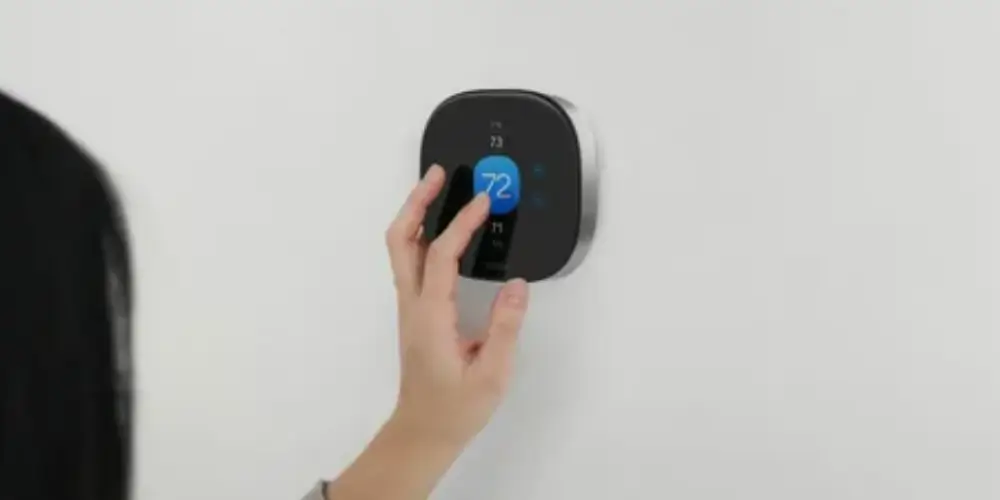
The ecobee Smart Thermostat Premium is a strong option for households that want energy management combined with occupancy detection and room-by-room comfort control.
Its SmartSensor ecosystem can provide temperature and occupancy information from rooms away from the thermostat, allowing the system to better understand how the home is being used.
Energy Management
The biggest advantage is the combination of temperature + occupancy information.
For example:
Home occupied → Maintain comfort
Home empty → Reduce unnecessary HVAC operation
Bedroom occupied → Prioritize bedroom comfort
This can make energy management more responsive than a simple fixed schedule.
Best for: Large homes, families, and users who want advanced energy management.
Key Features & Technology
★
Occupancy sensing
Detects when people are present in your home.
★
Room sensors
Monitors temperatures in different rooms.
★
Air-quality monitoring
Helps you monitor indoor air quality.
★
Smart scheduling
Creates schedules according to your routine.
ecobee Smart Thermostat Enhanced Best for Balanced Energy Features
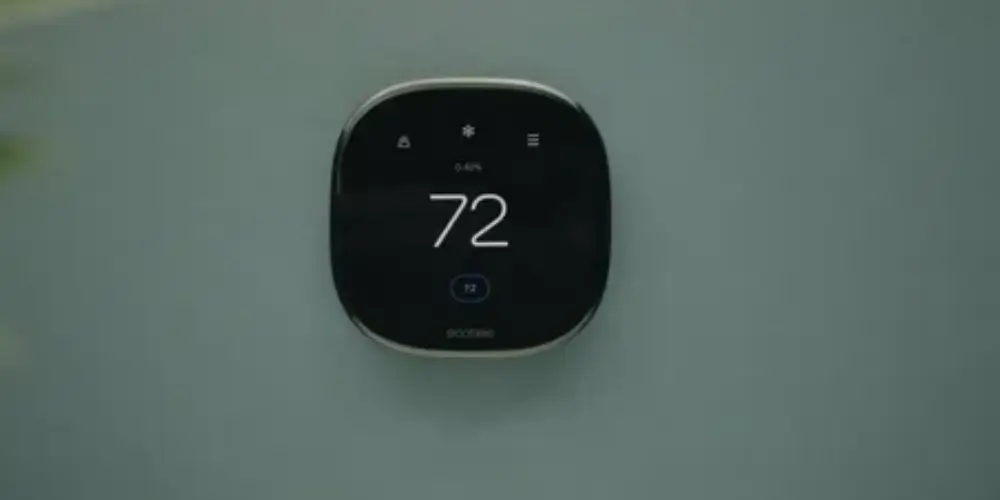
The ecobee Smart Thermostat Enhanced is a useful middle-ground option for homeowners who want energy management without choosing the highest-feature model.
Why It’s Useful
It provides the essential energy-management functions while leaving room for future expansion.
You can use:
- Scheduled temperature changes
- Remote adjustments
- Energy-saving settings
- Optional room sensors
Best for: Homeowners who want balanced energy management and smart features.
Key Features & Technology
★
Smart scheduling
Lets you create temperature schedules for your routine.
★
Occupancy detection
Detects when your home is occupied.
★
Room sensors
Helps monitor temperatures in different rooms.
★
Remote control
Lets you adjust settings from anywhere.
The Google Nest Thermostat is a good choice for users who want basic energy-management features without the more advanced learning capabilities of the Nest Learning Thermostat.
Google states that Nest thermostats can automatically switch to Eco Temperatures when nobody is home and return to the normal schedule when occupants return.
Why It’s Useful
It can help homeowners avoid maintaining the same heating or cooling temperature when the house is empty.
Best for: First-time buyers who want simple energy management.
Key Features & Technology
★
Smart scheduling
Lets you create temperature schedules for different times.
★
Remote control
Lets you adjust temperature settings remotely.
★
Energy saving
Helps reduce unnecessary heating and cooling.
★
Voice control
Lets you manage settings with compatible voice assistants.
Honeywell Home X8S Best for Advanced Energy and Comfort Management

The Honeywell Home X8S is designed for homeowners who want advanced smart thermostat functionality, including occupancy-related features and smart control.
Energy Management
Occupancy and presence features can help reduce unnecessary HVAC operation when the home or certain areas aren’t being used.
Best for: Users who want energy management combined with advanced comfort features.
Key Features & Technology
★
Smart temperature control
Lets you easily adjust and maintain indoor temperatures.
★
Occupancy sensing
Detects when people are present in different areas.
★
Remote access
Lets you manage temperature settings remotely.
★
Energy management
Helps you manage heating and cooling energy use.
Honeywell Home X7S Best for Multi-Room Energy Management
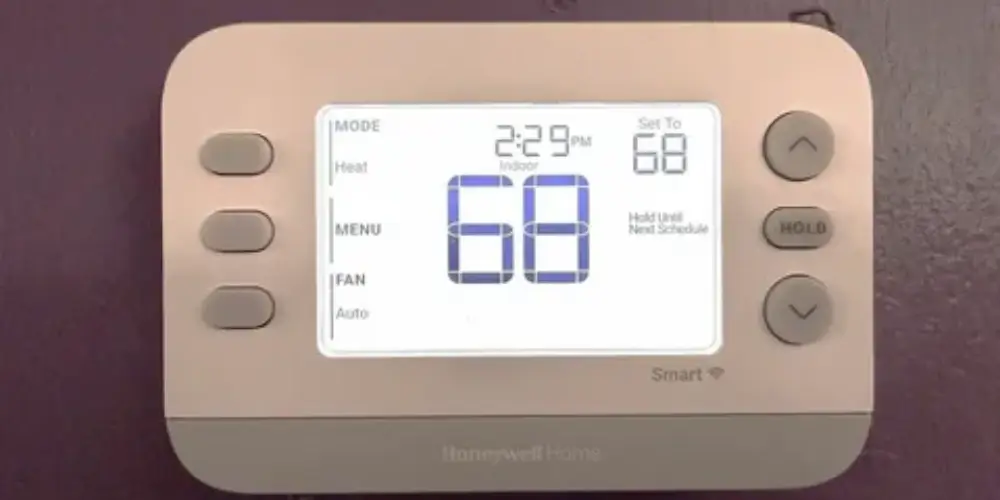
The Honeywell Home X7S is useful for homes where temperature varies significantly between rooms.
Why Room Sensors Matter
A thermostat in a hallway may measure a comfortable temperature while a bedroom upstairs is much warmer.
Room sensors can provide additional information that helps the thermostat better manage comfort.
This can be especially useful in:
- Two-story homes
- Large houses
- Rooms with strong sunlight
- Poorly insulated areas
- Frequently occupied rooms
Best for: Homeowners who want better energy and comfort management across multiple rooms.
Key Features & Technology
★
Smart temperature control
Lets you maintain comfortable indoor temperatures.
★
Programmable scheduling
Lets you set temperature changes for different times.
★
Remote access
Lets you adjust thermostat settings from anywhere.
★
Smart-home connectivity
Connects with compatible smart-home devices.
Honeywell Home X7B Best for Connected Energy Management
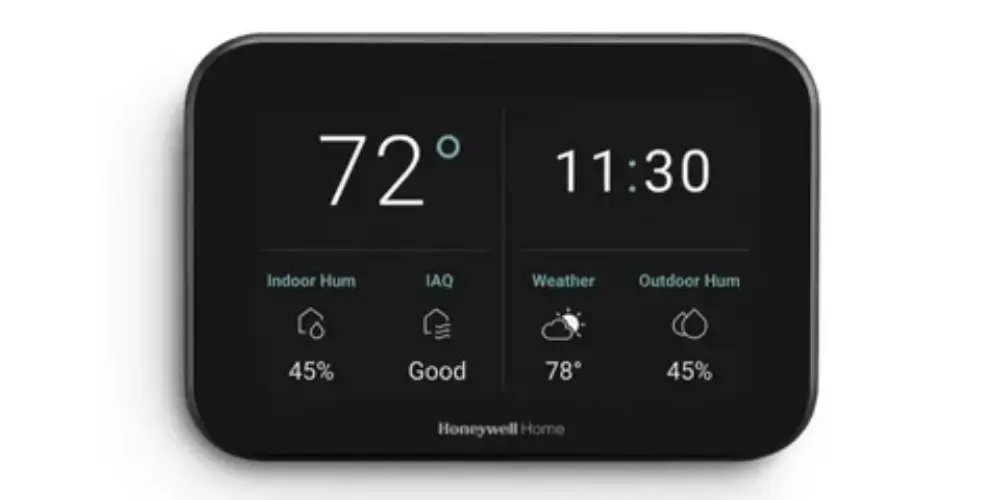
The Honeywell Home X7B is suitable for homeowners who want their thermostat to work as part of a broader connected home.
Energy Management
The thermostat can become part of broader smart-home routines that manage temperature according to schedules and household activity.
Best for: Smart-home users who want connected energy management.
Key Features & Technology
★
Smart temperature control
Lets you create automated temperature schedules for your home.
★
Wi-Fi connectivity
Connects the thermostat to your home network.
★
Remote control
Allows you to change temperature settings from your phone.
★
Energy management
Helps manage heating and cooling for more efficient energy use.
ENERGY STAR Smart Thermostat Best for Certified Energy Savings
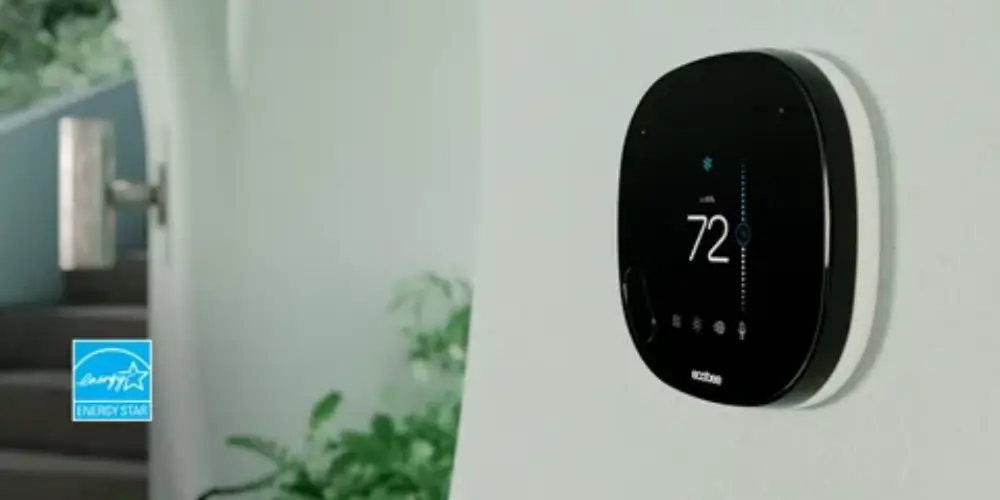
An ENERGY STAR-certified smart thermostat is an excellent category to consider if energy efficiency is your primary concern.
ENERGY STAR certification requires smart thermostat providers to demonstrate energy savings using real-world field data. Certified products also have requirements around scheduling, energy-use feedback, HVAC runtime information, standby power, and energy-saving performance.
Why It’s Useful
Rather than selecting a thermostat based only on marketing claims, ENERGY STAR certification gives buyers an independent efficiency benchmark.
Best for: Homeowners who want independently certified energy-saving performance.
Key Features & Technology
★
Energy efficiency
Helps reduce unnecessary heating and cooling energy use.
★
Programmable scheduling
Lets you set temperatures according to your daily routine.
★
Remote control
Allows you to adjust thermostat settings remotely.
★
Temperature monitoring
Helps track and manage indoor temperature levels.
Occupancy-Aware Smart Thermostat Best for Automatic Energy Savings When Away
An occupancy-aware thermostat can detect whether people are home and adjust heating or cooling accordingly.
ENERGY STAR identifies both geofencing and direct presence detection as common ways smart thermostats can determine when a home is empty.
Example
Morning: Home → Normal comfort temperature
Work hours: Empty → Energy-saving temperature
Before returning: Presence detected → Restore comfort
Night: Occupied → Follow sleep schedule
Why It’s Useful
It prevents the HVAC system from continuously maintaining a comfort temperature when nobody is using the home.
Best for: Households with predictable periods when the home is empty.
Key Features & Technology
★
Room sensors
Uses additional sensors to monitor temperatures in different rooms.
★
Multi-room monitoring
Lets you monitor temperature conditions across multiple rooms.
★
Temperature balancing
Helps maintain more consistent temperatures throughout your home.
★
Smart scheduling
Lets you create temperature schedules for convenient automatic control.
Sensor-Compatible Smart Thermostat Best for Uneven-Temperature Homes
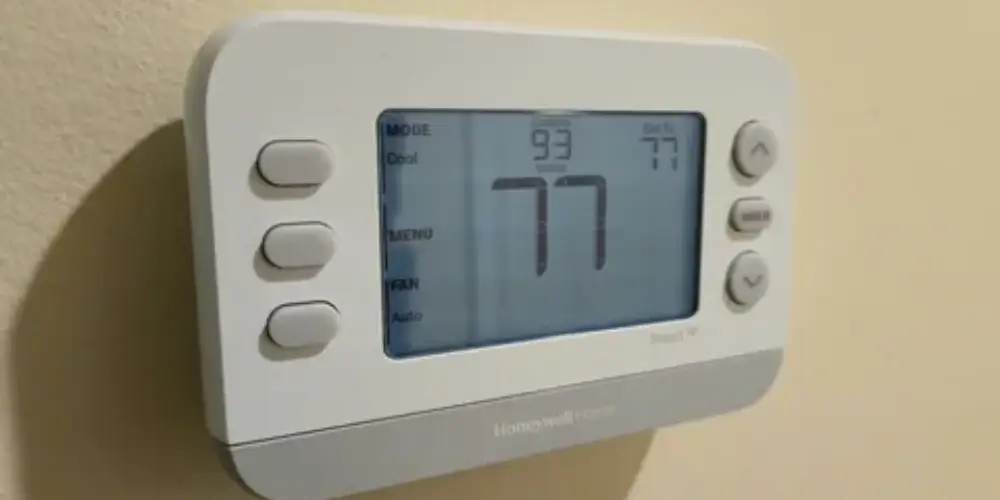
Temperature sensors can improve energy management when different areas of the home have different temperatures.
ENERGY STAR notes that temperature sensors can help manage temperature differences caused by factors such as insulation problems and sun exposure.
Useful Sensor Locations
Bedrooms
- Upstairs rooms
- Home offices
- Living rooms
- Rooms with direct sunlight
- Frequently occupied spaces
Why It’s Useful
Instead of relying on a single temperature reading, a compatible thermostat can use additional room information to make better comfort decisions.
Best for: Large homes and homes with uneven temperature distribution.
Key Features & Technology
★
Wi-Fi connectivity
Connects the thermostat to your home network for smart control.
★
Remote control
Lets you adjust temperature settings from your smartphone.
★
Programmable scheduling
Allows you to set automatic temperature changes throughout the day.
★
Mobile app
Provides smartphone access to basic thermostat controls.
Best Smart Thermostats by Energy Management Feature
| Energy Management Need | Best Choice |
| Best Overall Energy Management | Google Nest Learning Thermostat (4th Gen) |
| Advanced Energy Management | ecobee Smart Thermostat Premium |
| Smart Scheduling | Google Nest Learning Thermostat (4th Gen) |
| Energy History | Google Nest Learning Thermostat |
| Occupancy-Based Savings | ecobee Smart Thermostat Premium |
| Simple Energy Savings | Google Nest Thermostat |
| Room-Based Energy Management | Honeywell Home X7S |
| Multi-Room Efficiency | Sensor-compatible thermostat |
| Certified Energy Savings | ENERGY STAR smart thermostat |
| Away Energy Savings | Occupancy-aware thermostat |
| Balanced Energy Features | ecobee Smart Thermostat Enhanced |
| Smart-Home Energy Control | Honeywell Home X7B |
Buying Guides
1. Look for ENERGY STAR Certification
If energy efficiency is a major priority, ENERGY STAR certification is one of the first things to check.
ENERGY STAR-certified smart thermostats are independently evaluated using real-world data and must meet specific energy-saving requirements.
2. Check for Smart Scheduling
A good energy-management thermostat should allow you to create efficient schedules.
For example:
Morning → Comfortable temperature
Daytime → Energy-saving temperature
Evening → Comfortable temperature
Night → Lower heating / higher cooling
This reduces HVAC operation during periods when maximum comfort isn’t required.
3. Look for Learning Features
Some thermostats can learn your routine instead of requiring you to manually program every temperature change.
Google’s Nest Learning Thermostat can use Smart Schedule to learn from temperature adjustments and optimize the schedule.
Best for: Homeowners who want automatic energy management.
4. Check for Occupancy Detection
Occupancy detection is one of the most useful energy-saving features.
The thermostat can respond when:
- Everyone leaves
- Someone returns
- A room becomes occupied
- A home remains empty for an extended period
ENERGY STAR recognizes occupancy detection and geofencing as important smart thermostat energy-management features.
5. Consider Geofencing
Geofencing uses your smartphone’s location to determine whether you’re near or away from home.
For example:
Leave home → Temperature setback
Approach home → Restore comfort
ENERGY STAR lists geofencing as a common smart thermostat feature for automatically adjusting temperatures when occupants leave or return.
6. Look for Energy Reports
Energy reports help you understand whether your thermostat settings are actually reducing HVAC operation.
Google’s Energy History shows heating and cooling runtime and can help users compare different days and understand why energy use changed.
Some ENERGY STAR-certified smart thermostat services also provide monthly energy-use reports.
7. Check for Eco or Away Mode
Eco modes can reduce energy use when comfort isn’t the priority.
For heating, this generally means allowing a lower temperature.
For cooling, it generally means allowing a higher temperature.
Google specifically notes that energy-efficient Eco Temperatures can help reduce energy use when they are set appropriately relative to comfort temperatures.
8. Consider Vacation Mode
Vacation mode is useful when you will be away for several days.
Instead of keeping your normal comfort schedule running, the thermostat can maintain a more energy-conscious temperature while protecting the home from extreme conditions.
ENERGY STAR identifies vacation mode as an energy-management feature to consider.
9. Consider Room Sensors
Room sensors can help with energy management in homes where temperatures differ significantly.
For example, if the thermostat is in a hallway but the bedroom is warmer, a compatible sensor can provide additional temperature information.
This can be especially useful in:
- Large homes
- Two-story homes
- Homes with poor insulation
- Rooms with direct sunlight
ENERGY STAR specifically identifies temperature sensors as a way to manage temperature differences within a home.
10. Check Energy-Use Feedback
A good energy-management thermostat should tell you something about how your HVAC system is operating.
ENERGY STAR’s certification criteria require certified smart thermostats to provide residents with some form of feedback about the energy consequences of settings and information about HVAC energy use.
11. Look for Utility Programs
Some smart thermostats can participate in utility demand-response programs.
These programs may allow the utility to request temporary adjustments during periods of high demand, while ENERGY STAR’s requirements preserve the consumer’s ability to override those requests.
Availability depends on your utility and location.
12. Check HVAC Compatibility
Energy management only works properly when the thermostat is compatible with the HVAC system.
Check whether your system uses:
Conventional HVAC
Heating and cooling equipment with standard thermostat connections.
Heat Pump
May require O/B and auxiliary heating connections.
Multi-Stage HVAC
May require additional heating or cooling stages.
Dual-Fuel System
May have additional control requirements.
HVAC Accessories
Some systems also include:
- Humidifiers
- Dehumidifiers
- Ventilation equipment
Always check the manufacturer’s compatibility information before buying.
13. Check C-Wire Requirements
Many smart thermostats require reliable power for Wi-Fi connectivity and other functions.
ENERGY STAR notes that most, but not all, smart thermostats use a C-wire for continuous power. If a C-wire isn’t available, the installation may require a compatible adapter or another power solution.
14. Don’t Choose Energy Features Based Only on Marketing
Look at actual functionality.
A thermostat claiming to be “energy efficient” should ideally provide features such as:
- Scheduling
- Energy feedback
- Occupancy detection
- Eco/Away modes
- Remote control
- Learning
- Energy reports
ENERGY STAR certification can provide an additional independent benchmark.