
Best Smart thermostats with smart home integration can connect your heating and cooling system with other devices and platforms throughout your home. Instead of controlling the thermostat only from its display or a dedicated mobile app, remote control you can connect it with platforms such as Google Home, Amazon Alexa, Apple Home, and Samsung SmartThings.
This integration allows a thermostat to become part of a larger home automation system. Depending on the thermostat and platform, you may be able to change the temperature with voice commands, create automations, coordinate the thermostat with occupancy sensors, adjust settings when you leave home, and control multiple smart devices from one app.
Matter has also become increasingly important because it is designed to improve compatibility between smart-home platforms. Google explains that Matter-enabled devices can work across platforms such as Google Home, Apple Home, and Amazon Alexa through Matter’s Multi-Admin functionality.
For homeowners who already use a specific smart-home ecosystem, choosing a thermostat that supports that ecosystem can make setup and daily control much easier.
1
Quick Comparison Of Best Smart Thermostat
Ecobee Best Smart Thermostat Premium Best Overall for Smart Home Integration
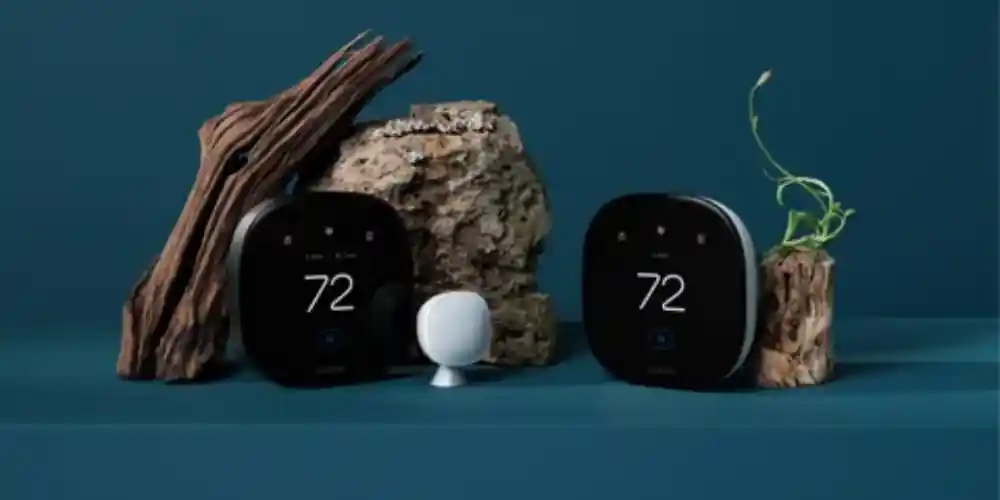
The ecobee Smart Thermostat Premium is one of the strongest choices for homeowners who want to connect their thermostat with several major smart-home ecosystems.
Consumer Reports lists the Premium as compatible with Amazon Alexa, Apple Home, Google Home, and Samsung SmartThings, while also noting support for the Matter smart-home standard.
Smart Home Integration
The biggest advantage is ecosystem flexibility.
You can potentially use the thermostat alongside:
- Smart speakers
- Smart displays
- Smart lights
- Door sensors
- Motion sensors
- Smart plugs
- Security devices
- Other compatible home automation products
Why It’s Useful
If your household uses a combination of Apple, Google, and Amazon devices, you don’t necessarily have to build your entire smart home around one manufacturer.
Best for: Homeowners who want broad smart-home compatibility and advanced automation.
Key Features & Technology
★
Smart Sensor included
Helps detect temperatures in different rooms for better comfort.
★
Built-in air quality monitor
Monitors indoor air quality and provides useful information.
★
Smart Home & Away
Adjusts temperature based on whether people are home or away.
★
Voice control
Lets you adjust temperature using supported voice assistants.
Google Nest Learning Thermostat (4th Gen) Best for Google Home Users
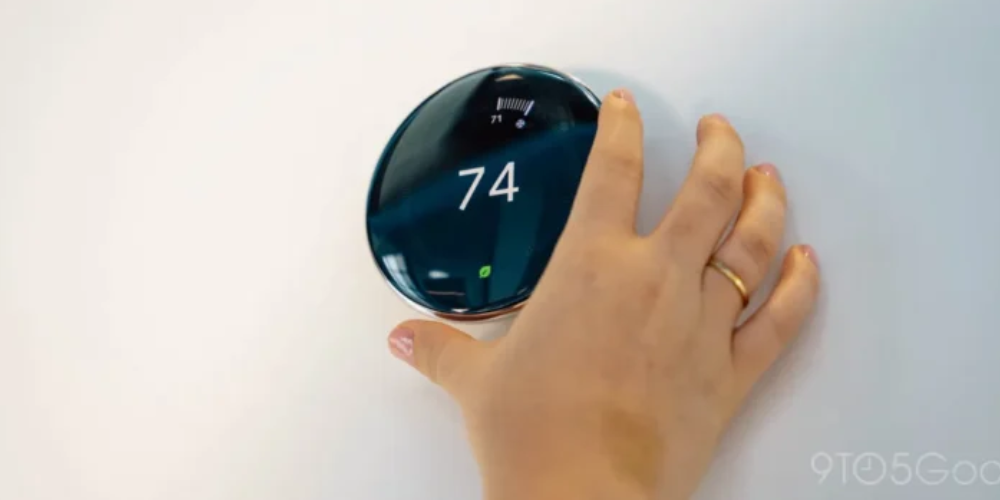
The Google Nest Learning Thermostat (4th gen) is an excellent choice for homes already built around Google Home and Nest products.
The Nest Learning Thermostat is set up and managed through the Google Home app.
Smart Home Integration
Google Home can combine the thermostat with other compatible smart-home devices.
For example:
Leave home → Adjust thermostat
Arrive home → Restore comfort temperature
Nighttime → Adjust temperature automatically
Voice command → Change thermostat setting
Google Home also supports Matter-enabled devices and allows compatible Matter devices to be controlled through different Matter-certified platforms.
Alexa Compatibility
Google also provides an official Nest skill for Amazon Alexa, allowing compatible Nest thermostats to be controlled with Alexa voice commands.
Best for: Homeowners already using Google Home, Nest speakers, displays, and other Google-connected devices.
Key Features & Technology
★
Learns your schedule
Learns your temperature preferences and daily routine over time.
★
Adaptive temperature control
Adjusts temperature settings to maintain comfortable conditions.
★
Smart Energy features
Helps reduce unnecessary heating and cooling to save energy.
★
Remote control
Lets you manage your thermostat from your smartphone.
Ecobee Smart Thermostat Enhanced Best for Balanced Smart Home Integration
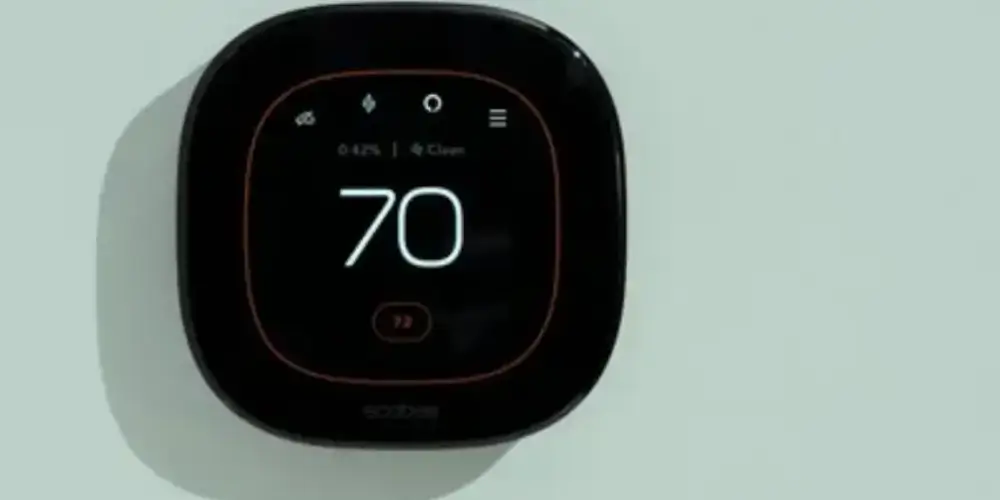
The ecobee Smart Thermostat Enhanced provides a strong combination of thermostat functionality and smart-home compatibility.
Consumer Reports lists compatibility with Amazon Alexa, Apple Home, Google Home, and Samsung SmartThings.
Why It’s Useful
The Enhanced model works well for users who want smart-home compatibility without necessarily choosing ecobee’s most feature-rich model.
You can integrate the thermostat into routines such as:
- Home mode
- Away mode
- Night mode
- Vacation mode
- Energy-saving automation
Best for: Homeowners who want broad smart-home compatibility with a balanced feature set.
Key Features & Technology
★
SmartSensor compatible
Supports sensors that help balance temperatures between rooms.
★
Smart Home & Away
Adjusts temperature when you leave or return home.
★
Energy-saving settings
Helps optimize heating and cooling for efficient operation.
★
Remote app control
Allows you to adjust settings from your smartphone.
Ecobee Smart Thermostat Essential Best Affordable Smart Home Integration
The ecobee Smart Thermostat Essential is designed for homeowners who want important smart thermostat functions without paying for every premium feature.
Why It’s Useful
You can make the thermostat part of existing routines rather than treating it as a standalone HVAC controller.
For example:
Good Morning Routine → Adjust thermostat + turn on lights
Leaving Home → Set thermostat to energy-saving temperature + turn off lights
Good Night → Adjust thermostat + activate other smart-home devices
Best for: Budget-conscious homeowners who still want smart-home integration.
Key Features & Technology
★
Smart scheduling
Lets you create temperature schedules based on your daily routine.
★
Remote temperature control
Allows temperature adjustments through the mobile app.
★
Energy-saving features
Helps manage heating and cooling more efficiently.
★
Mobile app control
Provides convenient thermostat management from your phone.
Honeywell Home T9 Smart Thermostat Best for Multi-Room Smart Homes
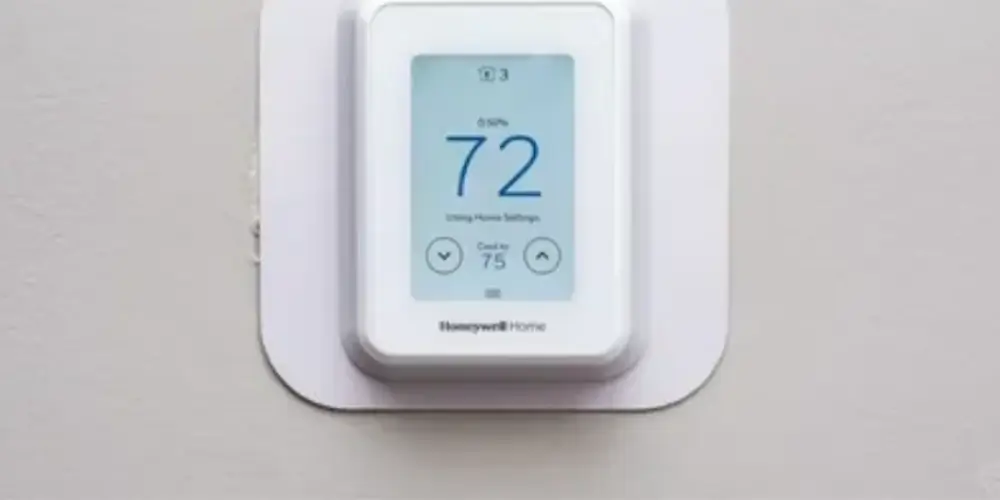
The Honeywell Home T9 Smart Thermostat combines smart-home integration with wireless room temperature sensors.
Consumer Reports lists support for Amazon Alexa, Apple Home, Google Home, and Samsung SmartThings.
Why Room Sensors Matter
Smart-home automation becomes more useful when the thermostat knows which areas of your home are occupied.
For example:
Bedroom occupied → Prioritize bedroom comfort
Everyone away → Use energy-saving settings
Family room occupied → Prioritize that room
Best For:Large homes, multi-room households, and users who want smart-home integration combined with temperature sensors.
Key Features & Technology
★
Smart room sensors
Monitors selected rooms to help maintain comfortable temperatures.
★
Room-by-room control
Helps prioritize temperature comfort in specific rooms.
★
Smart scheduling
Creates heating and cooling schedules around your routine.
★
Geofencing
Uses your location to adjust the temperature when you leave or return.
Honeywell Home T10+ Pro Smart Thermostat Best for Advanced HVAC and Smart Home Integration
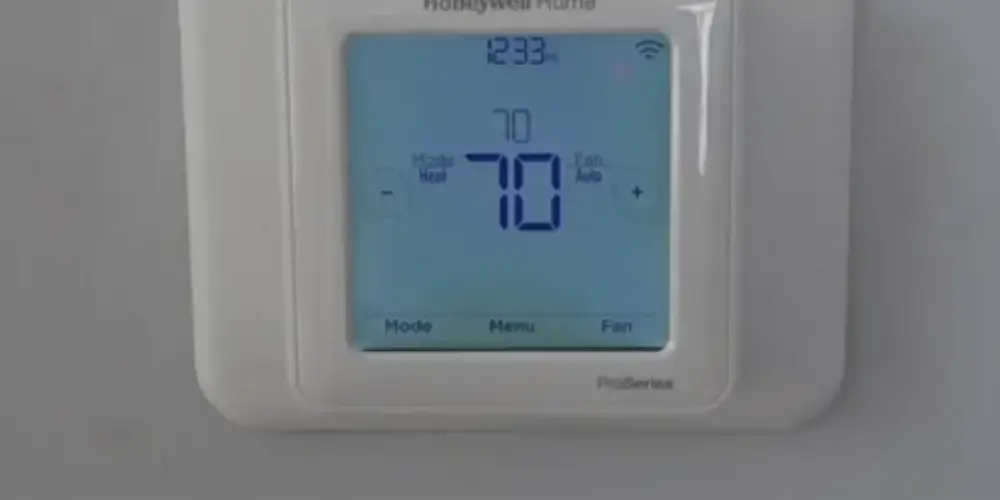
The Honeywell Home T10+ Pro is designed for homeowners who need more advanced HVAC control.
It can manage compatible functions such as:
- Heating
- Cooling
- Humidity
- Dehumidification
- Ventilation
- Room temperature sensing
- Smart scheduling
Honeywell Home describes the T10+ Pro as supporting advanced HVAC functions and app-based management.
Smart Home Advantage
Instead of simply turning heating or cooling on and off, the thermostat can become part of a broader comfort-management system.
For example:
High humidity → Activate compatible dehumidification
Home occupied → Adjust comfort settings
Away → Use energy-saving settings
Schedule change → Update HVAC operation
Best for: Homeowners with advanced HVAC systems who want smart-home automation.
Key Features & Technology
★
Multiple room sensors
Monitors temperatures across different rooms for whole-home comfort.
★
Advanced scheduling
Provides flexible temperature settings throughout the day.
★
Smart room control
Helps manage temperatures according to room preferences.
★
Remote app access
Allows you to control the thermostat from your smartphone.
Honeywell Home X2S Smart Thermostat Best for Matter Integration
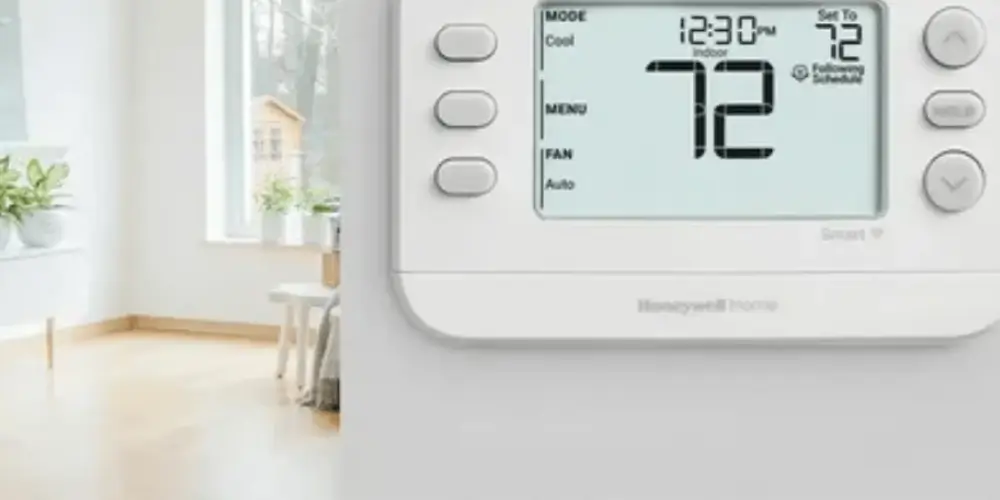
The Honeywell Home X2S is an interesting choice for homeowners who want modern smart-home compatibility.
Honeywell’s current smart thermostat lineup includes the X2S, and current testing coverage lists compatibility with Apple Home, Amazon Alexa, and Google Assistant.
Matter is especially useful because it is intended to reduce compatibility problems between smart-home ecosystems.
Why Matter Matters
Instead of choosing a thermostat solely because it works with one platform, Matter can provide more flexibility across supported platforms.
Google explains that Matter devices can be controlled through multiple Matter-certified smart-home apps, including Google Home, Apple Home, and Amazon Alexa.
Best for: Homeowners who want a more platform-flexible smart-home setup.
Key Features & Technology
★
Smart scheduling
Lets you create convenient heating and cooling schedules.
★
Wi-Fi connectivity
Connects to your home network for smart thermostat features.
★
Remote temperature control
Allows adjustments through a compatible mobile app.
★
Energy-saving settings
Helps optimize temperature settings for efficient operation.
Sensi Touch 2 Smart Thermostat Best for Simple Smart Home Control
The Sensi Touch 2 Smart Thermostat is a good choice for homeowners who want smart-home integration without an overly complicated setup.
Current testing information lists compatibility with:
- Amazon Alexa
- Google Assistant
- Samsung SmartThings
Why It’s Useful
It works well for households that already use Alexa, Google Assistant, or SmartThings and want the thermostat to become part of their existing setup.
Best for: Users who want straightforward smart-home integration.
Key Features & Technology
★
Full-color touchscreen
Provides a clear and easy-to-use interface for temperature control.
★
Smart scheduling
Allows you to create personalized heating and cooling schedules.
★
Remote app control
Lets you manage the thermostat from your smartphone.
★
Usage reports
Helps you understand your heating and cooling usage patterns.
Mysa Smart Thermostat Best for Broad Platform Compatibility
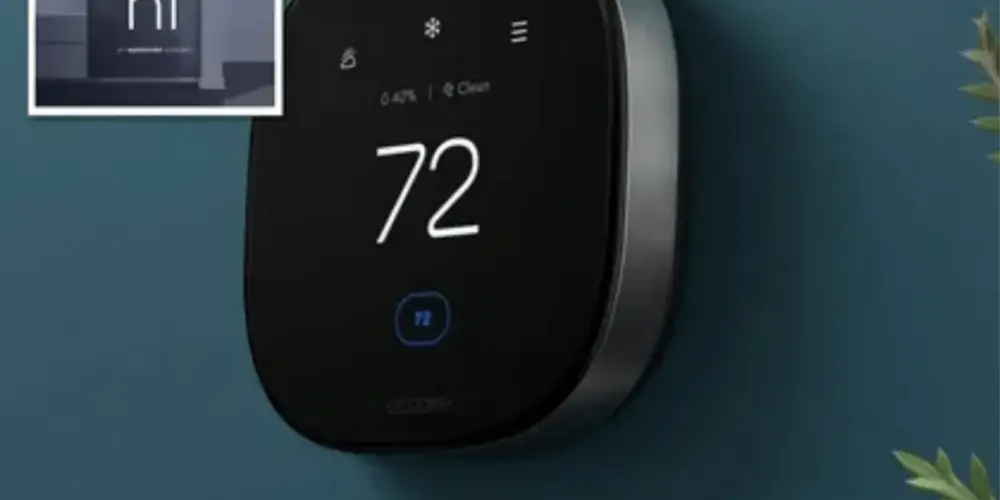
Mysa is particularly interesting for homeowners who want compatibility across major smart-home ecosystems.
Current 2026 coverage notes that Mysa thermostats can work with Alexa, Google Home, and Apple HomeKit, making them useful for households that don’t want to commit to only one ecosystem.
Important Consideration
Mysa offers different thermostat products for different HVAC types, including central HVAC and electric heating systems.
Always confirm that the specific Mysa model matches your heating system before purchasing.
Best for: Users who want broad smart-home platform support, particularly in homes using electric heating or compatible HVAC systems.
Key Features & Technology
★
Electric heating support
Designed for compatible electric heating systems.
★
Smart scheduling
Lets you set temperature schedules around your daily routine.
★
Energy monitoring
Helps you track heating energy use and efficiency.
★
Voice assistant support
Allows convenient temperature control using supported voice assistants.
Amazon Smart Thermostat Best for Alexa-Based Homes
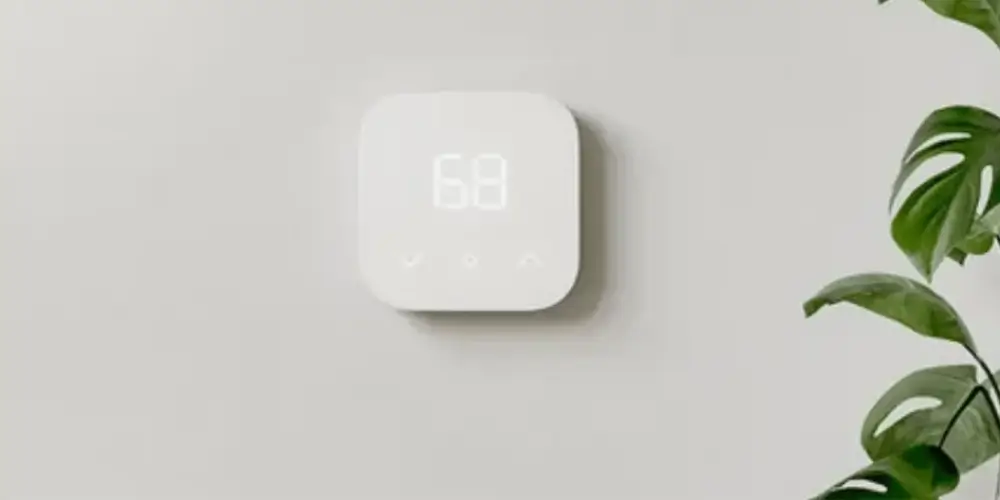
The Amazon Smart Thermostat is particularly suitable for households already using Amazon Alexa.
Smart Home Integration
Alexa can make the thermostat part of broader routines.
For example:
Alexa Good Morning → Adjust thermostat + turn on lights
Alexa Away Mode → Set energy-saving temperature
Alexa Bedtime → Adjust thermostat + control bedroom devices
Why It’s Useful
If your home already has Echo speakers, Echo Show displays, smart plugs, and other Alexa-compatible devices, an Alexa-focused thermostat can simplify your smart-home setup.
Best for: Homeowners heavily invested in Amazon Alexa.
Key Features & Technology
★
Alexa integration
Works with Alexa for convenient smart-home temperature control.
★
Smart scheduling
Creates temperature schedules based on your routine.
★
Remote temperature control
Lets you adjust the temperature through the Alexa app.
★
Automatic comfort adjustments
Helps maintain comfortable temperatures automatically.
Best Smart Thermostats by Smart Home Ecosystem
| Smart Home Platform | Best Choice |
| Google Home | Google Nest Learning Thermostat (4th Gen) |
| Amazon Alexa | ecobee Smart Thermostat Premium |
| Apple Home | ecobee Smart Thermostat Premium |
| Samsung SmartThings | ecobee Smart Thermostat Premium |
| Multiple Ecosystems | ecobee Smart Thermostat Premium |
| Matter | ecobee Smart Thermostat Premium / Honeywell Home X2S |
| Google + Alexa | Google Nest Learning Thermostat |
| Alexa + Apple Home | ecobee Smart Thermostat Premium |
| Apple Home + Google Home + Alexa | ecobee Smart Thermostat Premium |
| Simple Integration | Sensi Touch 2 |
| Multi-Room Smart Home | Honeywell Home T9 |
| Advanced HVAC Automation | Honeywell Home T10+ Pro |
Buying Guide
1. Choose Your Smart Home Ecosystem First
Before buying a smart thermostat, determine which platform you already use.
You may primarily use:
- Google Home
- Amazon Alexa
- Apple Home
- Samsung SmartThings
- Multiple platforms
This can significantly narrow your choices.
2. Check Apple Home Compatibility
If you use iPhones, iPads, HomePods, and other Apple smart-home devices, check whether the thermostat supports Apple Home or HomeKit.
This allows the thermostat to become part of Apple Home automations.
For example:
Leaving Home → Adjust thermostat
Arriving Home → Restore comfort temperature
Night → Set bedroom temperature
Don’t assume that every Wi-Fi thermostat automatically supports Apple Home.
3. Check Google Home Compatibility
Google Home can provide:
- App control
- Voice control
- Automations
- Smart-home routines
- Remote access
Google also supports Matter-enabled devices and cross-platform Matter control.
4. Check Amazon Alexa Compatibility
Alexa integration allows compatible thermostats to respond to voice commands.
For example:
“Alexa, set the thermostat to 72 degrees.”
You can also incorporate the thermostat into Alexa routines with other compatible devices.
Google Nest thermostats can also be controlled through Amazon Alexa using Google’s Nest Alexa skill.
5. Consider Matter Support
Matter can be especially valuable if you don’t want to lock your smart home into a single platform.
Google explains that Matter is designed to increase compatibility and allow supported devices to work across multiple Matter-certified smart-home apps.
Matter can be useful for:
- Mixed-platform homes
- Future smart-home upgrades
- Cross-platform control
- Simplified device management
- Reducing compatibility concerns
However, don’t buy a thermostat based on the Matter logo alone. Check exactly which thermostat functions are supported through Matter.
6. Check Voice Control
Voice control is one of the easiest ways to integrate a thermostat into a smart home.
Look for compatibility with:
- Alexa
- Google Assistant
- Siri
- Apple Home
Some thermostats also have built-in voice assistants.
7. Check Automation Support
Smart-home integration should go beyond voice commands.
Look for the ability to create automations such as:
Leaving Home
Thermostat → Energy-saving setting
Lights → Off
Security → Armed
Arriving Home
Thermostat → Comfortable temperature
Lights → On
Security → Disarmed
Bedtime
Thermostat → Sleep temperature
Lights → Dim
Doors → Locked
8. Consider Occupancy Sensors
Occupancy sensors can make smart-home automation more useful.
A thermostat can potentially use occupancy information to determine whether comfort settings should be maintained or whether energy-saving settings should be activated.
The ecobee Premium, for example, includes occupancy sensing, while Honeywell Home T9 also combines occupancy features with room sensors.
9. Check Remote Sensors
If your home has multiple rooms, consider a thermostat that supports wireless temperature sensors.
These can help identify temperature differences between:
- Bedrooms
- Living rooms
- Offices
- Upper floors
- Lower floors
This is especially useful for large homes.
10. Check HVAC Compatibility
Smart-home compatibility doesn’t matter if the thermostat isn’t compatible with your HVAC system.
Before buying, check whether your system uses:
- Central AC
- Furnace
- Heat pump
- Boiler
- Multi-stage heating
- Multi-stage cooling
- Dual fuel
- Humidifier
- Dehumidifier
- Ventilation
11. Check C-Wire Requirements
Many smart thermostats need reliable power for Wi-Fi and smart-home functions.
Before installation, determine whether you have:
- A C-wire
- An unused conductor
- A compatible power extender
- A manufacturer-approved C-wire adapter
12. Check Which Features Work Through Each Platform
This is important.
A thermostat may support Alexa, Google Home, and Apple Home but not expose every thermostat feature through every platform.
For example, basic temperature control may be available while advanced settings remain available only in the manufacturer’s app.
Google specifically notes that some Nest thermostat features cannot be controlled through Alexa.
13. Check the Manufacturer’s App
Even with smart-home integration, the manufacturer’s app remains important.
Use the manufacturer’s app for:
- Initial setup
- Firmware updates
- Advanced settings
- Detailed schedules
- Energy reports
- Sensor configuration
- Troubleshooting
14. Consider Multiple Users
If several people live in your home, check whether the thermostat can be shared with household members.
A good smart-home system should allow authorized household members to control the thermostat without sharing one account password.
15. Consider Future Compatibility
Smart-home standards continue to evolve.
Choosing a thermostat with broad platform support or Matter certification can provide more flexibility for future smart-home upgrades.
However, always verify current compatibility for the exact model rather than assuming future support.