
Best smart thermostats for first-time buyers can make home temperature control easier by combining automatic scheduling, remote app control, energy monitoring, learning features, and smart-home integration in one device. For first-time buyers, however, choosing the right model can be confusing because smart thermostats differ in HVAC compatibility, installation requirements, C-wire needs, Smart Thermostat with Remote Control Features, room sensors, voice-assistant support, and setup complexity.
The best smart thermostat for a first-time buyer should be easy to install, simple to operate, compatible with the home’s HVAC system, and equipped with useful features without creating unnecessary complexity.
The best smart thermostats with essential features offer convenient temperature control, easy scheduling, and reliable heating and cooling management. These thermostats help homeowners improve comfort, manage energy use, and enjoy useful smart home features without unnecessary complexity.
Before buying, check whether the thermostat supports your heating and cooling system, whether a C-wire or power accessory is required, and whether it works with the smart-home platform you already use.
1. Quick Comparison Of Best Smart Thermostat
Google Nest Learning Thermostat Best Overall for First-Time Buyers
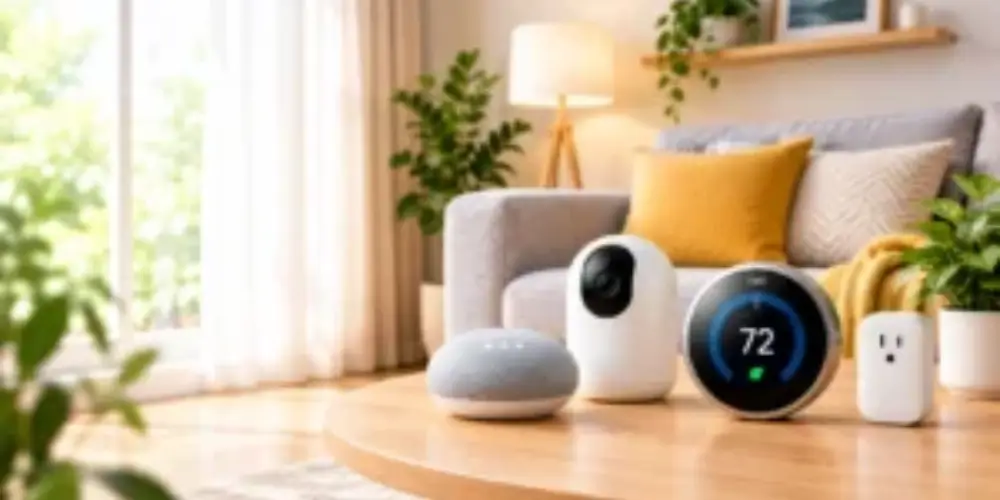
The Google Nest Learning Thermostat is designed to learn household temperature preferences and automatically create schedules based on how the home is used.
For first-time smart thermostat buyers, its learning functionality can reduce the amount of manual programming required.
Best for: First-time buyers who want a thermostat that can automate temperature scheduling.
Key Features & Technology
★
Smart Scheduling
Automatically creates a heating and cooling schedule based on your daily routine.
★
Learning Temperature Preferences
Learns your preferred temperatures and adjusts the schedule to match your habits.
★
Eco Temperature Mode
Helps save energy by using efficient temperature settings when you’re away.
★
Nest Temperature Sensor
Uses a separate sensor to help maintain a more comfortable temperature in selected rooms.
Google Nest Thermostat Best for Beginners

The Google Nest Thermostat is a simpler option for users who want smart controls without the additional learning features of a premium learning thermostat.
It provides basic smart thermostat functions such as remote temperature adjustment, scheduling, and app-based control.
Best for: Buyers who want a straightforward smart thermostat without a complicated feature set.
Key Features & Technology
★
Programmable Scheduling
Lets you create temperature schedules for different times of the day.
★
Google Home App Control
Allows you to monitor and adjust your thermostat remotely through the Google Home app.
★
Remote Temperature Control
Lets you change your home’s temperature from your smartphone wherever you are.
★
Eco Mode
Automatically uses energy-saving temperature settings when the home is unoccupied.
Ecobee Smart Thermostat Best for Room Comfort
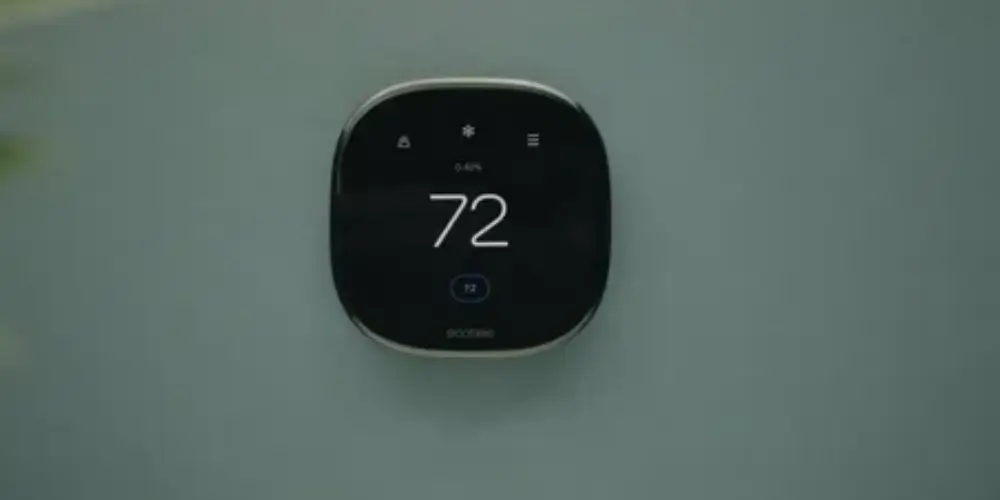
An ecobee Smart Thermostat can be particularly useful for first-time buyers who want better temperature management across multiple rooms.
Compatible SmartSensor accessories can measure temperature in different locations and help the thermostat respond to room-level comfort needs.
Best for: First-time buyers who want room sensors and more advanced comfort management.
Key Features & Technology
★
SmartSensor Compatibility
Supports additional sensors to help manage temperature in different rooms.
★
Occupancy Detection
Detects room activity and helps adjust comfort settings based on occupancy.
★
Smart Scheduling
Creates and adjusts temperature schedules to improve comfort and energy efficiency.
★
Energy Savings
Uses smart temperature adjustments to help reduce unnecessary heating and cooling costs.
Sensi Smart Thermostat Best for Easy Installation
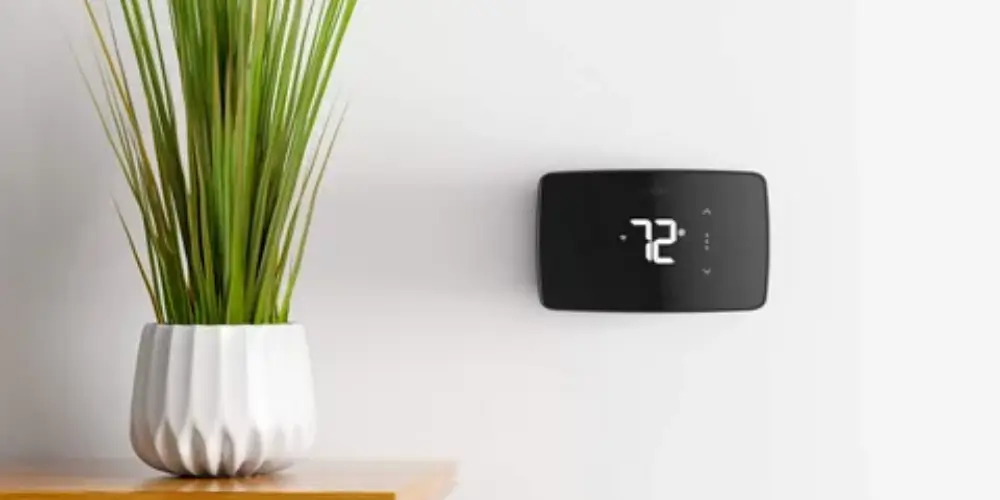
A Sensi Smart Thermostat can be a good choice for homeowners who want smart features while keeping the thermostat experience relatively familiar.
Depending on the model and HVAC system, installation may be straightforward, but buyers should always verify C-wire and system compatibility before purchasing.
Best for: First-tie buyers who want a traditional thermostat experience with smart features.
Key Features & Technology
★
Wi-Fi Connectivity
Wi-Fi ConnectivityConnects to your home network for convenient smart thermostat access and control.
★
Mobile App Control
Lets you adjust temperature settings and manage schedules from your smartphone.
★
Flexible Scheduling
Allows customized heating and cooling schedules based on your daily routine.
★
Energy Usage Reports
Provides useful information about your HVAC usage to help improve energy efficiency.
Honeywell Home Smart Thermostat Best for Traditional HVAC Users
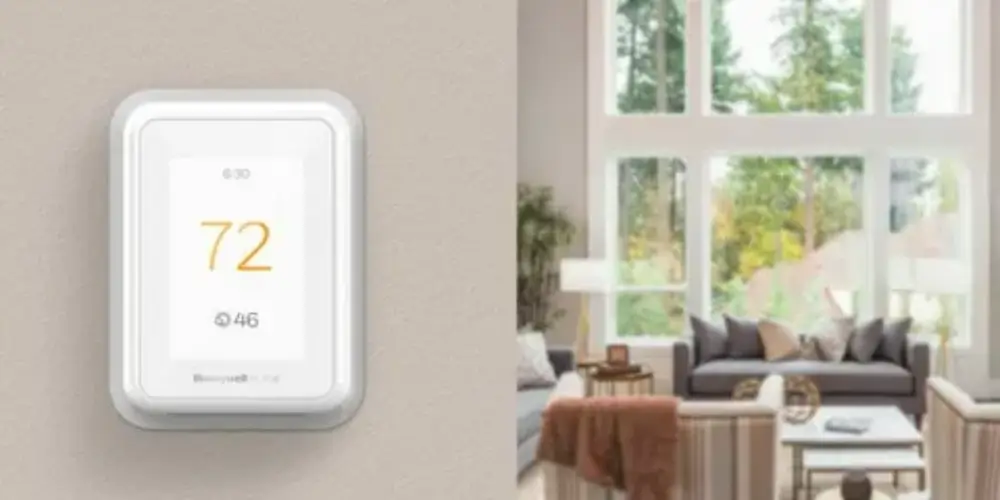
Honeywell Home offers smart thermostat options that combine familiar HVAC controls with connected features.
For a first-time buyer who is already comfortable with traditional thermostats, this type of design can make the transition to a smart thermostat easier.
Best for: Homeowners who want smart functionality without moving too far away from a conventional thermostat experience.
Key Features & Technology
★
Smart Scheduling
Creates customized temperature schedules to maintain comfort throughout the day.
★
Remote App Control
Allows you to monitor and adjust your thermostat remotely using a mobile app.
★
Geofencing
Uses your location to help adjust temperature settings when you leave or return home.
★
Energy Management
Helps optimize heating and cooling to reduce unnecessary energy consumption.
Amazon Smart Thermostat Best for Alexa Users
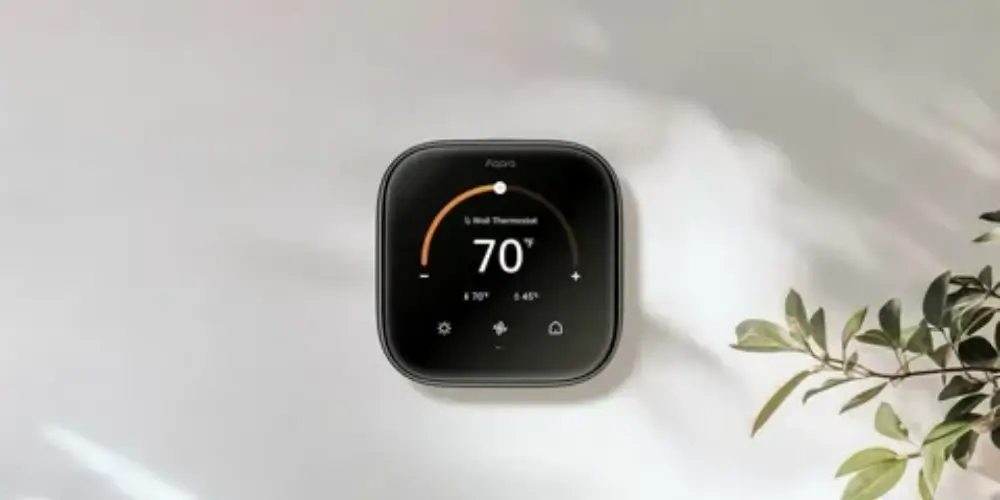
The Amazon Smart Thermostat is a natural option for households that already use Alexa and compatible smart-home devices.
Users can control supported thermostat functions through the Alexa ecosystem and manage temperature settings through compatible devices.
Best for: First-time smart thermostat buyers already using Alexa.
Key Features & Technology
★
Alexa Integration
Works with Alexa to provide convenient smart-home and temperature control.
★
App-Based Control
Lets you manage thermostat settings remotely through a compatible smartphone app.
★
Programmable Scheduling
Allows temperature schedules to be set according to your daily routine.
★
Programmable Smart Thermostat Best for Simple Scheduling
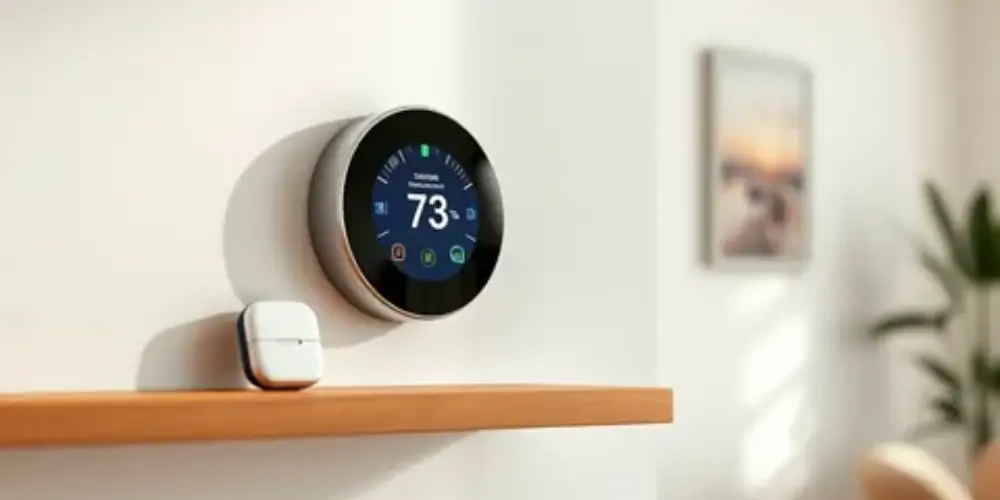
A programmable smart thermostat is a good starting point for buyers who mainly want automatic temperature schedules.
Instead of manually adjusting the thermostat throughout the day, users can create schedules for:
- Morning
- Daytime
- Evening
- NightSimple automation
Best for: First-time buyers who primarily want automatic scheduling.
Key Features & Technology
★
Weekly Scheduling
Lets you create different temperature schedules for weekdays and weekends.
★
Custom Temperature Settings
Allows you to choose preferred heating and cooling temperatures for different periods.
★
Automatic Temperature Changes
Changes temperature automatically according to your programmed schedule.
★
Heating & Cooling Scheduling
Provides separate scheduling options for heating and cooling needs.
Wi-Fi Smart Thermostat Best for Remote Control
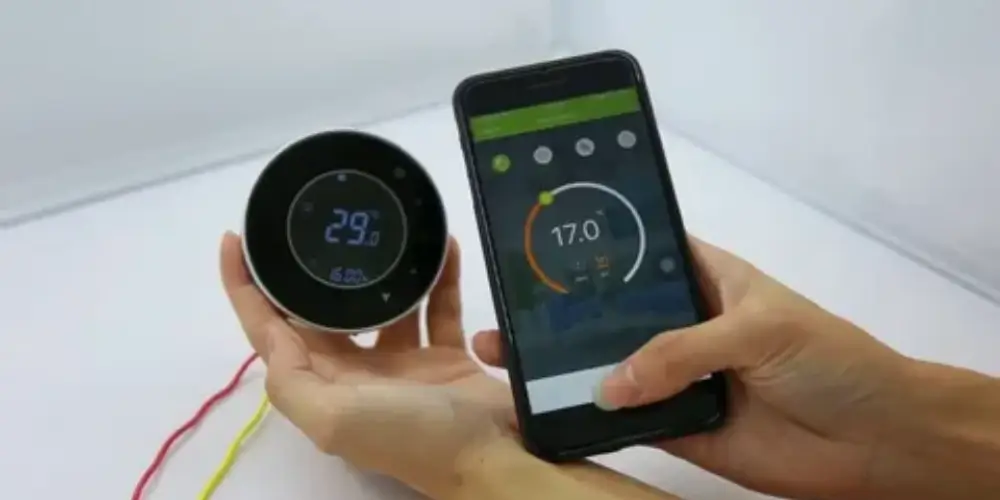
A Wi-Fi smart thermostat connects to the home’s network and allows temperature settings to be adjusted remotely through a smartphone app.
This can be useful when:
- You’re away from home
- You want to change the temperature before returning
- You forgot to adjust the thermostat
- You want to monitor HVAC operation remotely.
Best for: Buyers who want basic smart functionality and remote access.
Key Features & Technology
★
Wi-Fi Connectivity
Connects the thermostat to your home network for smart and remote access.
★
Smartphone Control
Lets you adjust temperature settings conveniently from your mobile device.
★
Remote Temperature Adjustment
Allows you to change your home’s temperature even when you’re away.
★
Smart Notifications
Sends alerts about temperature changes, system activity, or other thermostat events.
Voice-Controlled Smart Thermostat Best for Hands-Free Control
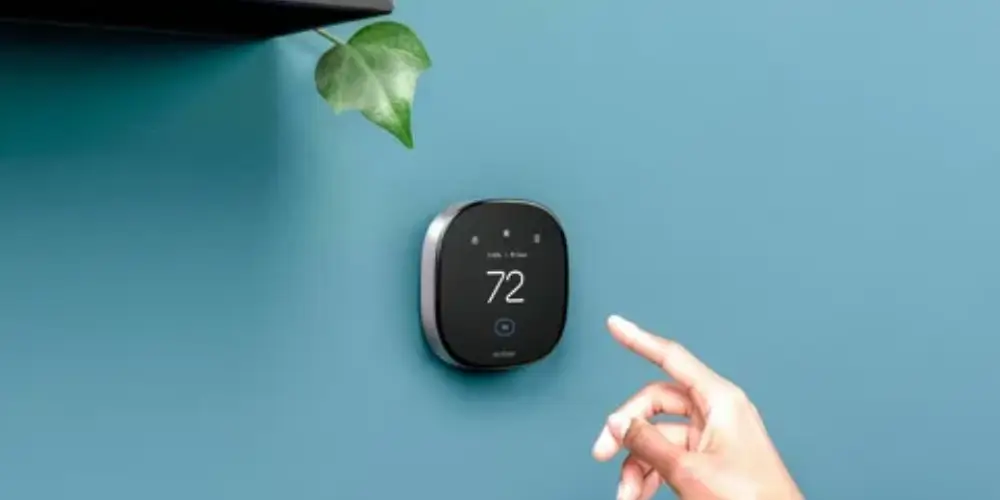
A voice-controlled smart thermostat can work with compatible voice assistants such as Alexa or Google Assistant.
Instead of opening an app, users can issue supported voice commands to adjust the temperature.
Best for: First-time buyers who already use a voice assistant.
Key Features & Technology
★
Voice Commands
Allows you to change temperature settings using simple spoken commands.
★
Alexa Compatibility
Works with compatible Alexa devices for convenient hands-free thermostat control.
★
Google Assistant Compatibility
Lets you control supported thermostat functions through Google Assistant.
★
Hands-Free Temperature Control
Makes temperature adjustments possible without physically interacting with the thermostat.
Smart Thermostat With Room Sensors Best for Multiple Rooms
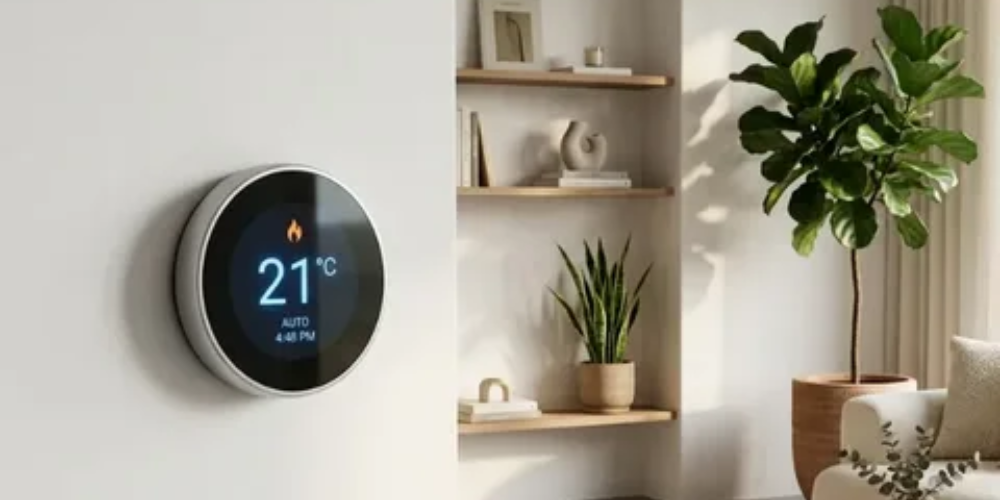
A sensor-compatible smart thermostat can use additional temperature sensors to monitor conditions in different areas of the home.
This is particularly useful when the thermostat location doesn’t accurately represent the temperature in the rooms where people spend most of their time.
Best for: First-time buyers with larger homes or uneven temperatures between rooms.
Key Features & Technology
★
Multi-Room Monitoring
Helps monitor temperatures in multiple rooms throughout the home.
★
Room-Specific Temperature Control
Uses sensor readings to provide more targeted comfort in selected rooms.
★
Occupancy Detection
Can use compatible sensors to identify when rooms are occupied or unoccupied.
★
Hot & Cold Spot Detection
Helps identify temperature differences between rooms for better comfort management.
Best Smart Thermostats for First-Time Buyers by Use Case
| Use Case | Best Choice |
| Best Overall | Google Nest Learning Thermostat |
| Best for Beginners | Google Nest Thermostat |
| Best for Room Sensors | ecobee Smart Thermostat |
| Best for Easy Installation | Sensi Smart Thermostat |
| Best for Traditional Controls | Honeywell Home Smart Thermostat |
| Best for Alexa Users | Amazon Smart Thermostat |
| Best for Scheduling | Programmable smart thermostat |
| Best for Remote Control | Wi-Fi smart thermostat |
| Best for Voice Control | Voice-compatible smart thermostat |
| Best for Large Homes | Sensor-compatible smart thermostat |
| Best for Simple Setup | Basic Wi-Fi smart thermostat |
| Best for Smart-Home Integration | Platform-compatible smart thermostat |
Buying Guide
Check HVAC Compatibility First
The most important step for a first-time buyer is checking whether the thermostat works with your HVAC system.
Common systems include:
- Central heating and cooling
- Gas furnaces
- Electric heating
- Heat pumps
- Multi-stage systems
- Dual-fuel systems
- Systems with auxiliary heat
Don’t purchase a thermostat based only on its features.
HVAC compatibility should come first.
Check for a C-Wire
Many smart thermostats require a continuous source of power.
A C-wire, or common wire, can provide this power.
Before buying, determine whether:
- Your current thermostat has a C-wire.
- An unused wire is available.
- The thermostat supports a C-wire adapter.
- A manufacturer-specific power accessory is available.
If you’re unsure, check the thermostat manufacturer’s compatibility checker or installation guide.
Decide How Much Automation You Want
Smart thermostats aren’t all equally automated.
Basic
You manually create schedules.
Intermediate
The thermostat provides scheduling and remote control.
Advanced
The thermostat can learn preferences, detect occupancy, use sensors, and automate temperature changes.
For first-time buyers, choose the level of automation you will actually use.
Consider Smartphone Control
One of the biggest advantages of a smart thermostat is remote control.
Look for features such as:
- Temperature adjustment
- Scheduling
- Notifications
- Energy reports
- HVAC status
- Maintenance reminders
A smartphone app can make a smart thermostat much more convenient than a traditional programmable thermostat.
Check Smart-Home Compatibility
Choose a thermostat that works with the smart-home ecosystem you already use.
Common platforms include:
- Google Home
- Amazon Alexa
- Apple Home
- Other compatible smart-home platforms
This is particularly important if you already have smart speakers or other connected devices.
Decide Whether You Need Room Sensors
Room sensors are useful if your home has:
- Multiple floors
- Large rooms
- Hot or cold spots
- Bedrooms with different temperatures
- A thermostat located in an unusual area
If your home has relatively even temperatures, you may not need additional sensors.
Consider Installation Difficulty
First-time buyers should pay attention to installation requirements.
Look for:
- Clear installation instructions
- Compatibility checkers
- Included mounting hardware
- C-wire requirements
- Power accessories
- Manufacturer support
A thermostat with many advanced features isn’t necessarily the best choice if installation is difficult for your HVAC setup.
Check the Display
A good smart thermostat should make basic information easy to see.
Check:
- Temperature visibility
- Screen brightness
- Touch controls
- Physical controls
- Display size
- Readability from a distance
Some users prefer touchscreens, while others prefer physical controls.
Look for Energy-Saving Features
Useful energy-management features can include:
- Scheduling
- Eco modes
- Temperature setbacks
- Occupancy detection
- Energy reports
- Usage history
- Automatic adjustments
These features can help users understand and manage HVAC operation.
Check Remote Access
A smart thermostat should ideally allow you to control it when you’re away from home.
Remote access can be useful if you:
- Leave home unexpectedly
- Return earlier than planned
- Travel frequently
- Want to check the temperature remotely
Consider Your Home Size
A basic smart thermostat may be enough for a small apartment or evenly heated home.
A larger house may benefit from:
- Room sensors
- Multiple temperature zones
- Occupancy detection
- More advanced scheduling
Choose features according to your home’s needs rather than simply buying the most expensive model.
Check Warranty and Support
For a first-time buyer, manufacturer support can be particularly important.
Look for:
- Installation documentation
- Online compatibility tools
- Troubleshooting guides
- Customer support
- Warranty coverage
- Replacement policies
Don’t Buy Based Only on Price
The cheapest smart thermostat isn’t necessarily the best first-time option.
Consider the total experience:
Price + Installation + Compatibility + Features + App + Smart-home support
A slightly more expensive thermostat may be easier to install and use.
Check Whether Accessories Are Included
Some thermostats may include or support:
- C-wire adapters
- Room sensors
- Mounting plates
- Trim plates
- Wiring accessories
Check the package before buying so you know what additional components you’ll need.
Consider Future Smart-Home Expansion
If you’re starting a smart home, think about future devices.
Your thermostat may eventually work with:
- Smart lights
- Smart speakers
- Smart plugs
- Door sensors
- Security systems
- Home automation routines
Choosing a thermostat compatible with your preferred ecosystem can make future expansion easier.
FAQS
What is a smart thermostat?
A smart thermostat is a connected device that automatically controls your home’s heating and cooling. It can often be controlled through a smartphone app and may learn your schedule and temperature preferences.
How does a smart thermostat work?
A smart thermostat monitors the temperature in your home and controls your HVAC system to maintain the desired temperature. Many models also use schedules, sensors, and learning features to improve comfort and efficiency.
What should I look for when choosing a smart thermostat?
Look for HVAC compatibility, energy-saving features, smartphone control, smart home compatibility, sensors, ease of installation, and a user-friendly interface.
How do I know if a smart thermostat is compatible with my HVAC system?
Check the thermostat manufacturer’s compatibility guide and compare it with your existing HVAC wiring and system type. If you’re unsure, consult an HVAC professional.
Do smart thermostats require a C-wire?
Some smart thermostats require a C-wire to receive continuous power, while others can work without one. Check the installation requirements of the specific model before purchasing.
Can a smart thermostat work without Wi-Fi?
Some smart thermostats can continue controlling temperature without Wi-Fi, but features such as remote smartphone control, cloud-based scheduling, and some smart integrations may not work.
Are smart thermostats worth the money?
They can be worthwhile if you want better temperature control, remote access, scheduling, and potential energy savings. The value depends on your HVAC system and how you use heating and cooling.
How much energy can a smart thermostat save?
Energy savings vary depending on the home, climate, HVAC system, and thermostat settings. Features such as scheduling and automatic temperature adjustments can help reduce unnecessary heating and cooling.
Which smart thermostat is best for energy efficiency?
The best option is one that supports efficient scheduling, temperature learning, occupancy sensing, and energy reports while being compatible with your HVAC system.
Do smart thermostats work with heat pumps?
Yes, many smart thermostats support heat pumps, but compatibility varies by model. Always check whether the thermostat supports your specific heat-pump configuration.
Can smart thermostats control both heating and cooling?
Yes. Most smart thermostats are designed to manage both heating and cooling systems, although supported HVAC configurations differ between models.
What smart home systems are compatible with smart thermostats?
Many smart thermostats work with popular smart home platforms such as Amazon Alexa, Google Home, and Apple Home. Check the manufacturer’s compatibility list before buying.
Do smart thermostats work with Alexa and Google Home?
Many models support voice assistants such as Alexa and Google Home, allowing you to adjust the temperature using voice commands.
Can I control a smart thermostat from my phone?
Yes. Most Wi-Fi-enabled smart thermostats have a smartphone app that lets you change temperature settings, create schedules, and monitor your HVAC system remotely.
What features should a good smart thermostat have?
Important features include scheduling, remote control, energy monitoring, temperature sensors, occupancy detection, learning capabilities, alerts, and smart home integration.
Are smart thermostats difficult to install?
Installation difficulty depends on your HVAC system and wiring. Some models are designed for simple DIY installation, while others may require professional installation.
How much does it cost to install a smart thermostat?
Installation costs vary depending on the thermostat, HVAC system, wiring, and whether professional assistance is required. A thermostat that needs additional wiring or equipment may cost more to install.
Do smart thermostats have motion or occupancy sensors?
Some smart thermostats include built-in motion or occupancy sensors, while others support separate room sensors. These can help adjust temperature settings based on whether people are present.
How long do smart thermostats typically last?
A smart thermostat can typically last for several years when properly installed and maintained. Its lifespan depends on the model, usage, electrical conditions, and software support.
What is the best smart thermostat for my home?
The best smart thermostat depends on your HVAC system, budget, preferred smart home platform, wiring, desired features, and energy-saving goals. Always prioritize compatibility before choosing a specific model.
What are the best smart thermostats for first-time buyers?
The best smart thermostats for first-time buyers offer easy installation, simple controls, Wi-Fi connectivity, smart scheduling, and energy-saving features to help beginners manage home temperatures conveniently.