
Best smart thermostats for homeowners who want easy setup can make Smart Thermostat Based on heating and cooling more convenient, but the installation process can vary significantly between models. For homeowners who want easy setup, the best options are generally thermostats that provide clear compatibility checks, guided wiring instructions, simple mounting, smartphone setup, and minimal additional accessories.
Some smart thermostats are designed for straightforward replacement of compatible conventional thermostats, while advanced HVAC systems may require additional wiring, a C-wire, power connector, or professional installation. Choosing the best smart thermostats for homeowners can make it easier to manage indoor comfort and control energy use.
Google, for example, provides a compatibility checker and a custom wiring guide through the Google Home app for Nest thermostats. Google also recommends taking a picture of the existing thermostat wiring and labeling the wires before installation.
Best smart thermostats for Different homeowners to install ultimately depends on your HVAC system, existing wiring, C-wire availability, number of heating and cooling stages, and whether the system is compatible with DIY installation.
1
Quick Comparison Of Best Smart Thermostat
Google Nest Thermostat Best Overall for Easy Setup
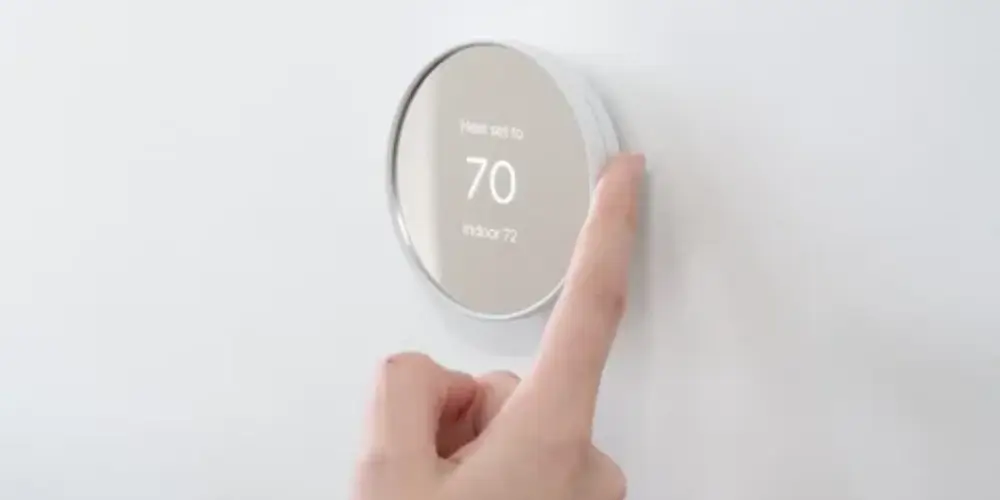
The Google Nest Thermostat is a strong option for homeowners who want a smart thermostat with guided installation.
During setup, the Google Home app can check whether the HVAC system is compatible and provide a custom wiring guide. Google also recommends photographing the existing thermostat wiring before removing it.
Why It’s Easy to Install
Instead of relying only on a generic wiring diagram, the setup process helps homeowners identify their specific system configuration.
Google also emphasizes that homeowners should identify wires by terminal labels rather than wire colors because wire colors aren’t standardized.
Best for: First-time smart thermostat installers with a compatible low-voltage HVAC system.
Key Features & Technology
★
Smart Temperature Scheduling
Automatically manages temperature based on your preferred schedule.
★
Remote App Control
Adjust your home temperature remotely using the Google Home app.
★
Google Home Integration
Works smoothly with compatible Google Home smart devices.
★
Energy-Saving Recommendations
Provides helpful suggestions to reduce energy usage.
Google Nest Learning Thermostat (4th Gen) Best for Easy Setup With Advanced Features

The Google Nest Learning Thermostat (4th gen) is suitable for homeowners who want advanced features but don’t want to sacrifice installation guidance.
Google’s current specifications show that the thermostat supports multiple heating and cooling stages, compatible heat pumps, humidifiers, dehumidifiers, and ventilation equipment. It also includes a trim plate, steel plate, mounting screws, wiring labels, and a Nest Temperature Sensor (2nd gen).
Important Consideration
Although the thermostat has broad compatibility, some systems still require more complicated wiring.
Google specifically recommends professional installation for systems such as dual-fuel systems, dual-transformer systems, and certain humidifier/dehumidifier configurations.
Best for: Homeowners who want easy guided installation plus advanced smart features.
Key Features & Technology
★
Adaptive Learning Technology
Learns your temperature preferences and adjusts settings automatically.
★
Smart Temperature Scheduling
Creates personalized schedules for comfortable heating and cooling.
★
Remote App Control
Lets you control your thermostat from your smartphone.
★
Energy-Saving Features
Helps optimize temperature settings to reduce unnecessary energy use.
ecobee Smart Thermostat Essential Best for Simple Smart Thermostat Installation
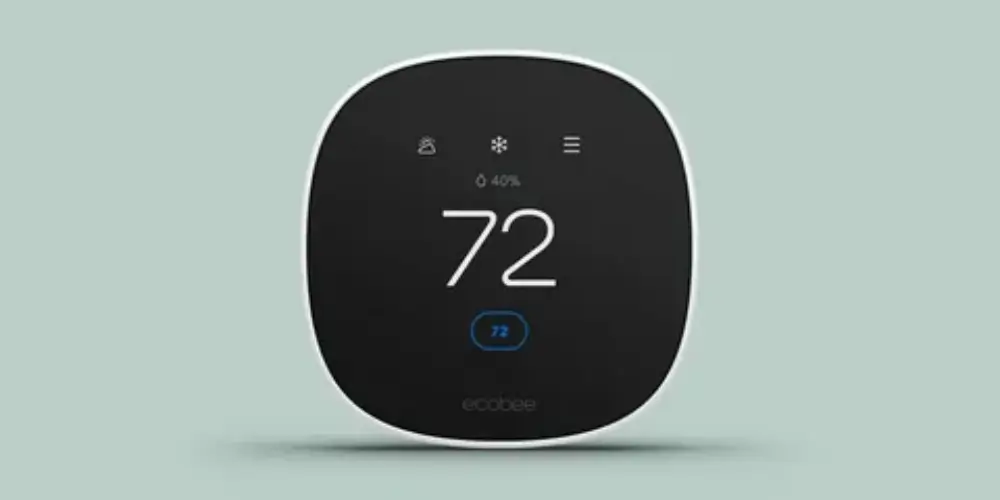
The ecobee Smart Thermostat Essential is designed around the core features most homeowners need from a smart thermostat.
It provides app control, scheduling, energy-management features, and compatibility with a range of HVAC systems. For installations without a C-wire, ecobee offers a Power Extender Kit for compatible systems.
Best for: Budget-conscious homeowners looking for an easy smart thermostat upgrade.
Key Features & Technology
★
Smart Temperature Control
Provides convenient control over your home’s heating and cooling.
★
Energy-Saving Schedules
Helps manage temperature schedules for more efficient energy use.
★
Remote App Control
Allows temperature adjustments through the ecobee mobile app.
★
Built-In Occupancy Sensing
Detects activity to help manage comfort more efficiently.
ecobee Smart Thermostat Enhanced Best Mid-Range Easy Installation
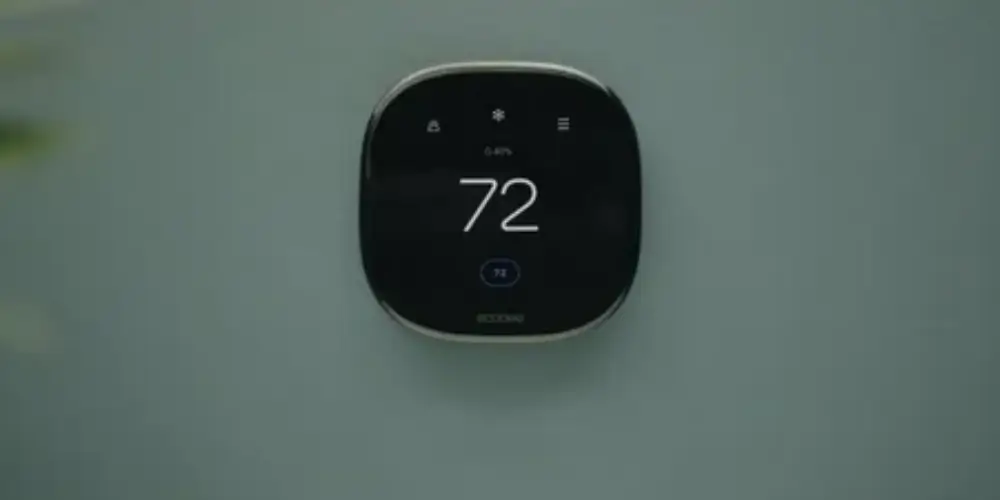
The ecobee Smart Thermostat Enhanced offers more advanced features while maintaining a relatively straightforward installation approach.
It can work with many 24VAC HVAC systems and supports compatible SmartSensors and power accessories.
Why It’s Useful
It can be a good middle ground for homeowners who want more functionality than a basic thermostat but don’t necessarily need the full feature set of a premium model.
Best for: Homeowners who want an easy installation with useful advanced features.
Key Features & Technology
★
Smart Temperature Control
Automatically helps maintain comfortable indoor temperatures.
★
Built-In Occupancy Sensing
Uses occupancy information to support personalized comfort settings.
★
Remote App Control
Lets you monitor and adjust settings from your phone.
★
Energy-Saving Scheduling
Helps reduce energy use through customized temperature schedules.
Honeywell Home X2S Smart Thermostat Best for Straightforward Replace
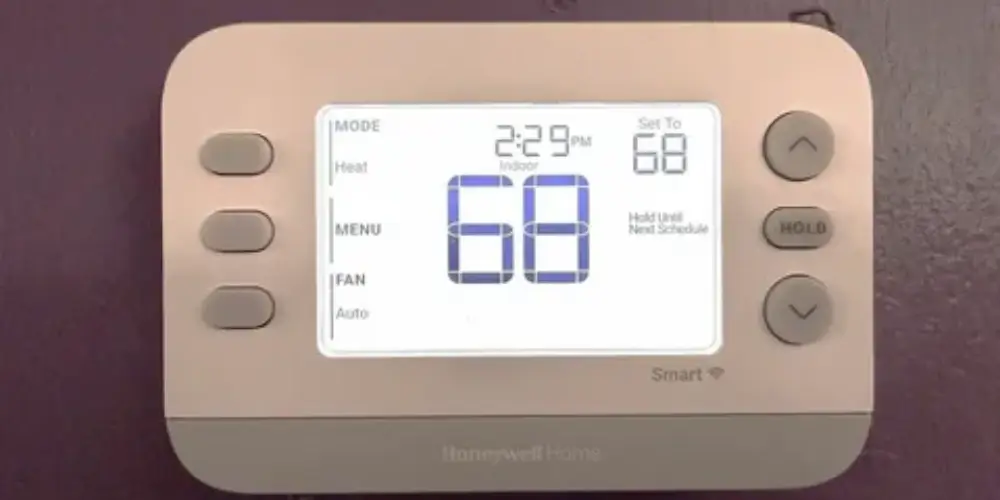
The Honeywell Home X2S is a good option for homeowners who prefer a more traditional thermostat experience.
Its familiar thermostat-style controls can make the transition from a conventional thermostat easier.
Why It’s Useful
Some homeowners prefer a thermostat that doesn’t require learning a complicated interface.
Best for: Homeowners who want a simple transition from a traditional thermostat to a smart model.
Key Features & Technology
★
Smart Temperature Control
Provides convenient control of your home’s indoor temperature.
★
Mobile App Control
Lets you adjust thermostat settings remotely from your smartphone.
★
Programmable Schedules
Allows customized temperature settings for different times of day.
★
Energy-Saving Settings
Helps manage heating and cooling for more efficient operation.
Honeywell Home X7B Smart Thermostat Best for Easy Smart-Home Integration
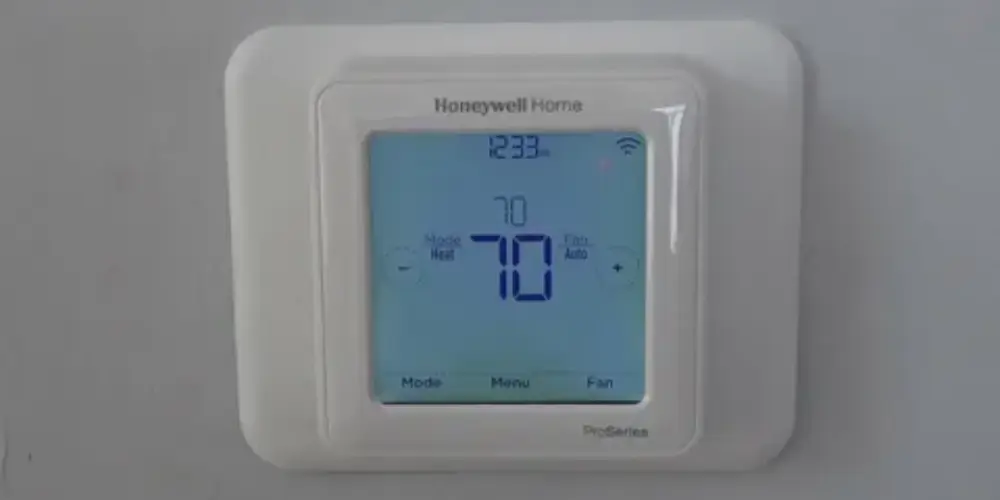
Honeywell Home X7B combines a touchscreen interface with broad smart-home compatibility.
Honeywell lists support for Amazon Alexa, Google Home, and Apple Home, along with Matter certification. It also has a customizable 4.3-inch touchscreen.
Best for: Homeowners who want simple thermostat controls with modern smart-home connectivity.
Key Features & Technology
★
Smart Temperature Control
Helps maintain your preferred indoor comfort levels automatically.
★
Remote App Management
Allows convenient thermostat control from your mobile device.
★
Programmable Scheduling
Lets you create temperature schedules around your daily routine.
★
Energy-Saving Operation
Helps optimize heating and cooling to reduce unnecessary energy use.
Honeywell Home X7S Smart Thermostat Best for Easy Multi-Room Comfort
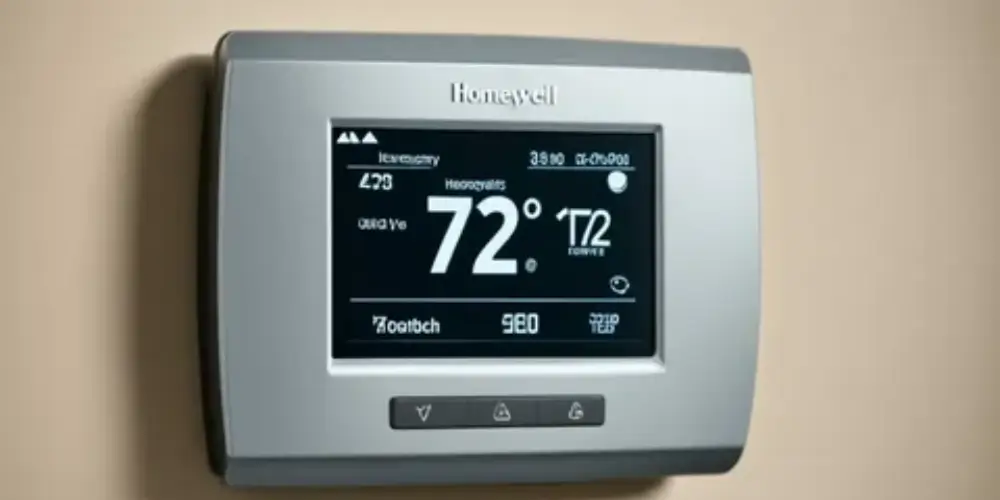
The Honeywell Home X7S adds occupancy and presence detection while supporting optional room temperature sensors.
This can be useful in homes where different rooms have different temperatures.
Setup Consideration
The additional sensor features can provide more flexibility, but homeowners should make sure their HVAC system and wiring are compatible before installation.
Best for: Homeowners who want easy installation with the option to expand to room sensors later.
Key Features & Technology
★
Smart Temperature Control
Provides convenient control over your home’s heating and cooling.
★
Remote App Access
Lets you adjust temperature settings remotely through a mobile app.
★
Custom Temperature Schedules
Allows personalized heating and cooling schedules throughout the day.
★
Energy-Saving Settings
Helps manage temperature efficiently to support lower energy consumption.
C-Wire-Compatible Smart Thermostat Best for Homes With Existing C-Wire
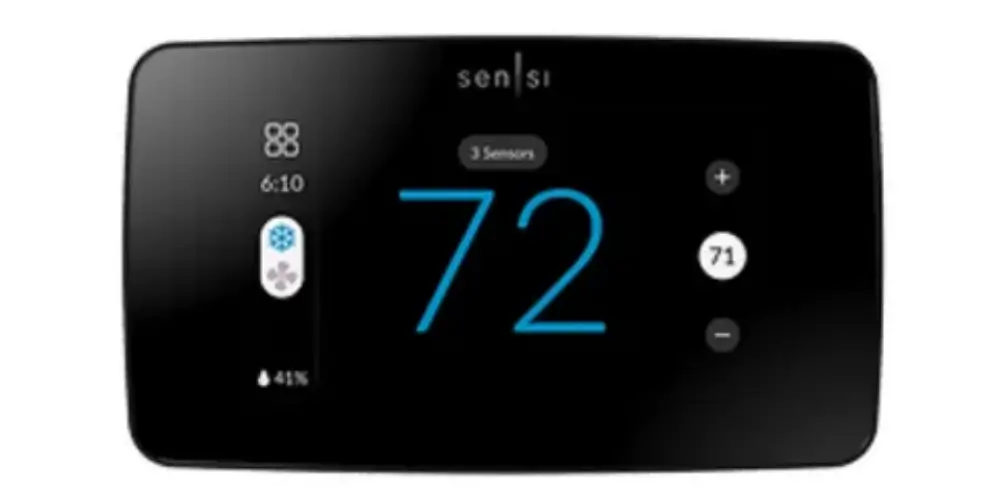
A thermostat installation can be simpler when the HVAC system already has a compatible C-wire.
The C-wire provides continuous power to the thermostat. Google explains that many Nest thermostats can operate without a C-wire, but some systems require a C-wire or power accessory.
Best for: Homeowners whose existing thermostat already has a compatible C-wire.
Key Features & Technology
★
Reliable Wired Power
Uses a C-wire connection for consistent thermostat power.
★
Stable Thermostat Operation
Provides dependable operation with compatible HVAC systems.
★
Smart Temperature Control
Allows convenient management of indoor heating and cooling.
★
App-Based Remote Control
Lets users adjust temperature settings remotely using a compatible app.
Power-Connector-Compatible Smart Thermostat Best for Homes Without a C-Wire
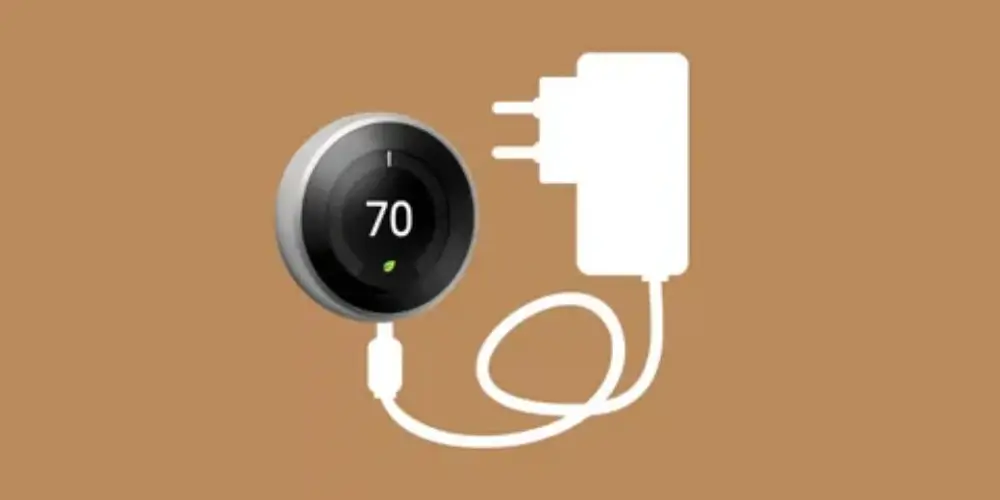
Not having a C-wire doesn’t automatically mean you need to run new thermostat cable.
Some compatible smart thermostats support a power accessory.
For example, Google offers the Nest Power Connector, which can provide stable power when the existing system cannot provide enough power through the thermostat wiring. Google describes this as an alternative to running a new C-wire in compatible installations.
Important
Compatibility should be confirmed before purchasing a power accessory. Google specifically warns that some third-party C-wire adapters can cause problems with Nest thermostats.
Best for: Compatible homes without an existing C-wire.
Key Features & Technology
★
Flexible Power Connection
Supports compatible power connectors for convenient installation.
★
Reliable HVAC Operation
Provides consistent control when connected to a compatible system.
★
Smart Temperature Control
Helps users easily manage indoor temperature settings.
★
Remote App Control
Allows temperature adjustments through a compatible smartphone app.
Basic Single-Stage Smart Thermostat Best for First-Time DIY Installers
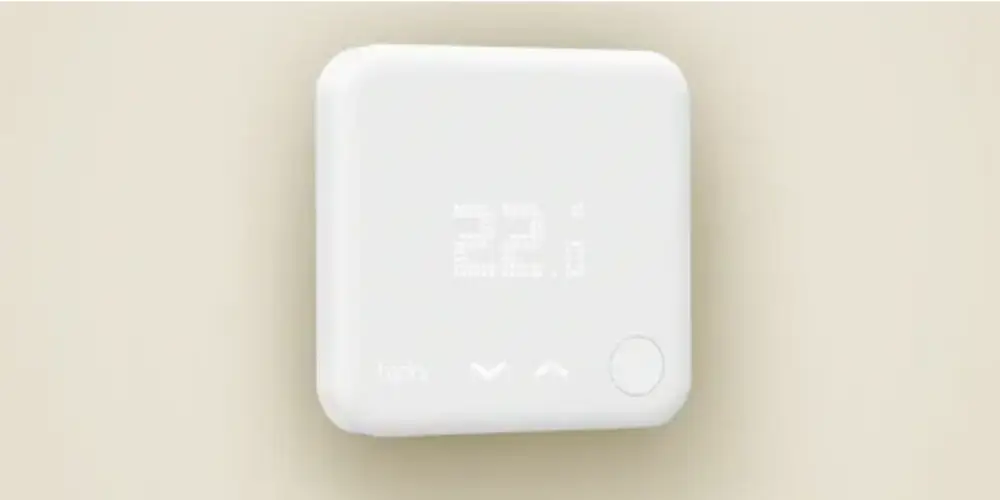
A simple single-stage HVAC system can be easier to work with than a complex system with multiple heating and cooling stages.
A basic setup may use terminals such as:
- R
- C
- G
- Y
- W
However, the exact wiring depends on the HVAC system.
Best for: Homeowners with straightforward single-stage heating and cooling systems.
Key Features & Technology
★
Simple Temperature Control
Provides straightforward control of heating and cooling settings.
★
Single-Stage HVAC Support
Designed for compatible single-stage heating and cooling systems.
★
Programmable Scheduling
Allows users to set temperature schedules for different times.
★
Remote Temperature Adjustment
Enables convenient temperature changes through a compatible app.
Best Smart Thermostats for Easy Setup by Situation
| Situation | Best Choice |
| Best Overall Easy Setup | Google Nest Thermostat |
| Easy Setup + Advanced Features | Google Nest Learning Thermostat (4th Gen) |
| Best Budget Setup | ecobee Smart Thermostat Essential |
| Best Mid-Range | ecobee Smart Thermostat Enhanced |
| Traditional Thermostat Users | Honeywell Home X2S |
| Smart-Home Integration | Honeywell Home X7B |
| Room Sensor Expansion | Honeywell Home X7S |
| Existing C-Wire | C-wire-compatible thermostat |
| No C-Wire | Power-connector-compatible thermostat |
| First-Time DIY | Basic single-stage smart thermostat |
Buying Guides
Check HVAC Compatibility First
The easiest installation starts with choosing a compatible thermostat.
Before buying, identify whether your system is:
- Central heating
- Central cooling
- Heat pump
- Furnace
- Boiler
- Multi-stage HVAC
- Dual-fuel system
- Zoned system
Google’s compatibility checker can determine whether a Nest thermostat is compatible and can provide a custom wiring guide.
Check Your Existing Wiring
Remove only the thermostat cover and inspect the wiring before purchasing.
Look for terminal labels such as:
- R
- Rc
- Rh
- C
- G
- Y
- W
- O/B
- Aux
Take a clear photograph of the existing wiring.
Google specifically recommends taking a picture before installation so you have a reference if you need it later.
Don’t Identify Wires by Color Alone
This is particularly important for first-time installers.
A red wire is often connected to R, but that isn’t guaranteed.
Google specifically advises users to ignore wire colors during compatibility checking and enter the terminal labels instead.
For example:
Correct:
Check which terminal the wire is connected to.
Incorrect:
Assume a blue wire is automatically C.
Check for a C-Wire
Determine whether your existing thermostat has a C-wire.
If it does, installation may be more straightforward for compatible thermostats.
If it doesn’t, check whether your selected thermostat:
- Works without C-wire
- Includes a power accessory
- Supports a power extender
- Requires a new C-wire
Google notes that some Nest installations require a C-wire or Nest Power Connector depending on the HVAC system.
Choose a Thermostat With Guided Setup
For homeowners who prioritize easy installation, app-guided setup is a major advantage.
A guided setup can help with:
- Compatibility
- Wiring
- Configuration
- Wi-Fi
- System testing
Nest thermostats can provide a custom wiring guide through the Google Home app.
Look for Included Installation Accessories
Check whether the thermostat includes:
- Mounting screws
- Wiring labels
- Trim plate
- Wall plate
- Power accessories
- Sensors
For example, Google lists a trim plate, steel plate, mounting screws, wiring labels, and a Nest Temperature Sensor with the Nest Learning Thermostat (4th gen).
Included accessories can reduce the number of additional purchases required.
Consider a Trim Plate
If the new thermostat is smaller than the old thermostat, the previous thermostat may have left:
- Paint marks
- Screw holes
- Drywall damage
- Uneven wall surfaces
A trim plate can cover these imperfections and create a cleaner installation.
Check the Number of HVAC Stages
A basic thermostat may work for:
- One-stage heating
- One-stage cooling
More advanced systems can use:
- Two-stage heating
- Two-stage cooling
- Auxiliary heat
- Multiple heat-pump stages
Make sure the thermostat supports your actual HVAC configuration.
Consider Professional Installation for Complex Systems
DIY installation is not appropriate for every system.
Google recommends professional installation for some configurations, including:
- Dual-fuel systems
- Dual-transformer systems
- Certain humidifier/dehumidifier systems
These systems can require more complicated wiring and configuration.
Check for High-Voltage Wiring
Standard smart thermostats generally use compatible low-voltage HVAC systems.
Google warns that high-voltage systems, such as systems labeled 120V or 240V, are not directly compatible with Nest thermostats.
If you see thick wires, wire nuts, or high-voltage labels, stop and get professional assistance.
Check Whether You Have a Proprietary System
Some HVAC systems don’t use standard thermostat terminals.
For example, labels such as:
- 1
- 2
- 3
- 4
- A
- B
- C
- D
may indicate a proprietary system.
Google notes that proprietary systems generally aren’t directly compatible with Nest thermostats unless they can be adapted or rewired appropriately.
Consider Your Comfort With DIY Installation
Beginner
Choose:
- Simple thermostat
- Guided app setup
- Standard low-voltage wiring
- Existing C-wire
- Included wall plate
Intermediate
You may consider:
- Power connector
- Room sensors
- More advanced HVAC configurations
Advanced
Complex multi-stage, dual-fuel, or multi-transformer systems may be better handled by an HVAC professional.