 Skip to content
The best smart thermostat for simple vs advanced features depend on your home, HVAC system, and daily routine. Some models focus on basic temperature control, scheduling, and smartphone access. Others offer learning features, occupancy detection, room sensors, and detailed energy information.
A simple thermostat may be enough for a small home with a regular schedule. An advanced model may be more useful for a large home, changing routines, or rooms with different temperatures.
Before buying, consider the features you will actually use. Also check HVAC compatibility, wiring requirements, smart-home support, and the total cost.
For example, Google’s current thermostat lineup distinguishes the Nest Thermostat as an energy-saving essentials model, while the Nest Learning Thermostat (4th gen) adds features such as learning, broader Best Smart hermostat For Different HVAC Configuration, sensor support, Adaptive Eco, and smart ventilation.
ecobee similarly offers different feature levels, from the Smart Thermostat Essential for core smart functions to the Ecobee Smart Thermostat Premium, which adds features such as a built-in occupancy sensor, indoor air-quality monitoring, an included SmartSensor, and voice-assistant options.
1
Quick Comparison Of Best Smart Thermostat for Simple vs Advanced Features
Google Nest Thermostat Best for Simple Smart Features
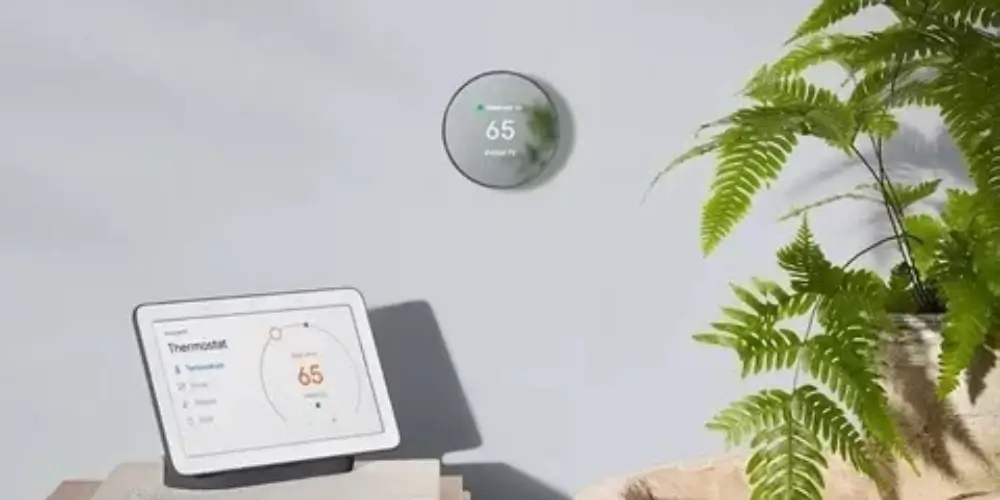
The Google Nest Thermostat is a good option for homeowners who want convenient temperature control without many advanced settings.
It supports scheduling, app-based control through Google Home, and compatible energy-saving features. You can adjust settings remotely and create a schedule that suits your daily routine.
Best for: First-time buyers who want straightforward smart temperature control.
Key Features & Technology
★
Smart temperature control
Automatically helps maintain a comfortable indoor temperature based on your preferred settings.
★
Google Home integration
Works with Google Home to let you manage your thermostat through compatible smart-home devices.
★
Energy-saving features
Helps reduce energy use by adjusting temperature settings according to your schedule and needs.
★
Remote app control
Lets you monitor and adjust your home temperature remotely using the Google Home app.
ecobee Smart Thermostat Essential Best for Essential Smart Features

The ecobee Smart Thermostat Essential focuses on core smart thermostat functions. It is worth considering if you want app control, scheduling, and energy-related features without paying for every premium extra.
The model also has eco+ features. Check the current specifications to confirm which functions are available for your setup.
Best for: Homeowners who want essential smart features and convenient remote control.
Key Features & Technology
★
Smart temperature control
Provides convenient temperature management to maintain comfortable conditions throughout your home.
★
Remote app access
Allows you to adjust and monitor your thermostat settings remotely through the ecobee app.
★
Energy-saving scheduling
Helps manage heating and cooling schedules to improve comfort while reducing unnecessary energy use.
★
Smart-home integration
Connects with compatible smart-home systems for convenient control and automation.
Honeywell Home X2S Smart Thermostat Best for Simple Remote Control
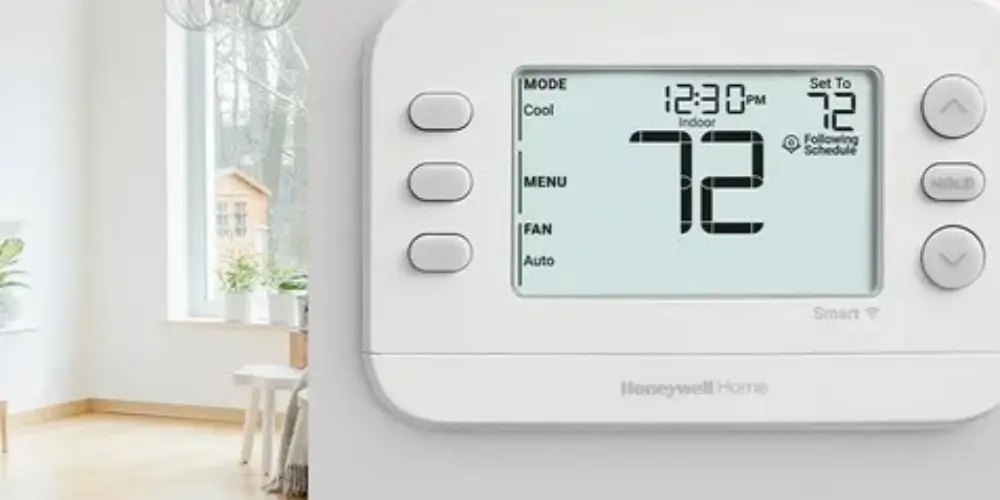
The Honeywell Home X2S is worth considering if you prefer familiar thermostat-style controls with smart scheduling.
Its digital interface and compatible app features can make everyday temperature adjustments convenient without requiring an extensive automation setup.
Best for: Homeowners who prefer straightforward controls over complex automation.
Key Features & Technology
★
Smart scheduling
Lets you create temperature schedules that automatically adjust heating and cooling throughout the day.
★
Remote temperature control
Allows you to manage indoor temperature settings remotely through a compatible mobile app.
★
Energy-saving operation
Helps optimize heating and cooling operation to avoid unnecessary energy consumption.
★
App-based management
Provides convenient access to thermostat settings and temperature controls from your smartphone.
Honeywell Home X7B Smart Thermostat Best for Simple + Connected Homes
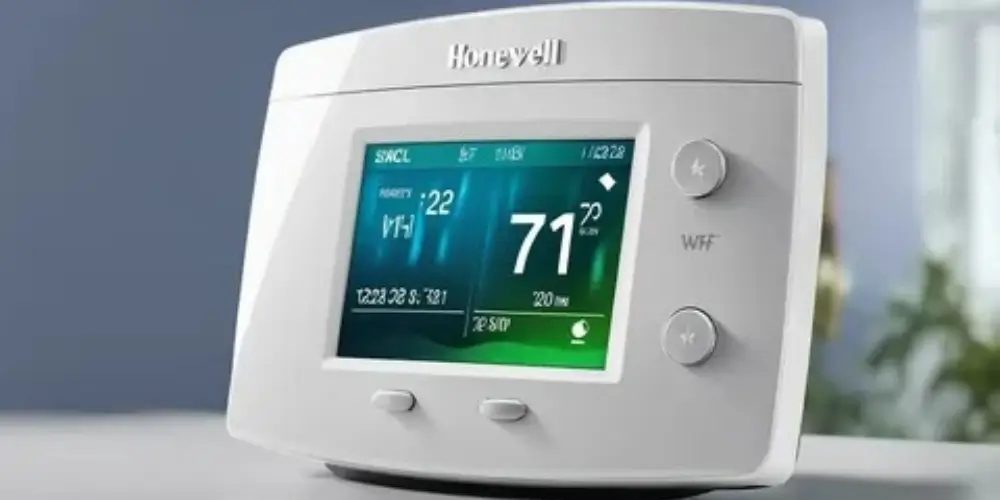
The Honeywell Home X7B provides a step up from basic thermostat control while keeping the interface relatively straightforward. It features a 4.3-inch touchscreen, customizable display, remote app control, and compatibility with Amazon Alexa, Google Home, and Apple Home. It is also Matter certified.
Best for: Users who want simple controls with modern smart-home connectivity.
Key Features & Technology
★
Advanced temperature control
Provides precise temperature management for maintaining comfortable indoor conditions.
★
Smart scheduling
Allows customized heating and cooling schedules based on your daily routine and preferences.
★
Remote access
Lets you monitor and adjust thermostat settings remotely using a compatible mobile application.
★
Energy monitoring
Helps you understand and manage energy usage for more efficient heating and cooling.
Google Nest Learning Thermostat (4th Gen) Best for Advanced Automation

The Google Nest Learning Thermostat (4th Gen) is designed for homeowners who want more automation.
It offers learning and scheduling features, along with supported energy-saving settings and compatibility with temperature sensors. Its available functions depend on the installation and connected devices.
Best for: Homeowners who want automated temperature management and more detailed controls.
Key Features & Technology
★
Learning temperature preferences
Learns your temperature preferences over time and helps create a more personalized schedule.
★
Smart scheduling
Automatically supports temperature scheduling based on your routine and preferred comfort levels.
★
Remote app control
Allows you to adjust and monitor your thermostat from anywhere using the Google Home app.
★
Energy-saving insights
Provides useful information about energy use to help you make more efficient temperature choices.
ecobee Smart Thermostat Enhanced Best Mid-Range Option
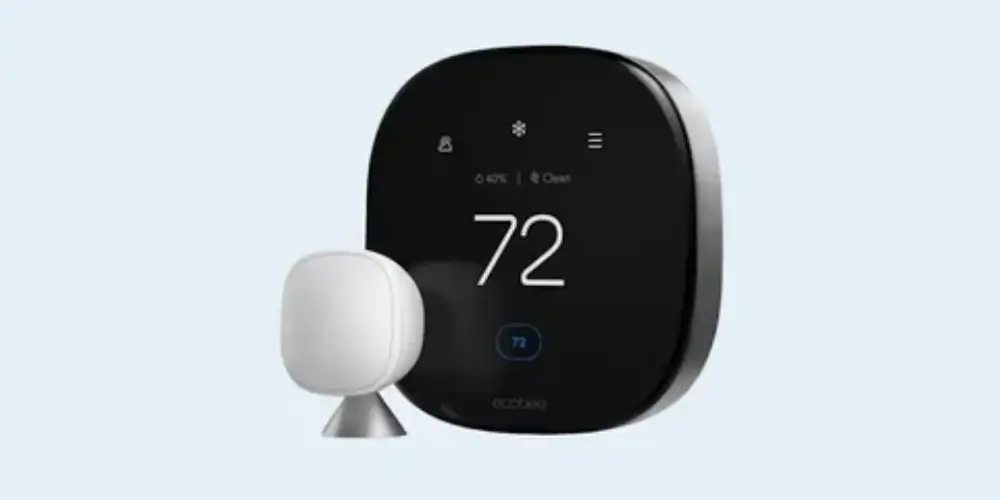
The ecobee Smart Thermostat Enhanced offers more advanced controls than a basic thermostat. It is a useful option for households that want a balance between convenience and automation.
Its features include smartphone control and occupancy-related functions. Compatible SmartSensors can provide additional temperature information from selected rooms; check which accessories are included or sold separately.
Best for: Households that want more automation without choosing a thermostat solely for premium extras.
Key Features & Technology
★
Smart temperature control
Provides intelligent temperature management to help maintain comfortable indoor conditions.
★
Remote app management
Lets you control thermostat settings remotely through the ecobee mobile app.
★
Smart scheduling
Helps automatically manage heating and cooling according to your daily schedule.
★
Energy-saving features
Includes features designed to help reduce unnecessary heating and cooling energy use.
ecobee Smart Thermostat Premium Best for Advanced Smart Features
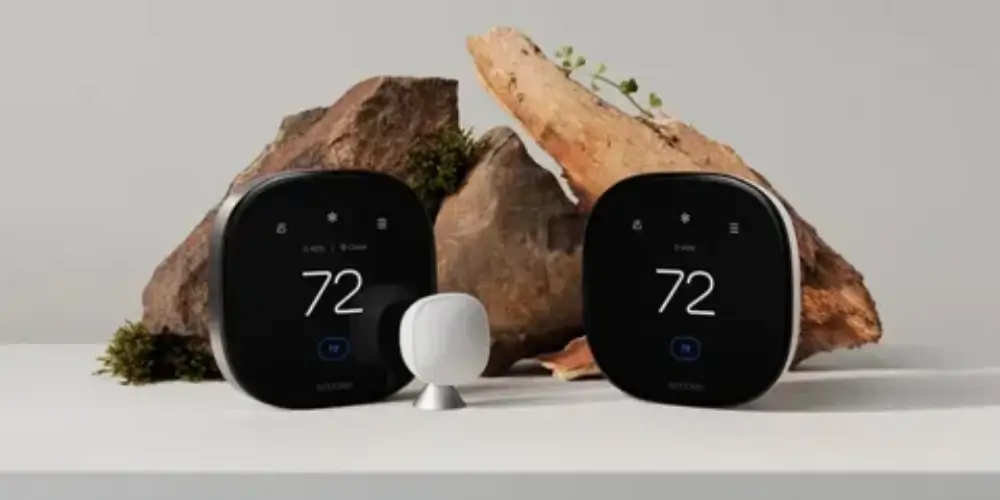
The ecobee Smart Thermostat Premium is designed for homeowners who want a broad range of comfort and smart-home features.
Its listed features include a built-in occupancy sensor, indoor air-quality monitoring, and an included SmartSensor. It also offers supported smart-home and voice-assistant options.
Best for: Homeowners who want advanced comfort monitoring and connected features.
Key Features & Technology
★
Built-in smart sensor
Uses built-in sensing technology to help monitor conditions and support comfortable temperature control.
★
Room comfort monitoring
Helps monitor temperature and comfort conditions across different areas of your home.
★
Smart scheduling
Creates convenient heating and cooling schedules based on your household’s daily routine.
★
Energy-saving insights
Provides information about energy use to help you manage heating and cooling more efficiently.
Honeywell Home X7S Smart Thermostat Best for Advanced Occupancy and Room Sensing

The Honeywell Home X7S adds more advanced sensing capabilities while maintaining a modern thermostat interface.
It includes advanced occupancy and presence detection and can work with optional room temperature sensors to help prioritize selected rooms and reduce hot and cold spots.
Best for: Homes where room temperature differences and occupancy patterns matter.
Key Features & Technology
★
Smart temperature control
Provides convenient control over indoor temperatures for consistent household comfort.
★
Flexible scheduling
Allows you to create customized temperature schedules that fit your daily routine.
★
Remote app access
Lets you monitor and adjust thermostat settings remotely through a compatible smartphone app.
★
Energy-saving settings
Provides settings that can help reduce unnecessary heating and cooling energy consumption.
Sensor-Compatible Smart Thermostat Best for Large Homes
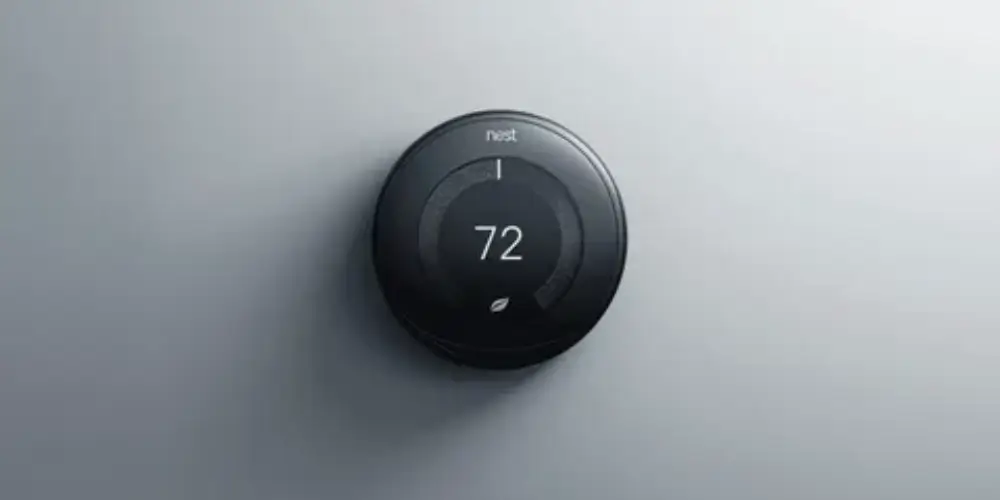
A sensor-compatible thermostat can be particularly useful when the thermostat’s physical location doesn’t represent the temperature in the most important rooms.
For example, the hallway might be comfortable while:
- Upstairs bedrooms are too warm
- Basement rooms are too cold
- A home office gets warmer during the day
- A nursery needs closer temperature monitoring
Remote sensors can provide additional temperature information to compatible thermostats.
Best for: Large homes with uneven temperatures.
Key Features & Technology
★
Multi-room temperature sensing
Uses compatible sensors to monitor temperatures across multiple rooms for better comfort management.
★
Room-level comfort control
Helps manage temperature in individual areas according to different household comfort preferences.
★
Smart scheduling
Allows heating and cooling schedules to be customized around your household’s daily routine.
★
Remote temperature management
Lets you monitor and adjust temperature settings remotely using a compatible app.
Multi-Stage Smart Thermostat Best for Advanced HVAC Systems
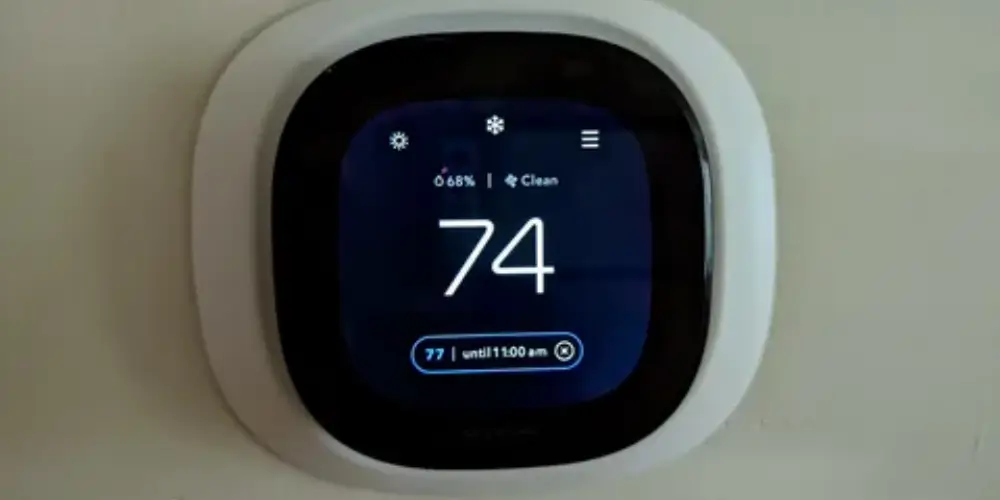
A basic smart thermostat may be enough for a simple single-stage HVAC system, but more advanced HVAC equipment can require additional thermostat support.
Advanced systems may include:
- Two-stage heating
- Two-stage cooling
- Heat pumps
- Auxiliary heat
- Multiple heating/cooling stages
- Humidifiers
- Dehumidifiers
- Ventilation equipment
The thermostat should be selected according to the actual HVAC configuration rather than simply choosing the model with the most smart features.
For example, ecobee notes that the Smart Thermostat Essential supports certain multi-stage configurations but recommends Premium for systems requiring both multi-stage heating and cooling.
Best for: Homes with complex HVAC equipment.
Key Features & Technology
★
Multi-stage HVAC support
Designed to work with compatible multi-stage heating and cooling systems for flexible operation.
★
Advanced temperature control
Provides more precise management of indoor temperatures for consistent household comfort.
★
Smart scheduling
Allows customized temperature schedules based on different times and household routines.
★
Energy-saving operation
Helps manage heating and cooling cycles efficiently to reduce unnecessary energy use.
Best Smart Thermostats by Feature Level
| Need | Best Choice |
| Best Simple Thermostat | Google Nest Learning Thermostat |
| Best Essential Features | ecobee Smart Thermostat Premium |
| Best Simple Honeywell | Google Nest Thermostat |
| Best Simple + Smart Home | ecobee Smart Thermostat Essential |
| Best Advanced Overall | ecobee Smart Thermostat Enhanced |
| Best Mid-Range Advanced | Sensor-compatible thermostat |
| Best Premium Features | Honeywell Home T9 |
| Best Advanced Room Sensing | Room-sensor-compatible thermostat |
| Best for Large Homes | ecobee Smart Thermostat Enhanced |
| Best for Complex HVAC | Apple Home-compatible ecobee |
Buying Guides
Decide How Much Automation You Need
Start by thinking about how you manage your home’s temperature.
Choose simpler features if:
- Your daily routine is predictable.
- You prefer manual temperature adjustments.
- You mainly need scheduling and app control.
- You do not need room sensors or advanced automation.
Consider advanced features if:
- Your schedule changes frequently.
- You want more automatic temperature adjustments.
- Different rooms have different comfort needs.
- You want occupancy detection or detailed energy information.
Decide Whether You Need Learning Features
Some thermostats can learn from your temperature adjustments and help build a schedule.
For example, the Nest Learning Thermostat (4th Gen) offers learning and scheduling functions. A simpler model may be more suitable if you prefer to create and manage schedules yourself.
Choose the approach that matches how much control you want.
Check Whether Room Sensors Would Help
A thermostat measures temperature at its own location. That reading may not reflect conditions throughout the house.
Consider compatible room sensors if:
- Upstairs rooms are warmer than downstairs.
- Bedrooms have different temperatures from the hallway.
- Sunlight makes a room warmer during the day.
- You want to prioritize a selected room.
Check how the thermostat uses sensor readings. Some systems can prioritize selected rooms at certain times, but this does not mean every room has independent heating and cooling control.
Consider Occupancy Detection
Some advanced thermostats use occupancy sensors, geofencing, or other supported functions to determine whether people are home.
These features can help adjust temperature settings when the home is empty. Their effectiveness depends on sensor placement, settings, and the way the system detects occupancy.
Think About Indoor Air Quality
If indoor air quality is important to you, compare models with air-quality monitoring.
For example, the ecobee Smart Thermostat Premium includes indoor air-quality monitoring. Do not assume that every smart thermostat or every model in a product range has this feature.
Also check exactly which air-quality conditions the device monitors.
Check Smart-Home Compatibility
Consider the smart-home devices you already use.
- Google Home: Check compatibility with your Google Home setup.
- Amazon Alexa: Confirm support for your preferred Alexa functions.
- Apple Home: Verify that the exact thermostat model supports Apple Home.
- Multiple platforms: Check whether the model works with the combination of devices you use.
Do not assume that all products from one brand support the same platforms.
Confirm HVAC Compatibility
Smart features are only useful when the thermostat can control your heating and cooling equipment correctly.
Before buying, identify:
- Your heating system
- Your cooling system
- The number of heating and cooling stages
- Whether you use a heat pump
- Whether auxiliary heat is present
- Whether you have a dual-fuel system
- Any connected humidifiers or ventilation equipment
- Your wiring and power requirements
Use the manufacturer’s compatibility checker before making a purchase.
Set a Realistic Budget
Compare the total cost, not just the advertised price.
Basic budget: Focus on scheduling, smartphone control, and compatibility.
Mid-range budget: Consider additional automation and compatible room sensors.
Premium budget: Compare advanced sensing, indoor air-quality monitoring, included accessories, and broader smart-home features.
Only pay for features that are useful for your household.
Check Installation Requirements
Before installation, confirm the C-wire requirements, supported wiring, HVAC compatibility, and any required accessories.
Some thermostats offer alternative power solutions, but the options depend on the model and system. If you are unsure about your wiring, consult a qualified HVAC technician.
Think About Future Needs
Your needs may change if you add smart-home devices, use more rooms, or change your daily routine.
If you expect to expand your setup, check whether the thermostat supports the accessories and platforms you may want later.
However, buying a more expensive model is not always necessary. Choose based on your likely needs rather than features you may never use.
Common Buying Mistakes to Avoid
- Buying a thermostat without checking HVAC compatibility.
- Paying for advanced features you will not use.
- Assuming every thermostat supports room sensors.
- Expecting every model to work with Google Home, Alexa, and Apple Home.
- Ignoring the cost of extra sensors and installation.
- Assuming a smart thermostat guarantees lower energy bills.
- Choosing a model based only on the number of advertised features.
